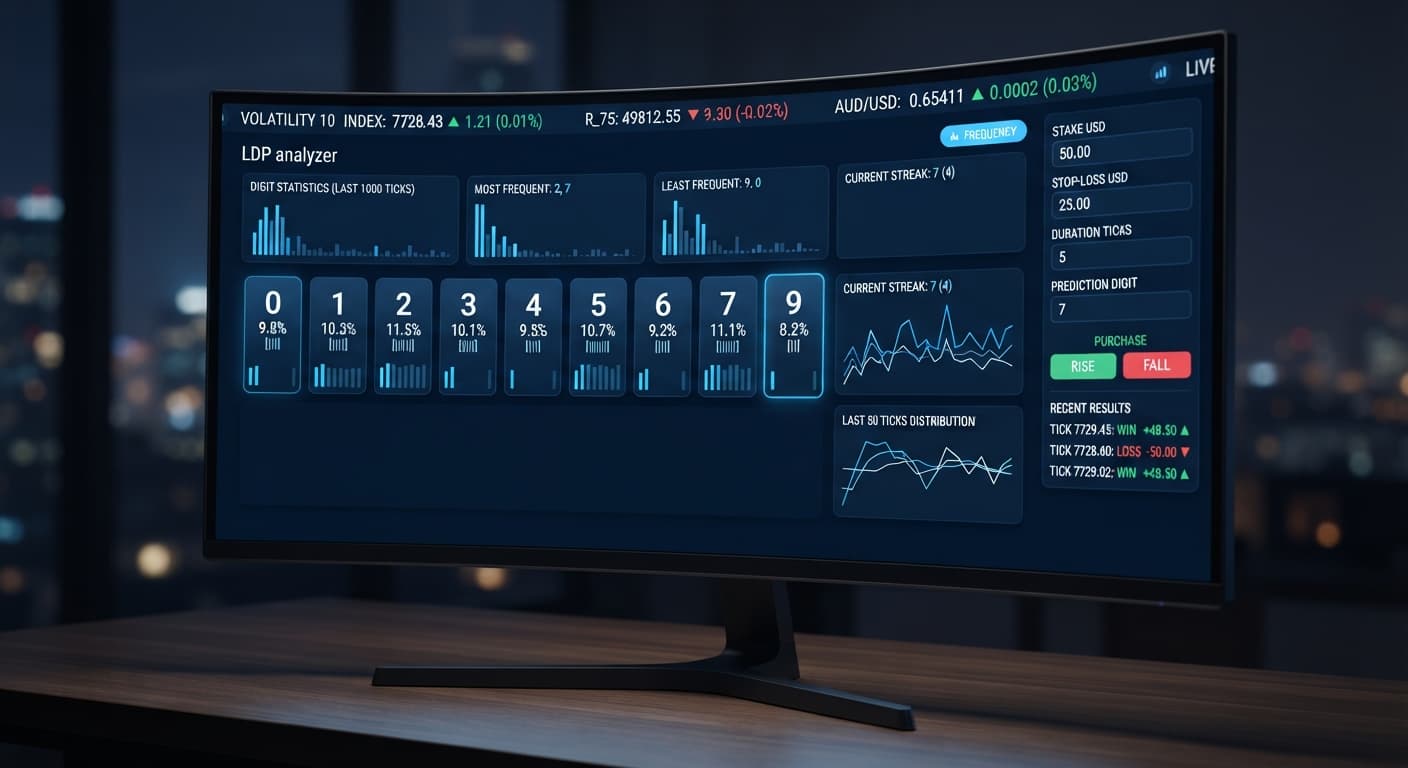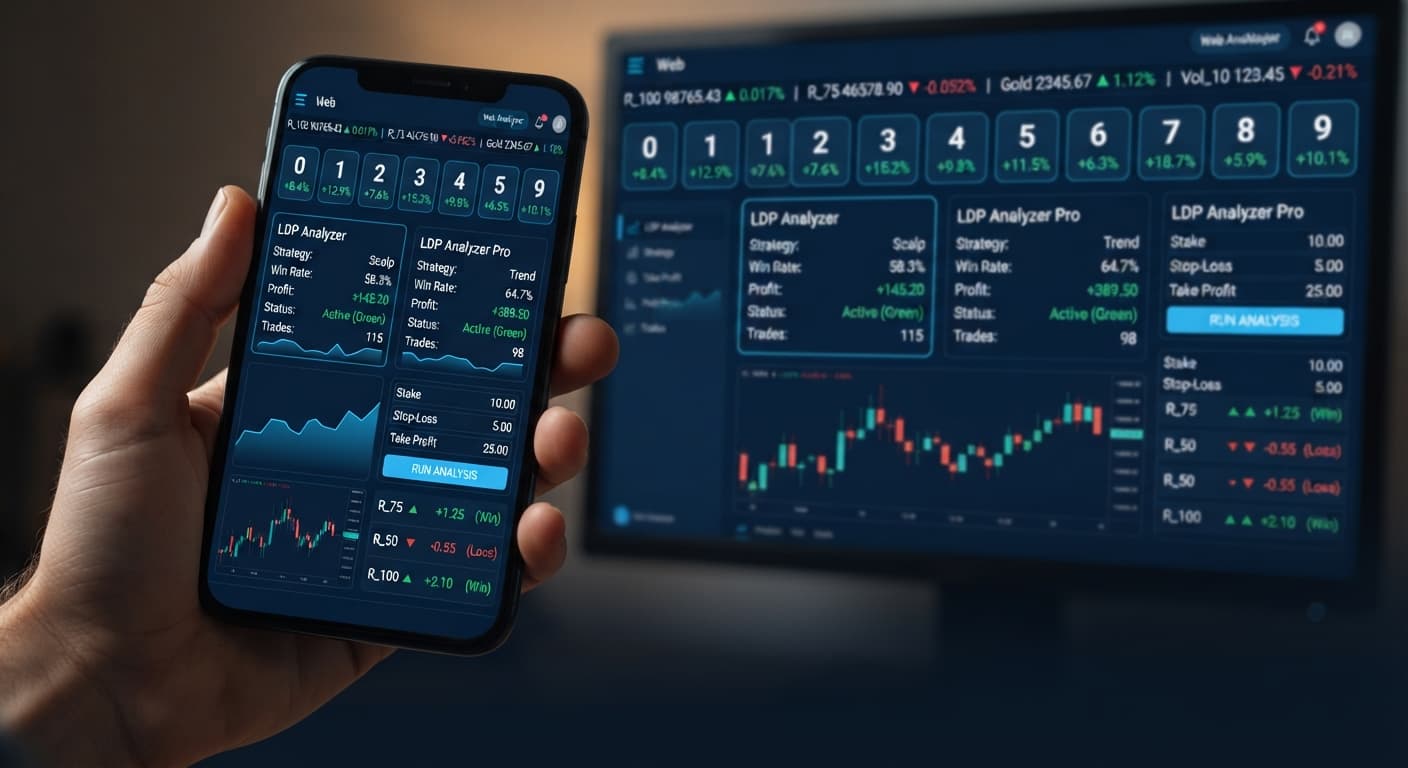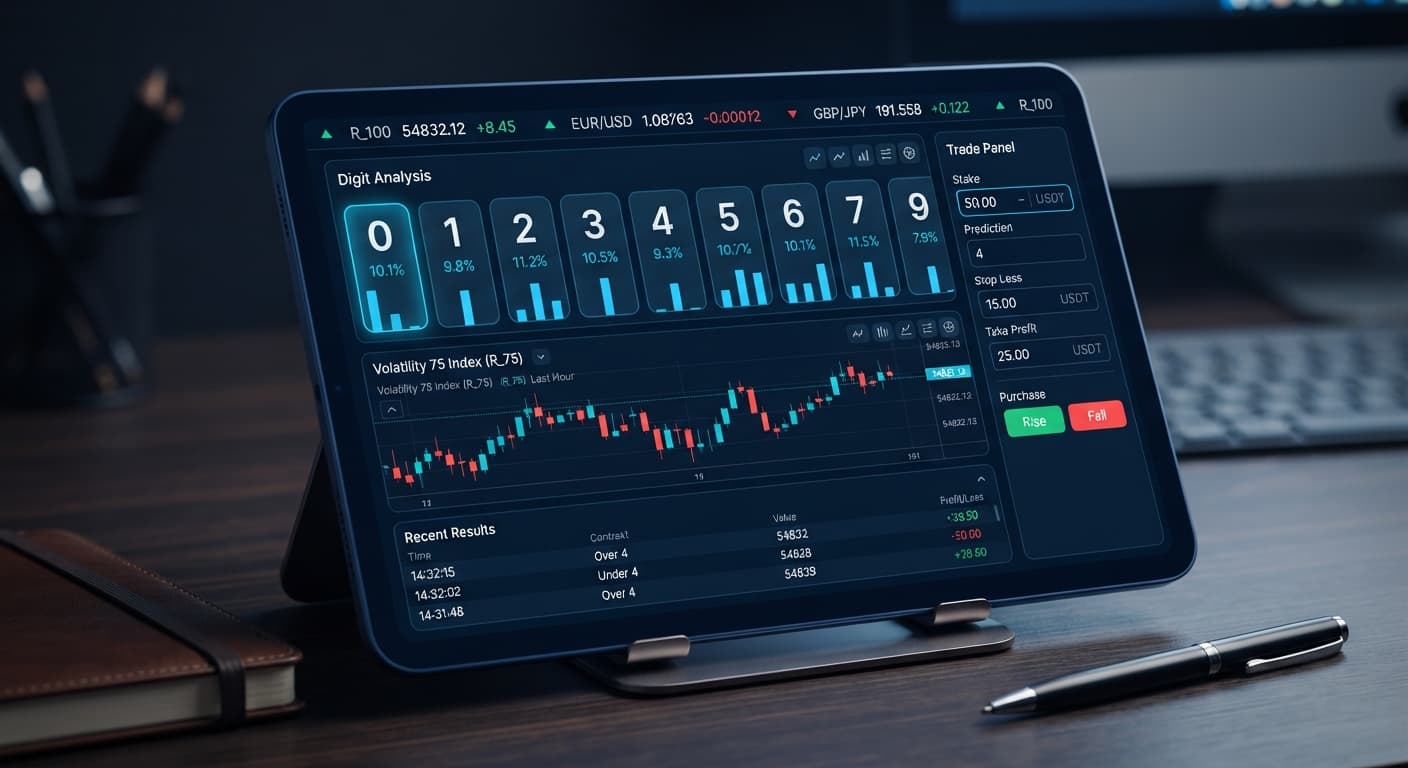
Digit Analysis
Why LDP Analyzer Keeps Losing for Deriv Bots
Discover why your ldp analyzer keeps losing on Deriv bots. Learn how to fix stake sizes, stop loss, and take profit settings. Test strategies for free today.
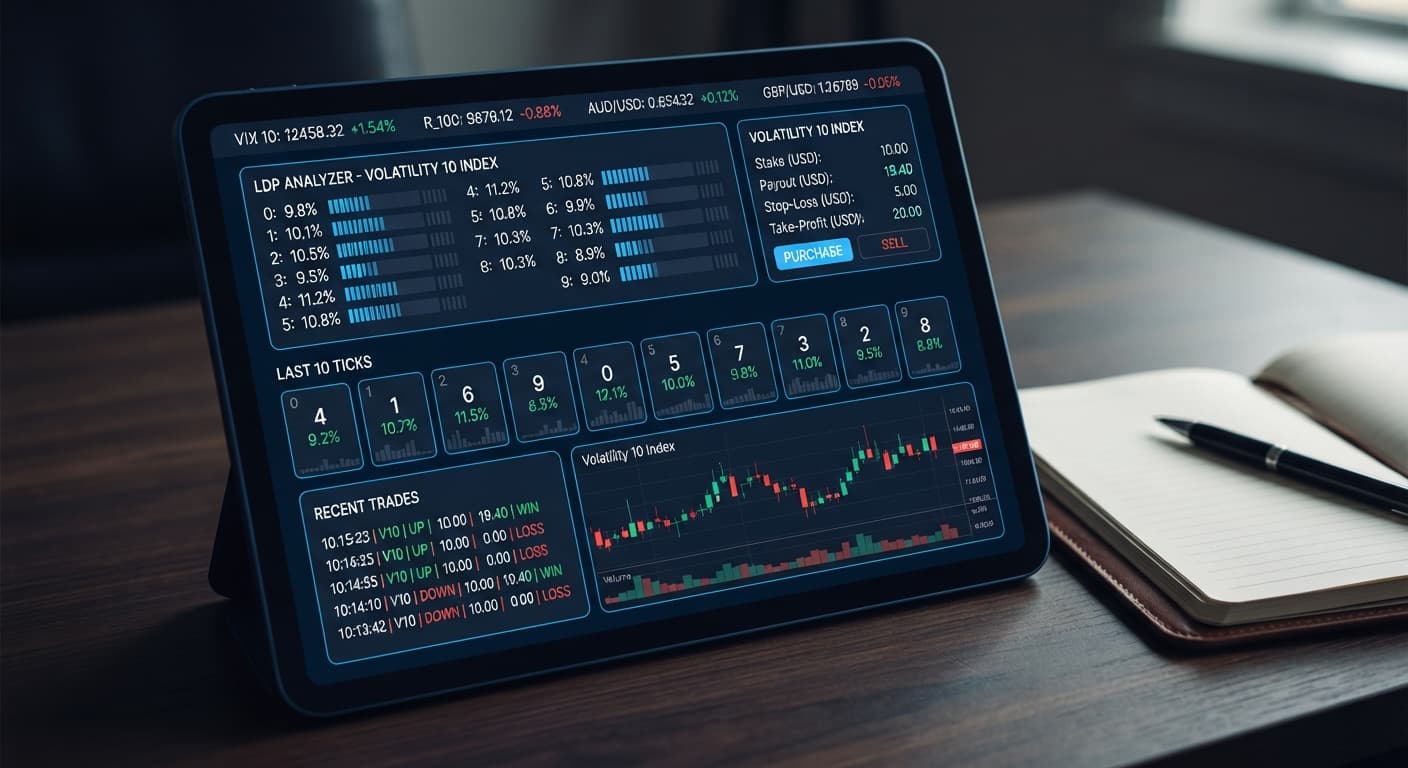
Setting up the ldp analyzer on volatility 10 gives you a real-time view of digit tick distributions while executing automated digit contracts on your Deriv account. The tool streams live index prices, isolates the last digit of each price tick, and places trades based on your configured contract rules. You get instant setup through your browser with zero server installation required.
By following this guide, you'll have an active browser strategy monitoring Volatility 10 ticks and placing trades automatically. It works for both manual digit reading and hands-free execution. If you rely on free deriv bots to replace manual order entry, this workflow removes manual reaction lag entirely.
Open the LDP Analyzer dashboard in your web browser. Locate the Deriv API token connection input field near the top of the interface. Paste your generated token into the box and click connect.
The tool connects directly to Deriv over their official API straight from your browser session. No login credentials or account balances pass through external servers. Once connected, your active account balance and account ID appear at the top of the screen, confirming the session is live and ready for market data subscription.
Find the market selector dropdown menu on the control panel. Click it and select Volatility 10 (or Volatility 10 (1s) Index if you prefer one-second tick updates).
The live digit feed instantly populates with streaming price data. Every time a new tick arrives, the software extracts the last digit of the price string and updates the visual feed. Watching the live tick stream confirms that your connection is receiving uninterrupted pricing updates from Deriv's synthetic asset servers.
Move to the risk parameter fields on the panel. Input your desired trade size into the stake control (for example, 1.00 USD). Next, set your hard session boundaries inside the stop loss and take profit fields.
If you enter 10.00 into stop loss and 5.00 into take profit, the tool stops placing contracts the moment your net session profit hits +$5.00 or your loss reaches -$10.00. Never start an automated routine with blank risk controls. Setting these figures inside the interface prevents a temporary loss streak from burning through your account balance while you aren't looking.
Choose between two core operational modes: real-time digit analysis or automated strategy execution. If you want to study tick behavior manually, select digit analysis. To automate order placement, pick strategy execution.
Next, pick your contract structure from the drop-down list. The system supports six distinct Deriv contracts: DIGITEVEN, DIGITODD, DIGITOVER, DIGITUNDER, DIGITMATCH, and DIGITDIFF. For instance, selecting DIGITEVEN triggers a purchase whenever your active entry condition marks an even tick ending in 0, 2, 4, 6, or 8.
Click the start button to launch your automated strategy execution. The software begins reading incoming tick strings and firing order requests based on your chosen contract type.
Your live trade log will update beneath the chart controls. Each row displays the purchase timestamp, chosen contract type, entry spot, target digit, payout, and contract outcome (win or loss). Watch the first three to five trades carefully on a demo account to confirm that your target criteria and stake sizing perform exactly as expected.
Selecting contract types changes your win probabilities and payouts dramatically. Running the ldp analyzer on volatility 10 allows you to adapt to market speed using clear execution criteria.
| Contract Type | Underlying Win Probability | Typical Payout Multiplier | Target Digit Condition | Best Suited Trader Profile |
|---|---|---|---|---|
| DIGITEVEN | ~50.0% | ~1.95x | Last digit ends in 0, 2, 4, 6, or 8 | Balanced statistical strategies seeking equal odds |
| DIGITODD | ~50.0% | ~1.95x | Last digit ends in 1, 3, 5, 7, or 9 | System traders tracking simple odd/even distribution |
| DIGITUNDER (7) | ~80.0% | ~1.20x | Last digit is 0, 1, 2, 3, 4, 5, 6, or 7 | High win-rate strategies with lower payout per trade |
| DIGITOVER (2) | ~70.0% | ~1.35x | Last digit is 3, 4, 5, 6, 7, 8, or 9 | Conservative growth strategies avoiding low digits |
| DIGITDIFF (5) | ~90.0% | ~1.08x | Last digit is NOT 5 | Scalping setups looking for frequent high-probability wins |
| DIGITMATCH (5) | ~10.0% | ~9.00x | Last digit matches 5 exactly | Speculative strategies using micro stakes for high payouts |
I prefer running DIGITEVEN with real-time digit analysis on Volatility 10 because it maintains balanced statistical odds without severe payout reductions. The predictable tick speed on Volatility 10 gives you clean digit distribution tracking without the extreme fast-paced price jumps seen on higher volatility assets like Volatility 100.
Automating trades on synthetic indices carries real financial risk if you misread statistical data or leave your execution unguarded. Here are four common failure points and the exact settings you must use to protect your funds when using the ldp analyzer on volatility 10.
A common trap is assuming that because the digit 4 hasn't appeared in 30 ticks, it's "due" to hit next. Deriv synthetic index ticks are completely independent random draws. Past tick history doesn't alter the math of the next spot price. To prevent draining your account on bad assumptions, rely on systematic rules rather than prediction biases, and keep a strict figure in your stop loss.
Running an automated loop indefinitely usually leads to giving profits back to the market. Uncontrolled session length exposes your capital to adverse statistical variance over time. Set a realistic target inside the take profit field before clicking start. Once your target hits, the bot immediately halts execution, locking in your net gains.
When using DIGITMATCH or high-payout contracts, you will experience consecutive losses. If your trade sizing is too large relative to your total bankroll, three or four losses can severely damage your balance. Fix this by capping your stake at no more than 1% to 2% of your overall account balance, ensuring your capital survives natural statistical cold streaks.
Unlike standard binary bots that require complex desktop software setup, browser-based tools make live trading so fast that traders skip testing. Running new strategy configurations straight on real capital without baseline verification is a fast path to unexpected losses. Always run your strategy on a Deriv demo account first to verify contract selections and risk controls before toggling to real funds.
Test your settings on the free LDP Analyzer web dashboard using virtual funds first.
If you haven't set up your trading account yet, create a free Deriv account to get started with demo trading.
Trading involves risk. Past performance does not guarantee future results.
Free LDP Binary Analyzer — AI-powered last-digit analysis for Deriv traders with real-time binary analysis and automated strategies.
Open LDP Analyzer →You connect by generating a personal Deriv API token with Read and Trade permissions checked, then pasting it into the API token connection field on the LDP Analyzer dashboard. The tool connects directly through your browser, and your login credentials never pass through external servers.
You should always set your exact numeric stake, stop loss limit, and take profit target in the risk parameter fields before starting. These limits ensure the LDP Analyzer stops placing contracts automatically if your session hits your predetermined profit or loss boundaries.
The tool supports Volatility 10 and Volatility 10 (1s) Index markets through its market selector dropdown. For contract types, it supports six distinct Deriv options: DIGITEVEN, DIGITODD, DIGITOVER, DIGITUNDER, DIGITMATCH, and DIGITDIFF.
No, you don't need any server installation because the tool works instantly through your web browser. You just need an updated browser like Chrome or Firefox on your desktop or mobile device to run it.
Guides closest to this one.
Discover why your ldp analyzer keeps losing on Deriv bots. Learn how to fix stake sizes, stop loss, and take profit settings. Test strategies for free today.
The LDP Analyzer best market for digit contracts is Volatility 10 (1s): one tick every second, so a 20-tick trade takes 20 seconds. Why V100 misleads.
Comparing ldp analyzer vs ldp analyzer pro for Deriv. Choose standard for manual digit streams or Pro for 0-9 heatmaps and automated DIFFER execution.