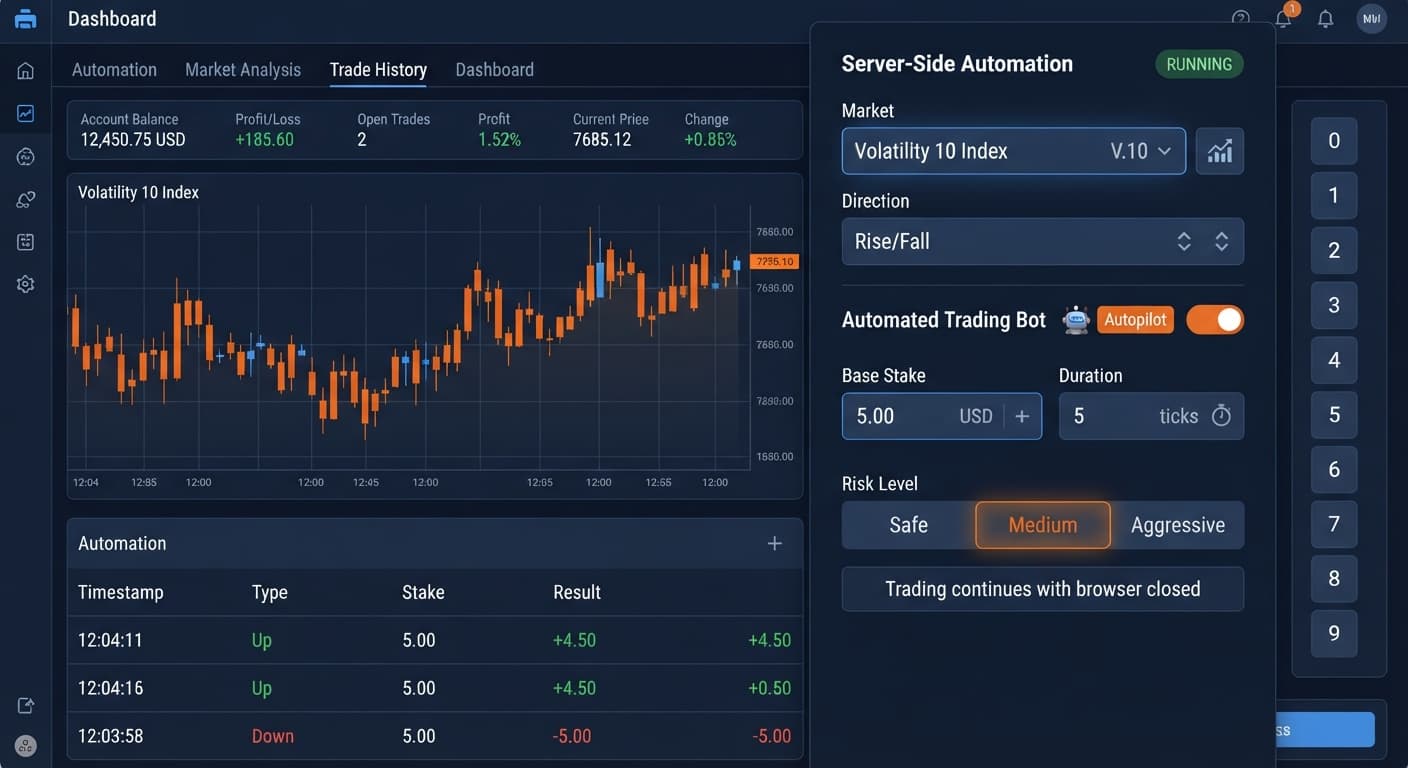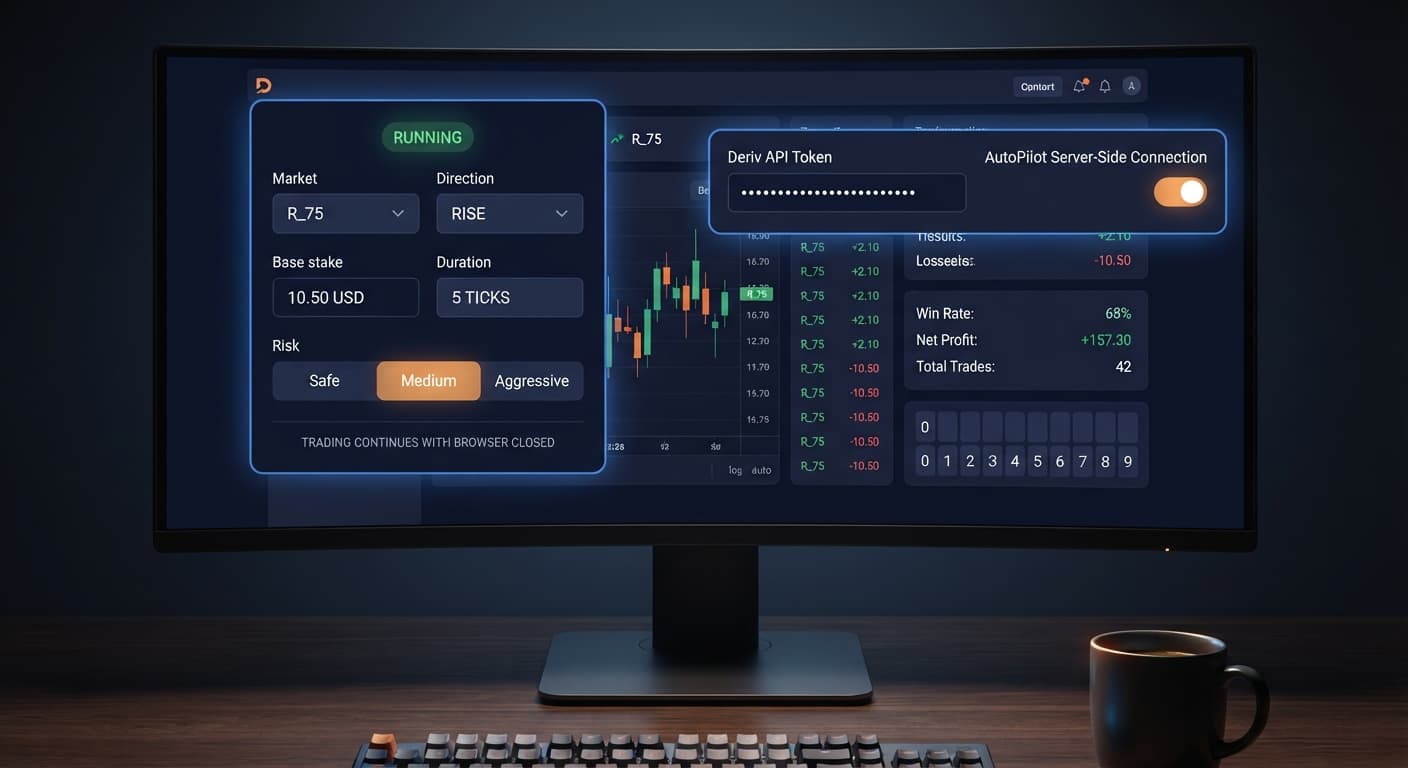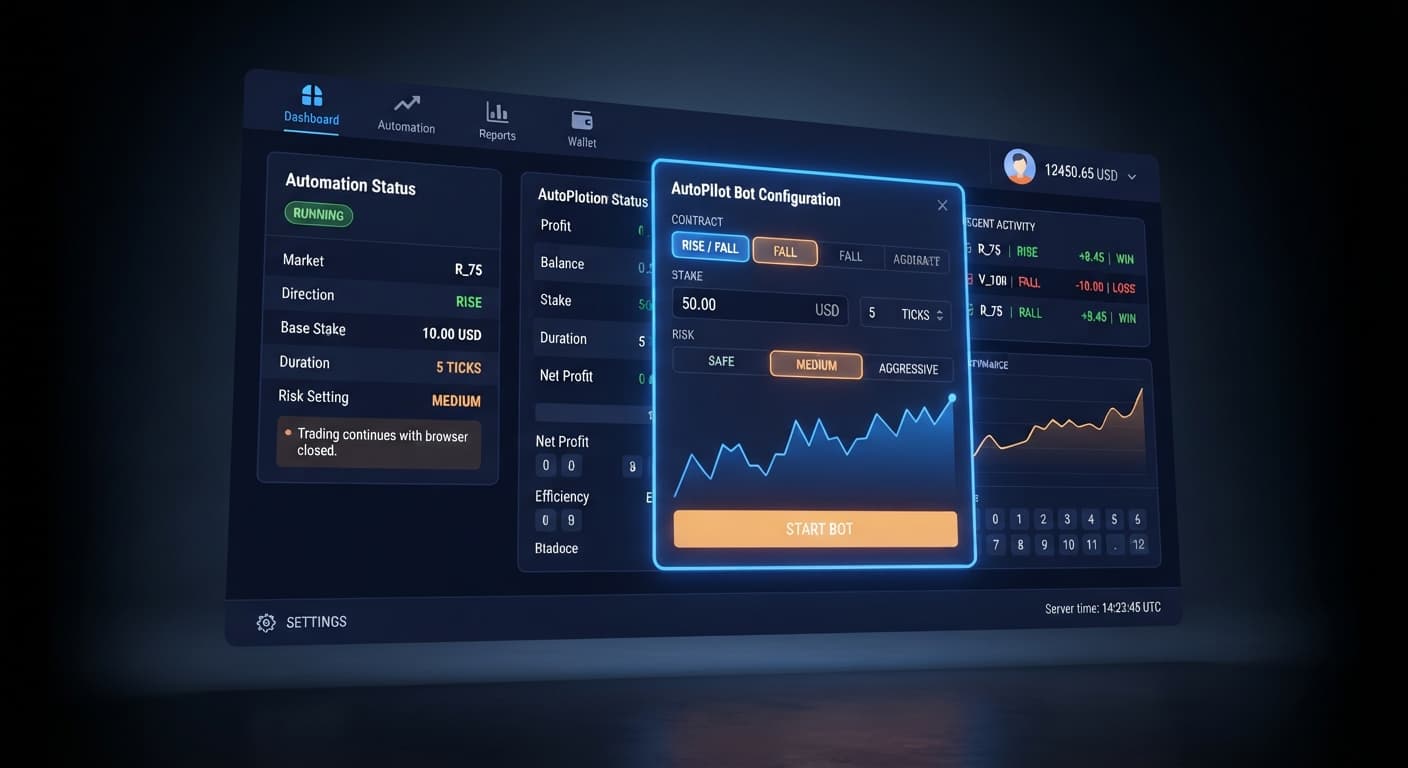
Auto Trading Bots
Autopilot Deriv Bots Guide: Build Your First Rise/Fall Bot
Follow this autopilot deriv bots guide to set up and launch your first automated rise fall trading bot on BinaryBot.live. Start trading today!
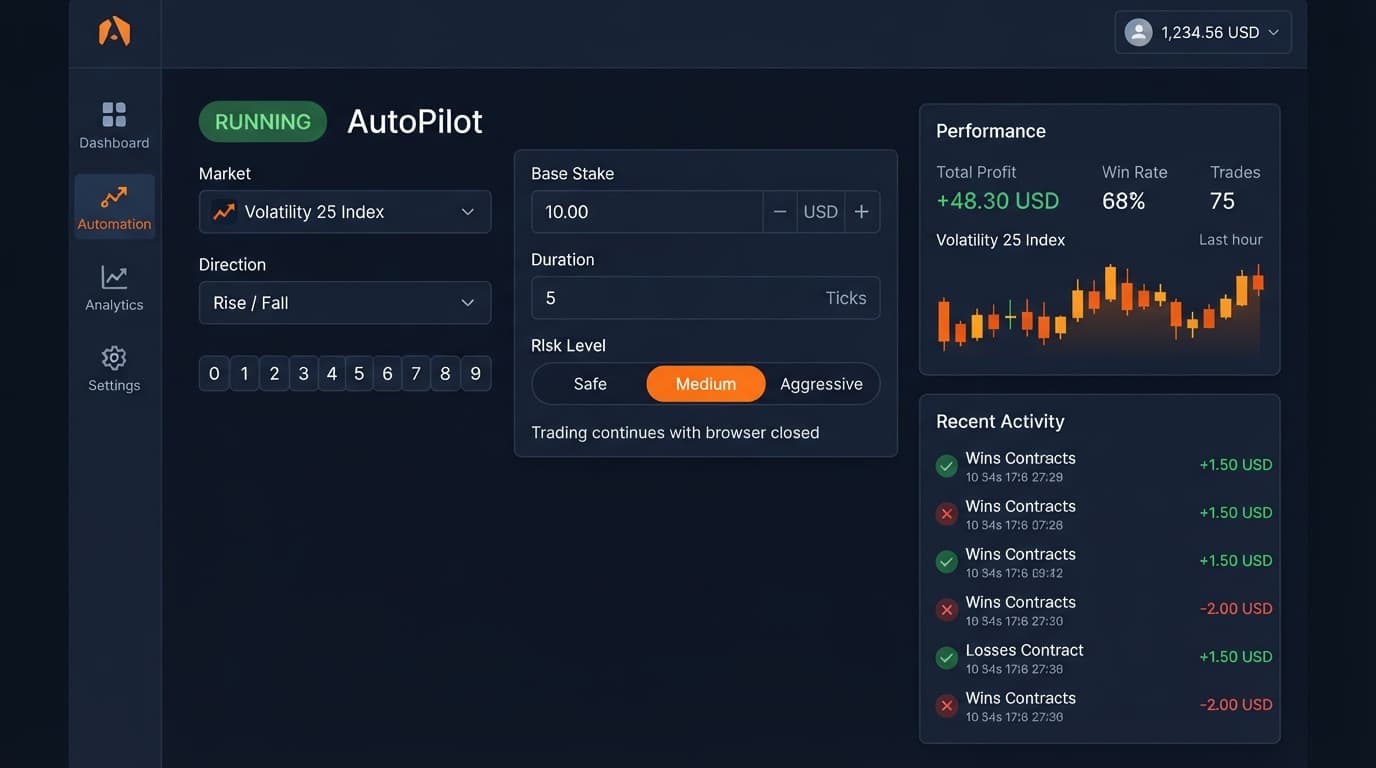
To run autopilot on volatility 25, select Volatility 25 Index from the Market dropdown on the server-side bot, choose your Direction as Rise or Fall, set a short Duration such as 15 seconds, and define strict Take Profit and Stop Loss limits before hitting start. The tool connects directly to Deriv over their official API to execute CALL and PUT contracts directly on your account. Because execution happens server-side, trades process without interruption even if your browser closes or your internet disconnects.
Running automated setups on synthetic indices isn't financial advice, and you should always test your setup on a Deriv demo account first. Synthetic ticks are independent random draws—past movement doesn't guarantee what the next tick will do.
The biggest mistake traders make with autopilot on volatility 25 is treating server-side automation like browser-based deriv bots. When you run ordinary browser bots, closing your laptop or losing Wi-Fi stops the script. That isn't how AutoPilot works. Because it runs on Deriv's Automation API, it executes trades continuously on Deriv servers until it hits a rule you set.
If you launch the bot without setting a Stop Loss, it won't stop just because you shut your screen. On Volatility 25 Index, prices can trend steadily against your selected Direction for dozens of ticks. When combined with Martingale stake progression, a single sustained trend against your trade direction grows stakes far faster than most traders anticipate. A starting stake of $1 can scale up dramatically across consecutive losses, wiping out small balances during an overnight session.
Another common trap is assuming previous tick behavior forces a turn. If Volatility 25 Index prints five consecutive falling ticks, the probability of the next tick rising remains exactly the same as it was on the first tick. Synthetic index algorithms generate numbers through cryptographically secure random routines. Expecting a "statistically overdue" reversal leads traders to turn off Stop Loss controls—and that's usually how balances get cleared out.
To trade Volatility 25 Index safely, configure every control deliberately before turning the engine on. In the AutoPilot setup panel, you'll see eight core inputs.
First, set Market to Volatility 25 Index. Next, select your Direction—Rise if you expect price expansion upward, or Fall if you're targeting downward movement. Set Base Stake to an amount that represents less than 1% of your total balance, such as $1.00 on a $100 demo balance. For Duration (sec / min), pick 15 seconds to give ticks room to clear noise while keeping trade cycles brisk.
Set Growth Rate — 1% to 5% to 2% to control progression scaling. Select Risk Level — Safe / Medium / Aggressive as Safe, which keeps progression increments manageable during losing streaks. Finally, enter your boundary controls: set Take Profit to $5.00 and Stop Loss to $15.00. Once saved, these parameters execute on the server regardless of your browser's state.
| Control Parameter | Selected Setting | Function on Volatility 25 Index |
|---|---|---|
| Market | Volatility 25 Index | Targets synthetic asset with 25% annualized volatility |
| Direction | Rise (or Fall) | Determines whether bot buys CALL or PUT contracts |
| Base Stake | $1.00 | Initial trade value at start of session or after a win |
| Duration (sec / min) | 15 seconds | Expiry window for each contract placed by server |
| Growth Rate — 1% to 5% | 2% | Controls automated recovery adjustment pacing |
| Risk Level — Safe / Medium / Aggressive | Safe | Dictates overall aggressiveness of recovery steps |
| Take Profit | $5.00 | Server stops trading when total session gain hits this limit |
| Stop Loss | $15.00 | Server stops trading immediately if losses reach this cap |
Open AutoPilot in your browser. Locate the Market dropdown menu at the top of the interface. Click the list and scroll to Volatility 25 Index.
Selecting this market binds all subsequent API instructions to this specific synthetic index. Unlike high-volatility indices, Volatility 25 maintains steady tick movement, making it ideal for systematic testing with automated binary bots.
Move to the Direction setting and select either Rise or Fall. If you pick Rise, the engine places CALL contracts; choosing Fall places PUT contracts.
Right below Direction, find Duration (sec / min). Select "sec" from the unit toggle and enter 15 in the numeric field. A 15-second duration allows enough individual tick calculations to avoid random spread noise while preventing trades from lingering in long-term market trends.
Set the Base Stake field to $1.00. This is your initial trade size. Next, set Risk Level — Safe / Medium / Aggressive to Safe.
Then, adjust the slider or input for Growth Rate — 1% to 5% to 2%. Keeping the Risk Level on Safe combined with a low Growth Rate prevents extreme stake inflation when consecutive losing trades occur.
Enter $5.00 in the Take Profit field and $15.00 in the Stop Loss field. These two values are sent directly to the server automation script.
Do not start the bot with these fields empty. Because the bot runs server-side, leaving Stop Loss clear means the bot will continue placing contracts endlessly until your account balance can no longer cover the next required base stake.
Before switching to live execution, verify your Deriv account token is linked and toggle to your demo (virtual) balance inside your account menu. Click the Start button.
You can watch the first few contracts execute on screen to verify that CALL or PUT orders open for 15 seconds on Volatility 25 Index. Once confirmed, you can close the browser tab completely—the server continues monitoring the session until your $5.00 Take Profit or $15.00 Stop Loss target is reached.
Choosing the right market for autopilot on volatility 25 requires understanding how tick density and price swings differ across synthetic assets. You shouldn't run identical automation settings on Volatility 10 or Volatility 75 without adjusting your controls.
Here is how Volatility 25 Index compares against other popular volatility markets when using server-side automated binary bots:
| Dimension | Volatility 10 Index | Volatility 25 Index | Volatility 75 Index |
|---|---|---|---|
| Tick Interval / Pace | 1 tick per second (slow) | 1 tick per second (moderate) | 1 tick per second (fast/erratic) |
| Typical Movement Per Tick | Very small price steps | Balanced, smooth price steps | Large, aggressive price steps |
| Digit Spread Character | Tight range, frequent ties | Moderate range, steady ticks | Wide range, sudden jumps |
| Ideal Duration Setting | 30 to 60 seconds | 15 to 30 seconds | 5 to 10 seconds |
| Best Use Case | Slow trend tracking | Steady Rise/Fall automation | Momentum tick scalping |
Volatility 25 Index strikes the best balance for this strategy. Volatility 10 moves so slowly that short-duration contract outcomes often come down to tie-level prices at expiry. On the other end, Volatility 75 features aggressive single-tick spikes that trigger rapid consecutive losses before the strategy can recover. Volatility 25 provides consistent micro-swings without the extreme price gaps seen on higher-volatility assets.
If you want to analyze raw tick digits before launching automated runs, check the LDP Analyzer Pro dashboard or use Tick Picker to study tick flow patterns across markets.
Running autopilot on volatility 25 is the wrong choice under specific market conditions and account scenarios:
For alternative automated strategies, explore the Solid Trading Bot or Sniper Bot V3 inside our free library of deriv bots.
Test this configuration on AutoPilot using a demo balance before trading real money.
If you don't have an account yet, create a free Deriv account.
Trading involves risk. Past performance does not guarantee future results.
Related: Autopilot Deriv Bots Guide: Build Your First Rise/Fall Bot
Free server-side automated trading bot for Deriv — runs Rise/Fall Martingale with stop loss and take profit, and keeps trading after you close the browser.
Open AutoPilot →To configure AutoPilot, select Volatility 25 Index from the Market dropdown, choose your Direction as Rise or Fall, and set a short 15-second duration. You'll also need to define strict Take Profit and Stop Loss limits before hitting start. Always test your setup on a Deriv demo account first.
Yes, AutoPilot executes trades continuously on Deriv's servers via their official API even if your browser closes or your internet disconnects. Because it doesn't run through a browser script, it won't stop until it hits a rule you've set.
Without a Stop Loss, AutoPilot won't stop when you shut your screen, and Volatility 25 Index can trend against your direction for dozens of ticks. Combined with Martingale stake progression, this can quickly scale up your stakes and wipe out your account balance.
The article recommends setting a base stake that is less than 1% of your balance, a 15-second duration, a 2% growth rate, and a Safe risk level. For boundary controls, it suggests a $5.00 Take Profit and a $15.00 Stop Loss.
Guides closest to this one.
Follow this autopilot deriv bots guide to set up and launch your first automated rise fall trading bot on BinaryBot.live. Start trading today!
Learn how to set up autopilot on volatility 10 using this free automated trading bot for Deriv. Configure your rise fall bot today. Try it now!
Master autopilot api token setup for your binary bots. Learn how to run automated rise fall trading on Deriv without keeping your browser open. Try it today!