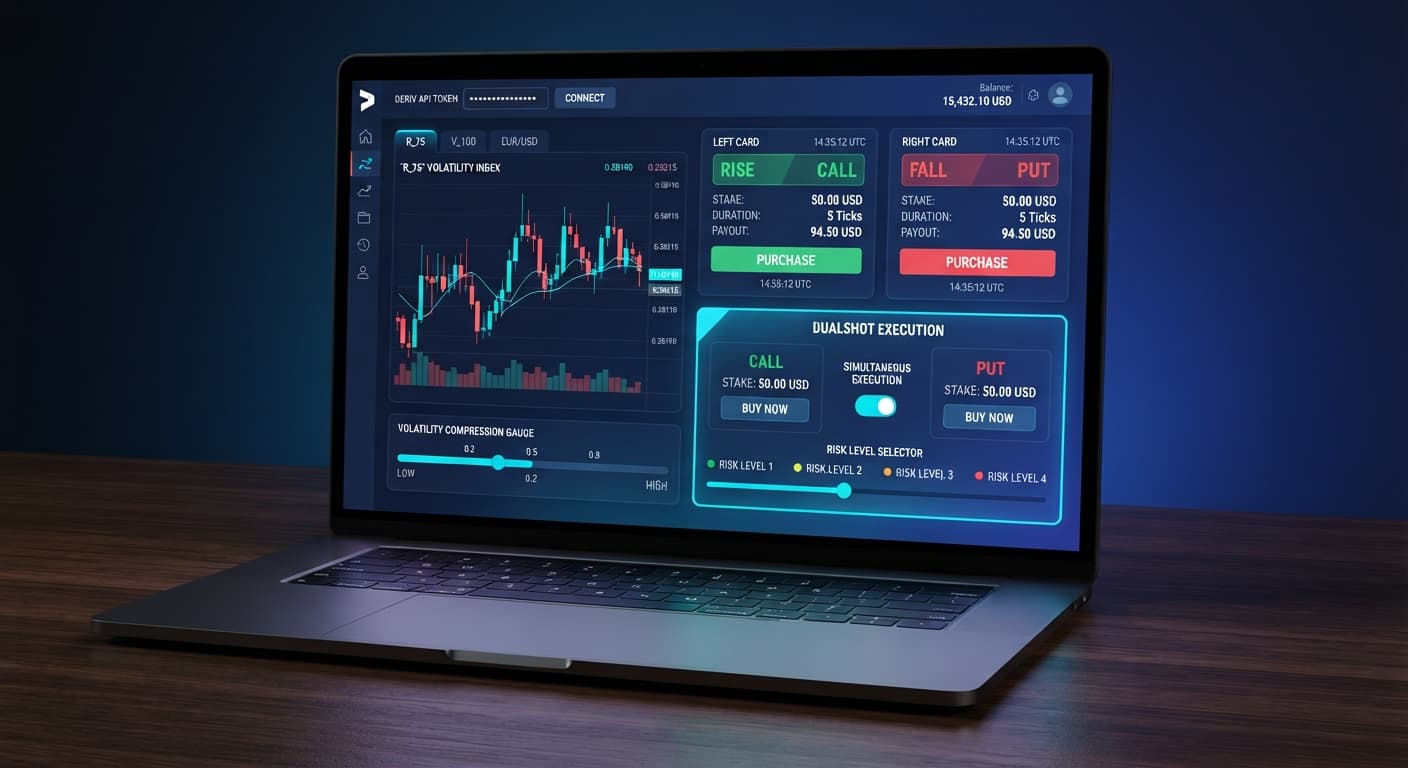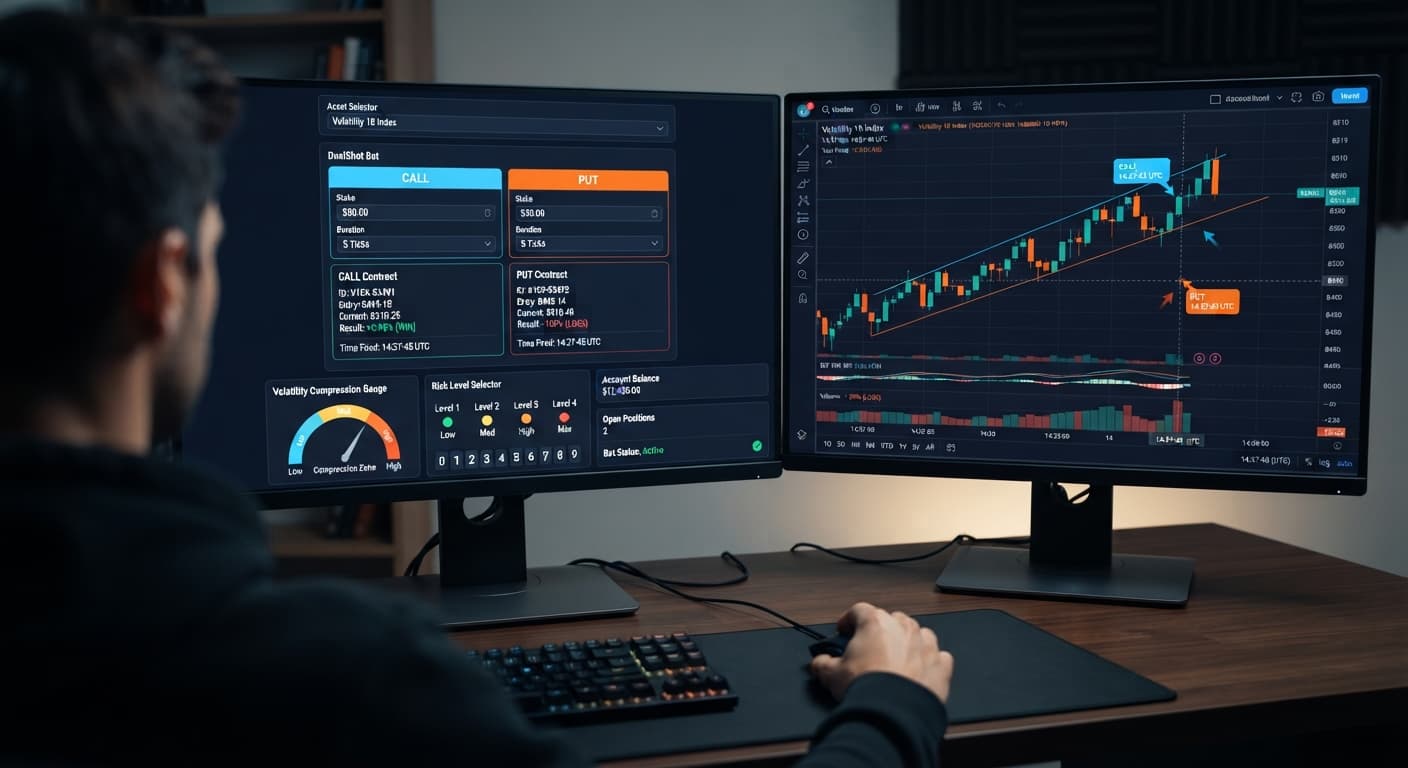
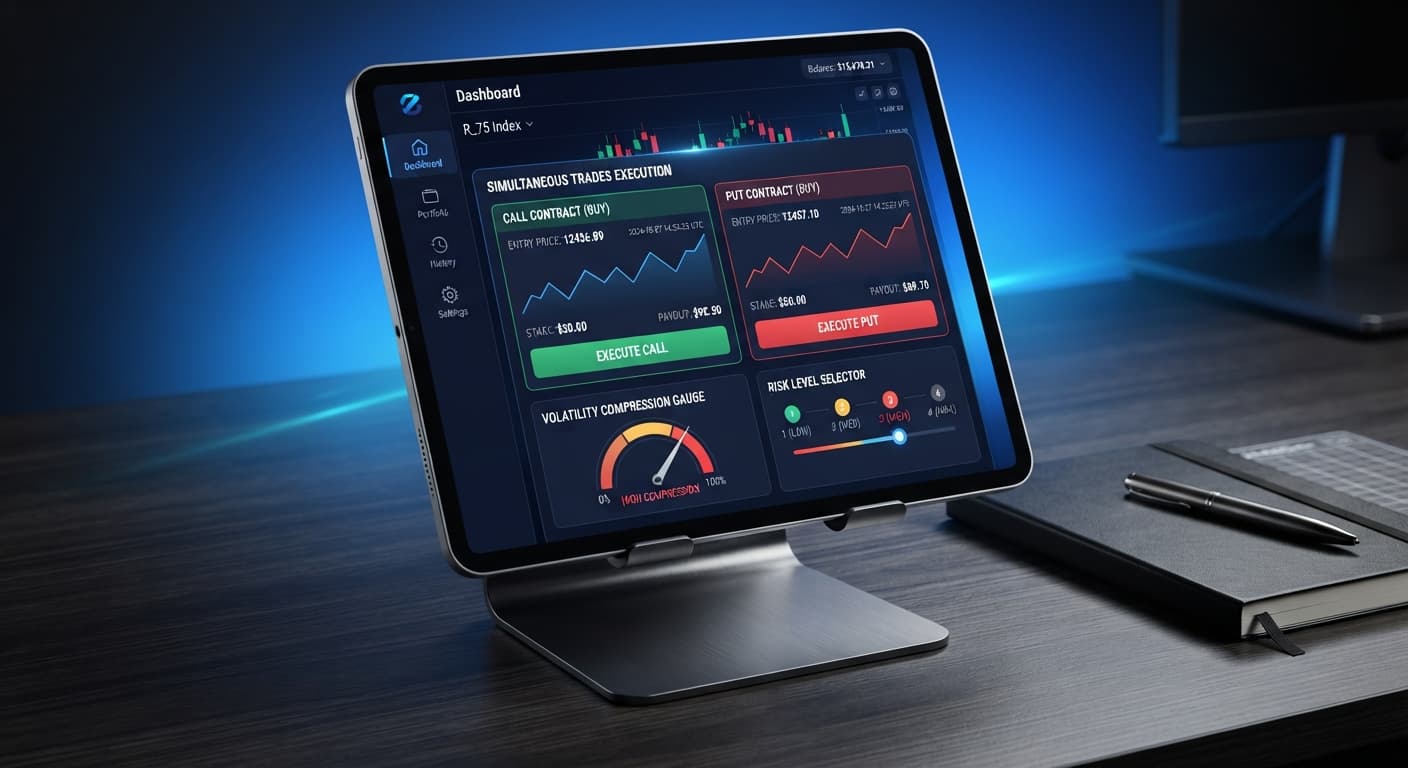
Auto Trading Bots
DualShot for Beginners: Zero Experience Guide
DualShot executes simultaneous CALL and PUT contracts on Deriv synthetic indices in a single click, trading directional risk for volatility risk.
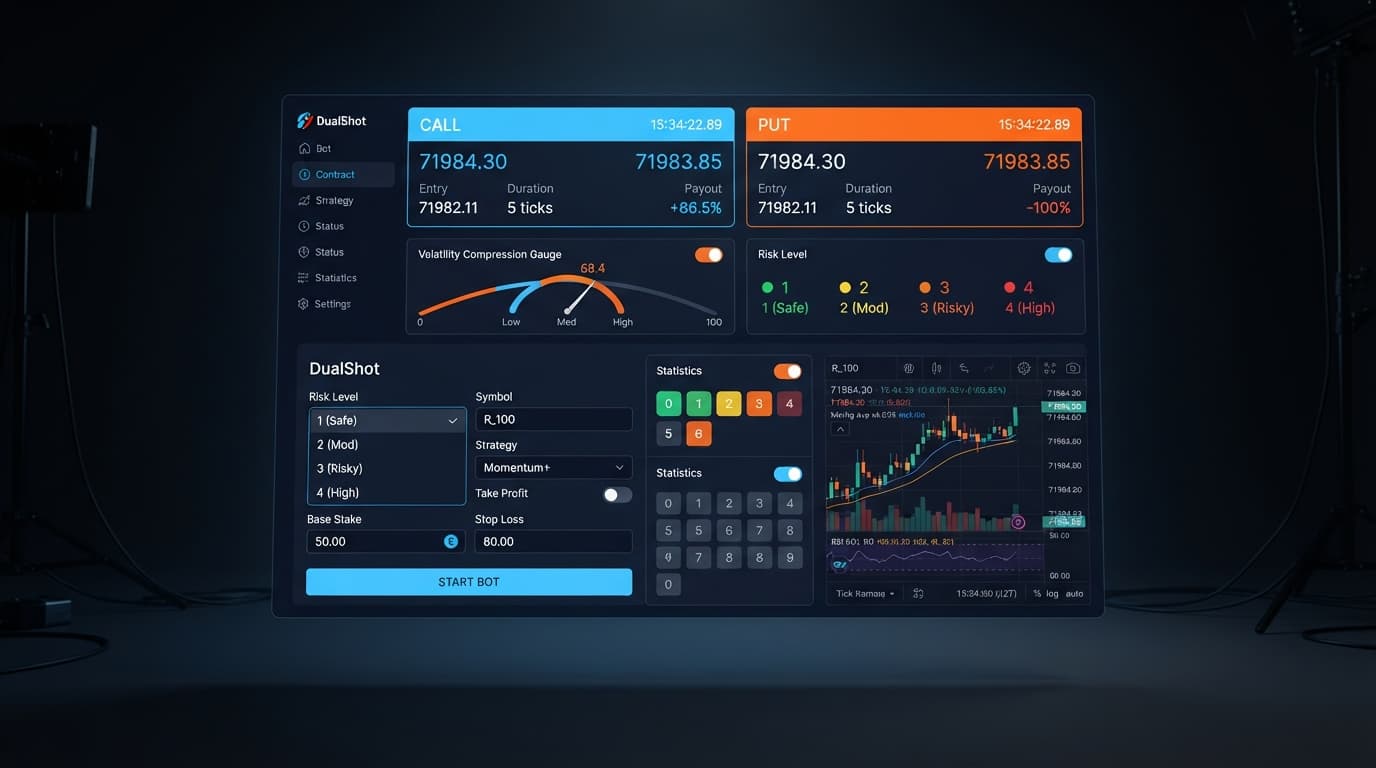
Executing a successful dualshot small account strategy requires capping your Stake ($) at the minimum allowed per trade (typically $0.35 to $0.50) and locking your Risk Level to 🟢 Low Risk (Safer). Because DualShot opens a CALL and a PUT contract simultaneously on a single click, every execution commits double your selected stake to the market at once. Selecting 🟢 Low Risk (Safer) forces the algorithm to wait for deep volatility compression before triggering, protecting small balances from getting chewed up by sideways price action where neither contract hits profit.
When you're trading with a $20 to $100 balance, managing this dual exposure is the difference between steady session growth and a wiped account. Automating trades through deriv bots gives you speed, but software won't save a bad configuration. Here's exactly how to set up DualShot on BinaryBot.live to safeguard limited capital while keeping your exposure tight.
Setting up a dualshot small account strategy on Deriv takes less than two minutes. Follow these concrete configuration steps before turning on live execution.
Click the Stake ($) input box and enter your minimum order amount. On a $50 account balance, set this to $0.35 or $0.50. Remember that DualShot fires two positions per trigger, so a $0.50 stake puts $1.00 of your total balance into active contract exposure immediately.
Locate the Risk Level selector on screen. Click 🟢 Low Risk (Safer). This tightens the internal volatility detection algorithm, preventing the bot from firing during noisy, unpredictable tick conditions.
Select your target asset from the available Deriv synthetic indices. High-volatility markets like Volatility 100 (1s) Index or Volatility 75 Index work best for dual execution because they generate the strong price expansion needed to push one contract deep into profit.
Before placing real money on the line, connect your Deriv API token to the tool while logged into your Deriv demo account. Run 10 to 15 automated triggers to watch how fast your balance fluctuates under current market conditions.
DualShot connects directly to Deriv over their official API to process tick data in real time without lag. Unlike directional tools that try to predict whether the market goes up or down, DualShot places a CALL and a PUT simultaneously. The profit mechanism relies entirely on the magnitude of the move, not where the market ends up relative to a trendline.
When the market enters a tight range, volatility compresses. Prices bounce in a narrow band across successive ticks, building energy like a coiled spring. DualShot monitors this tick activity to spot breakout patterns. Once volatility expansion triggers, the bot enters both positions at once.
If the market surges upward after entry, your CALL contract ends in the money while the PUT loses. If the market collapses downward, your PUT wins while the CALL loses. The gross payout from the winning leg covers the loss of the secondary leg and leaves a net gain, provided the market moved far enough from your entry spot.
The danger for small accounts is a flat market. If you enter during a weak breakout that immediately stalls, price lingers between both barriers. In that specific scenario, both the CALL and the PUT can expire out of the money. That's why tuning your Risk Level setting is the most critical control on the entire dashboard.
       [ Volatility Compression ]  --->  [ DualShot Execution ]  --->  [ Market Expansion ]
Narrow tick range across 15-20 ticks      CALL + PUT placed at once      Price surges up or down
                                                                          One leg wins, net profit
The Risk Level control adjusts the sensitivity of the compression and expansion detection engine. Higher settings decrease the required compression phase before firing, while lower settings demand longer consolidation before confirming an entry signal.
| Risk Level Setting | Volatility Detection Window | Execution Trigger Condition | Suitable Synthetic Market | Trader Profile Target |
|---|---|---|---|---|
| 🟢 Low Risk (Safer) | 15–20 tick compression window | Price deviation under 0.05% across window | Volatility 100 (1s) Index | Account balances under $50 |
| 🟡 Medium Risk | 10–12 tick compression window | Price deviation under 0.10% across window | Volatility 75 Index | Account balances $50 to $200 |
| 🟠 High Risk | 6–8 tick compression window | Early breakout / expansion detected | Volatility 50 Index | Account balances $200 to $500 |
| 🔴 Very High Risk | 3–5 tick compression window | Immediate tick acceleration trigger | Volatility 10 (1s) Index | Balances over $500 testing micro-spikes |
If I'm trading a small balance under $50, I select 🟢 Low Risk (Safer) on Volatility 100 (1s) Index without hesitation. The strict tick-filtering prevents impulse entries during micro-range consolidations, keeping capital intact for genuine volatility expansions.
Every parameter you change inside binary bots involves a direct trade-off between entry frequency and account protection. The table below covers every verified control available on the DualShot interface.
| On-Screen Control | Available Settings | Operational Mechanism | Trade-Off for Small Accounts |
|---|---|---|---|
| Stake ($) | Numeric entry (e.g., 0.35) | Defines base contract value per leg | Higher stakes increase net gain per trade but double your immediate drawdown risk when flat markets occur. |
| Risk Level | 🟢 Low Risk (Safer) | Requires maximum volatility compression before entry | Provides maximum trade filtering, but you'll wait longer between active execution signals. |
| Risk Level | 🟡 Medium Risk | Requires moderate volatility compression before entry | Offers a balanced trade frequency, though occasional false breakouts will trigger positions. |
| Risk Level | 🟠 High Risk | Triggers on early signs of tick expansion | Increases session activity significantly, but exposes small balances to range-bound chop losses. |
| Risk Level | 🔴 Very High Risk | Triggers on rapid tick shifts with minimal filtering | Delivers maximum order volume, creating high vulnerability to consecutive double-leg losses. |
Running a dualshot small account strategy isn't about leaving an automated script on all afternoon. Web-based bots on BinaryBot.live execute instantly over WebSockets, which means a small account can hit its risk limits rapidly if left unattended.
If your starting balance is $30, set your Stake ($) to $0.35. A single trigger spends $0.70 of capital across both the CALL and PUT legs. If the winning leg returns an 85% payout ($0.65 total back on a $0.35 individual leg), your net session profit for a successful breakout is $0.30 ($0.65 payout minus $0.35 lost leg).
If the market stalls completely and both legs fail, you lose $0.70 on that single entry sequence. This math highlights why risk parameters matter: you need high-conviction breakout setups so your winning runs easily outpace neutral market losses.
Single Execution Breakdown ($0.35 Base Stake):
--------------------------------------------------
CALL Leg Cost: $0.35  |  PUT Leg Cost: $0.35  | Total Risk: $0.70

Scenario A (Clear Expansion Move):
- CALL Wins: Returns $0.65 (Net +$0.30)
- PUT Loses: Returns $0.00 (Net -$0.35)
- Session Net Result: +$0.30 Profit

Scenario B (Flat Market Chop / No Expansion):
- CALL Loses: Returns $0.00 (Net -$0.35)
- PUT Loses: Returns $0.00 (Net -$0.35)
- Session Net Result: -$0.70 Loss
Past tick patterns or historical digit distribution don't alter the math of the next tick. Deriv synthetic index ticks are independent random draws generated by cryptographic algorithms. No bot can change underlying asset odds or guarantee winning runs. Protect your balance by running disciplined sessions, testing settings on virtual funds first, and enforcing your stop loss limits every single time you trade.
Test this strategy on a virtual account using DualShot before trading live.
If you don't have one yet, create a free Deriv account.
Trading involves risk. Past performance does not guarantee future results.
Deriv best strategy bot with advanced analysis tools — executes 2 simultaneous trades in one click, firing CALL and PUT contracts at the same time with real-time volatility detection.
Open DualShot →You should cap your stake at the minimum allowed per trade, which is typically $0.35 to $0.50 if your account balance is between $20 and $100. Because DualShot opens a CALL and a PUT contract simultaneously, a $0.50 stake actually commits $1.00 of your total balance to active exposure per trigger.
You should select the 🟢 Low Risk (Safer) setting to protect small balances from sideways price action. This forces the algorithm to wait for deep volatility compression before triggering, preventing the bot from firing during noisy, unpredictable tick conditions.
High-volatility markets like the Volatility 100 (1s) Index or Volatility 75 Index work best for dual execution. These assets generate the strong price expansion needed to push one contract deep into profit to cover the losing leg.
You can connect your Deriv API token to the tool while logged into your Deriv demo account. Run 10 to 15 automated triggers to watch how fast your balance fluctuates under current market conditions before risking actual funds.
Guides closest to this one.
DualShot executes simultaneous CALL and PUT contracts on Deriv synthetic indices in a single click, trading directional risk for volatility risk.
Complete dualshot api token setup guide for BinaryBot.live. Learn to connect your Deriv token and execute 2 simultaneous trades using a free deriv bot.
Set Risk Level to Low Risk (Safer) when running dualshot on volatility 10 to catch true expansion breaks and avoid losing stakes on flat market micro-ticks.