Auto Trading Bots
DualShot API Token Setup: Run Dual Contract Trades
Complete dualshot api token setup guide for BinaryBot.live. Learn to connect your Deriv token and execute 2 simultaneous trades using a free deriv bot.
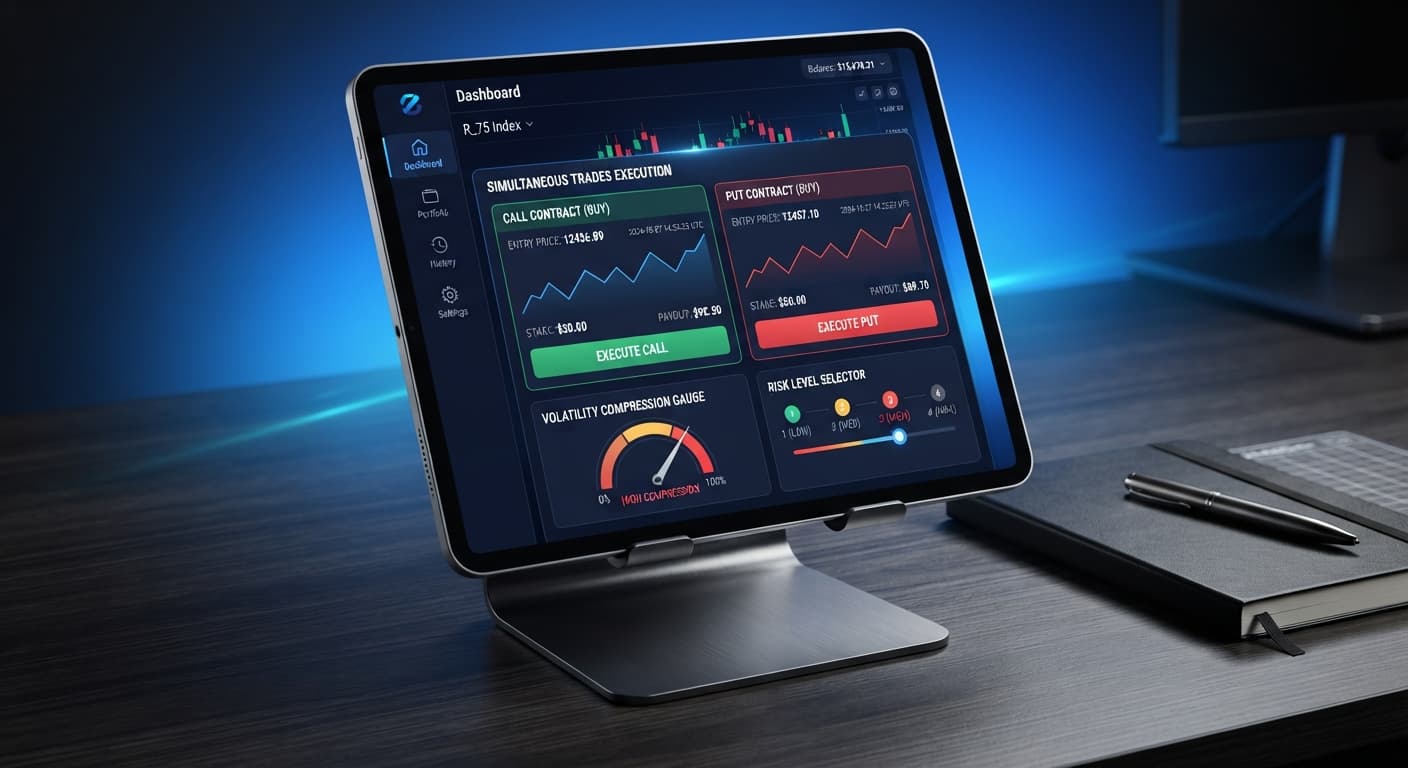
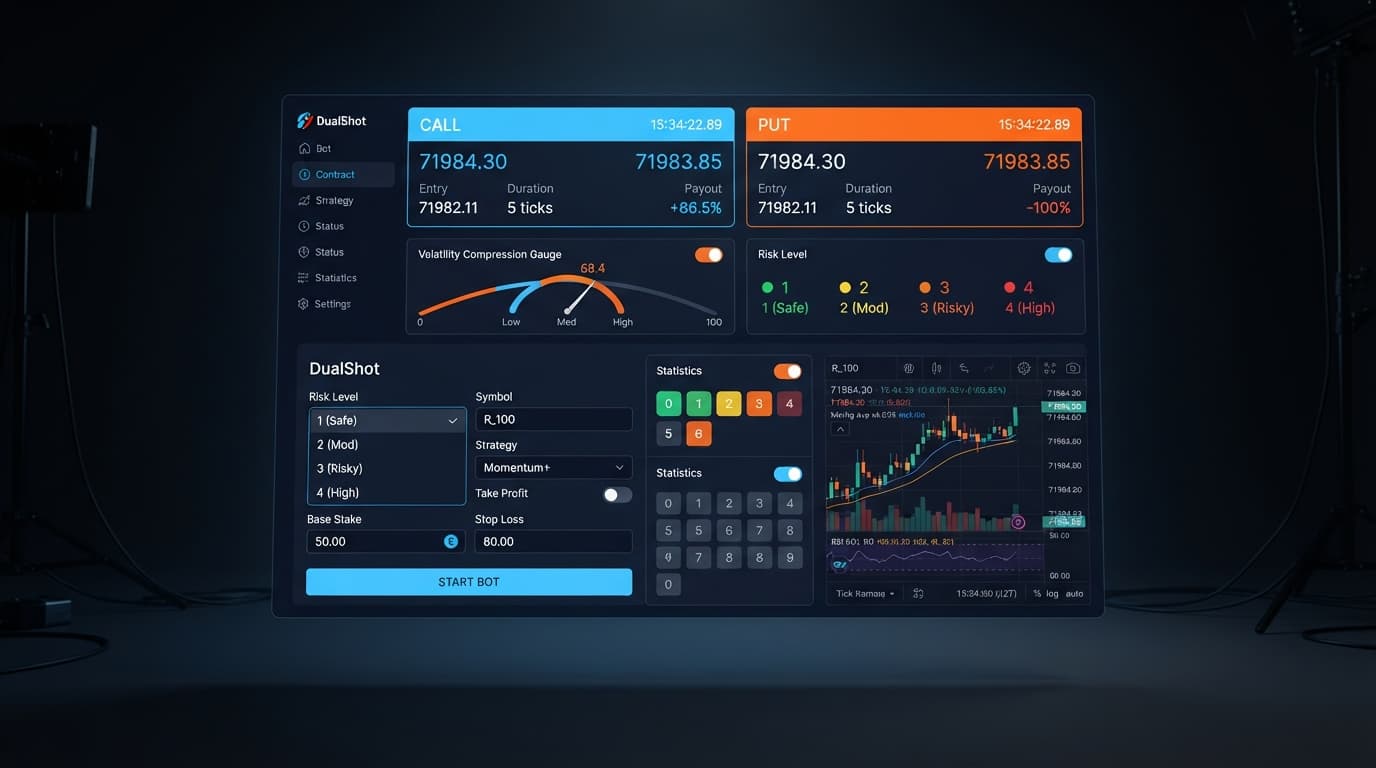
If you're looking for a clear guide to dualshot for beginners, this tool is an automated script on BinaryBot.live that executes a simultaneous CALL and PUT contract on Deriv synthetic indices in a single click. Instead of guessing whether price moves up or down, it scans for volatility compression and enters both directions at once to catch a price breakout. That means your trade outcome relies entirely on the size of the price movement rather than its direction. Before placing trades with real money, you need to know exactly how double-sided entry affects your risk profile and how to set your parameters on a virtual balance.
Let's clear up the core terminology before going further. Deriv is an online broker that offers trading on synthetic indices—simulated asset markets driven by cryptographic algorithms that run 24 hours a day without real-world news interruptions. A CALL contract pays a fixed return if the market ends higher than the entry point, while a PUT contract pays if it finishes lower. Volatility measures how aggressively price ticks jump over a short window. Traders use automated tools like deriv bots and binary bots to execute speed-sensitive strategies without clicking manual buttons. These scripts run inside your browser and connect directly to Deriv over their official API using your personal account token.
Standard manual trading forces you to choose a side. If you buy a CALL contract and the market drops, you lose your stake. If you buy a PUT contract and price stalls out in a tight range, you lose your stake there too. Automated deriv bots built for single-direction entries live and die by trend prediction.
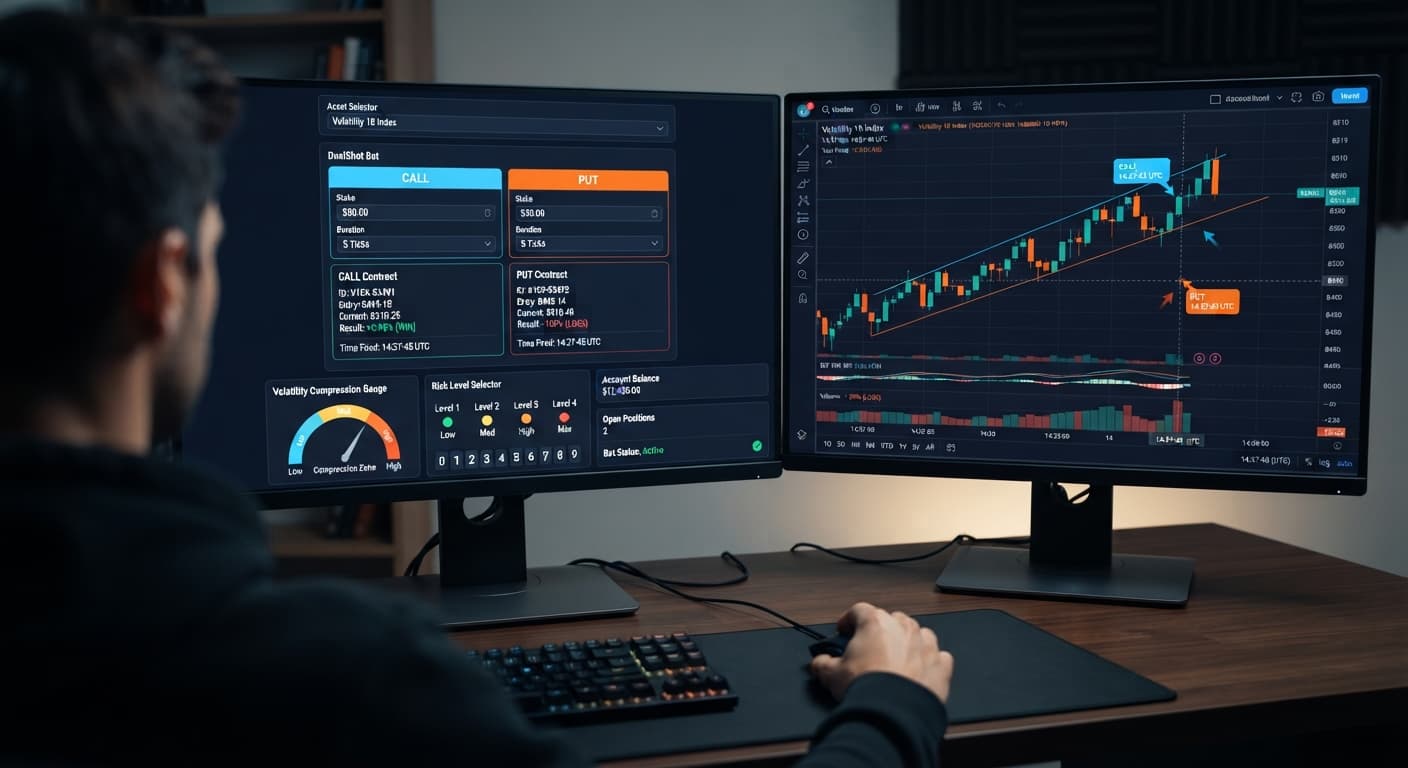
DualShot takes a completely different operational approach by using dual CALL+PUT execution. The bot monitors tick movement on synthetic indices to identify compression detection patterns. Compression happens when price ticks compress into a narrow channel, signaling low immediate movement. When the algorithm detects a breakout / expansion detection event—a sudden spike in volatility—it fires a CALL and a PUT contract at the same time.
Because both positions open together, direction doesn't determine the outcome. If the market explodes upward or drops heavily, the winning contract collects its payout. However, opening two positions at once doubles your total exposure on that tick. If price stays completely flat or fails to clear contract barriers, both legs can fail. You aren't eliminating market risk; you're trading directional risk for volatility risk.
You must evaluate the basic arithmetic of firing simultaneous binary contracts. On Deriv, standard Rise/Fall options usually pay between 92% and 95% on a successful trade. Let's look at what happens when you split a $10 total trade outlay into a $5 CALL and a $5 PUT on a market paying 95%.
If price breaks out sharply, one leg wins and the other loses:
Because standard binary payouts sit below 100%, opening both sides of a basic Rise/Fall contract simultaneously yields a minor net loss if only one side pays out at standard payout levels. For dual execution strategies to maintain account equity, the bot's compression detection engine must time entries where contract structure, barrier conditions, or rapid tick expansion offset the cost of the losing leg.
Here is how the sensitivity settings behave across market conditions:
| Setting Option | Market Compression Trigger | Sensitivity Profile | Primary Exposure Risk |
|---|---|---|---|
| 🟢 Low Risk (Safer) | High compression required | Low entry frequency | Missed expansion moves |
| 🟡 Medium Risk | Moderate compression | Balanced entry speed | Minor whipsaw losses |
| 🟠 High Risk | Shallow compression | Fast entry speed | Multiple flat market triggers |
| 🔴 Very High Risk | Minimal compression | Immediate trigger on tick change | High loss frequency in sideways markets |
It's vital to recognize that past tick patterns don't alter future probabilities. Deriv synthetic index ticks are independent random draws. A run of five consecutive upward ticks doesn't make a downward tick more likely on the sixth draw.
Before placing live funds on the line, test the workflow using a virtual demo balance. Follow these steps to configure your initial session safely.
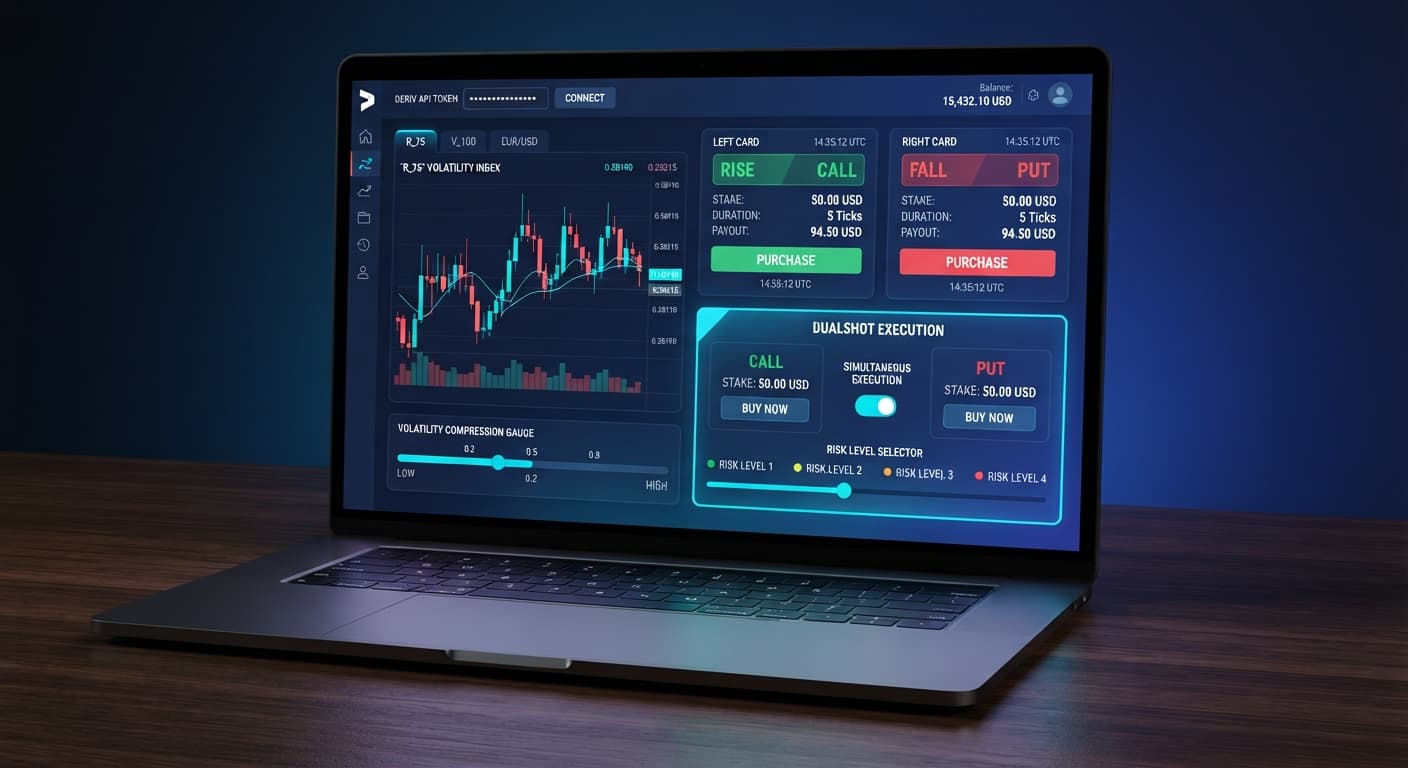
Navigate to DualShot in your browser. Copy your API token from your Deriv virtual account settings and paste it into the connection field. The interface connects straight to your broker account without storing your funds on external servers.
Choose a synthetic index from the drop-down menu. Volatility 100 Index and Volatility 75 Index offer higher tick movement, while Volatility 10 Index moves much slower. Beginners usually get clearer breakout feedback on Volatility 75 Index or Volatility 100 Index.
Locate the Stake ($) input box. Set your base trade amount to a minimal figure relative to your account size. If your virtual account holds $1,000, set Stake ($) to $1.00 or $2.00. Remember that a $2.00 setting opens two individual contracts, placing $4.00 of total capital at risk on that click.
Find the dropdown for Risk Level — 🟢 Low Risk (Safer) / 🟡 Medium Risk / 🟠 High Risk / 🔴 Very High Risk. For your first run, select 🟢 Low Risk (Safer). This forces the compression engine to wait for tight price consolidation before firing contracts.
Click the run button to activate the automated scanner. Watch the trade log display incoming tick data. When compression criteria are met, you'll see two trades fire concurrently. Observe how the payout resolves on the contract summary panel before adjusting any controls.
New users operating automated binary bots frequently make predictable setup mistakes. Here are four common errors and the exact operational steps to prevent them.
Running High Risk Settings During Sideways Consolidation
Traders often select 🔴 Very High Risk thinking it generates faster returns. In a quiet, range-bound market, high sensitivity triggers repeated dual entries that fail to clear payout thresholds.
Prevention: Keep Risk Level — 🟢 Low Risk (Safer) / 🟡 Medium Risk / 🟠 High Risk / 🔴 Very High Risk on 🟢 Low Risk (Safer) during your first 50 test entries.
Underestimating Dual Contract Stake Sizes
A trader inputs $10 into Stake ($) assuming that's their total session exposure. Because the bot places both a CALL and a PUT, every trigger commits $20 of balance instantly.
Prevention: Divide your intended per-trigger capital limit by two before typing your value into Stake ($).
Trading Live Accounts Without Stop Limits Automated execution moves faster than manual clicking. If market conditions flatten out, an unmonitored script can drain capital through repeated off-target executions. Prevention: Define strict session boundaries before starting. Always set a fixed daily stop loss (such as 5% of your total balance) directly in your session plan and stop the script manually if your profit target or loss limit is hit.
Confusing Digit Analysis with Volatility Execution Beginners sometimes expect to see digit heatmaps or last-digit frequency tools inside this interface. DualShot places standard price-based CALL and PUT contracts—it has no digit panels or hot/cold digit indicators. If you want to analyze digit statistics like odd/even distribution or last digit patterns, use specialized tools like LDP Analyzer instead. Prevention: Use this tool strictly for timing expansion breakouts on synthetic price movement, not last-digit prediction.
Test the automated dual execution engine on DualShot using a virtual balance before attempting live runs.
If you don't have a trading account yet, create a free Deriv account to start practicing on demo funds.
Trading involves risk. Past performance does not guarantee future results.
Related: DualShot API Token Setup: Run Dual Contract Trades
Related: DualShot on Volatility 10: Simultaneous CALL and PUT Setup
Related: DualShot Stop Loss Setup for Deriv Bots
Related: DualShot Small Account Strategy: Risk and Stake Setup
Deriv best strategy bot with advanced analysis tools — executes 2 simultaneous trades in one click, firing CALL and PUT contracts at the same time with real-time volatility detection.
Open DualShot →DualShot is an automated script on BinaryBot.live that places a simultaneous CALL and PUT contract on Deriv synthetic indices with a single click. It scans for volatility compression to catch a breakout, meaning your trade relies on the size of the price movement rather than the direction.
Instead of guessing whether the price goes up or down, DualShot detects when prices compress into a narrow channel and fires both a CALL and a PUT contract at the exact same time. If the market spikes sharply in either direction, the winning contract collects its payout, though you face volatility risk instead of directional risk.
Yes, you need to set your parameters and test how double-sided entry affects your risk profile using a virtual balance before placing trades with real money. The script runs inside your browser and connects directly to Deriv over their official API using your personal account token.
Standard Rise/Fall options on Deriv usually pay between 92% and 95% on a successful trade, meaning that splitting your stake across both sides results in a minor net loss if only one leg wins. Because payouts sit below 100%, the bot's compression detection engine has to time entries carefully to maintain account equity.
Guides closest to this one.
Complete dualshot api token setup guide for BinaryBot.live. Learn to connect your Deriv token and execute 2 simultaneous trades using a free deriv bot.
Set your Stake to minimum and Low Risk (Safer) to execute a dualshot small account strategy on Deriv without wiping your limited capital.
Set Risk Level to Low Risk (Safer) when running dualshot on volatility 10 to catch true expansion breaks and avoid losing stakes on flat market micro-ticks.