Auto Trading Bots
DualShot vs Manual Trading on Deriv Bots
Compare dualshot vs manual trading for Deriv bots. Learn how executing simultaneous CALL and PUT trades differs from single-direction execution. Try it free.
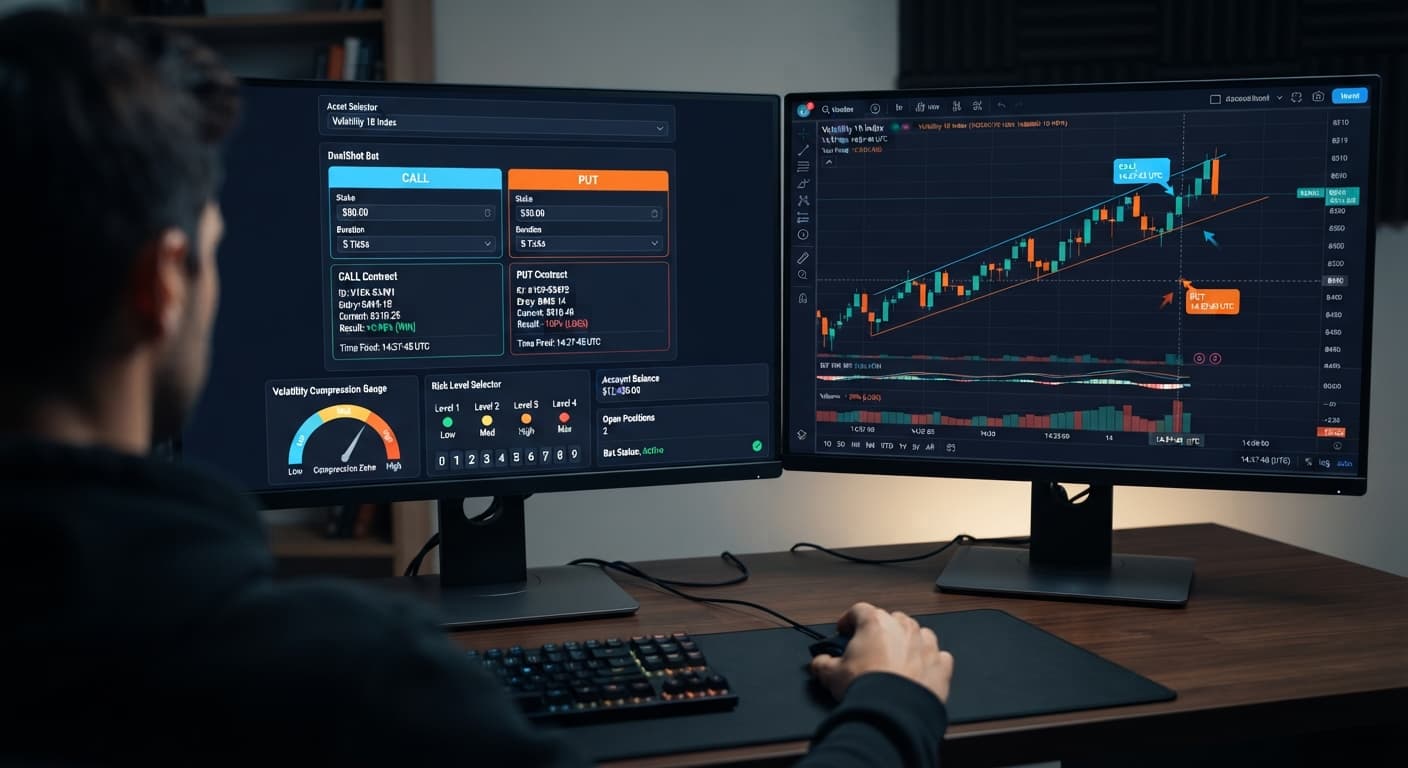
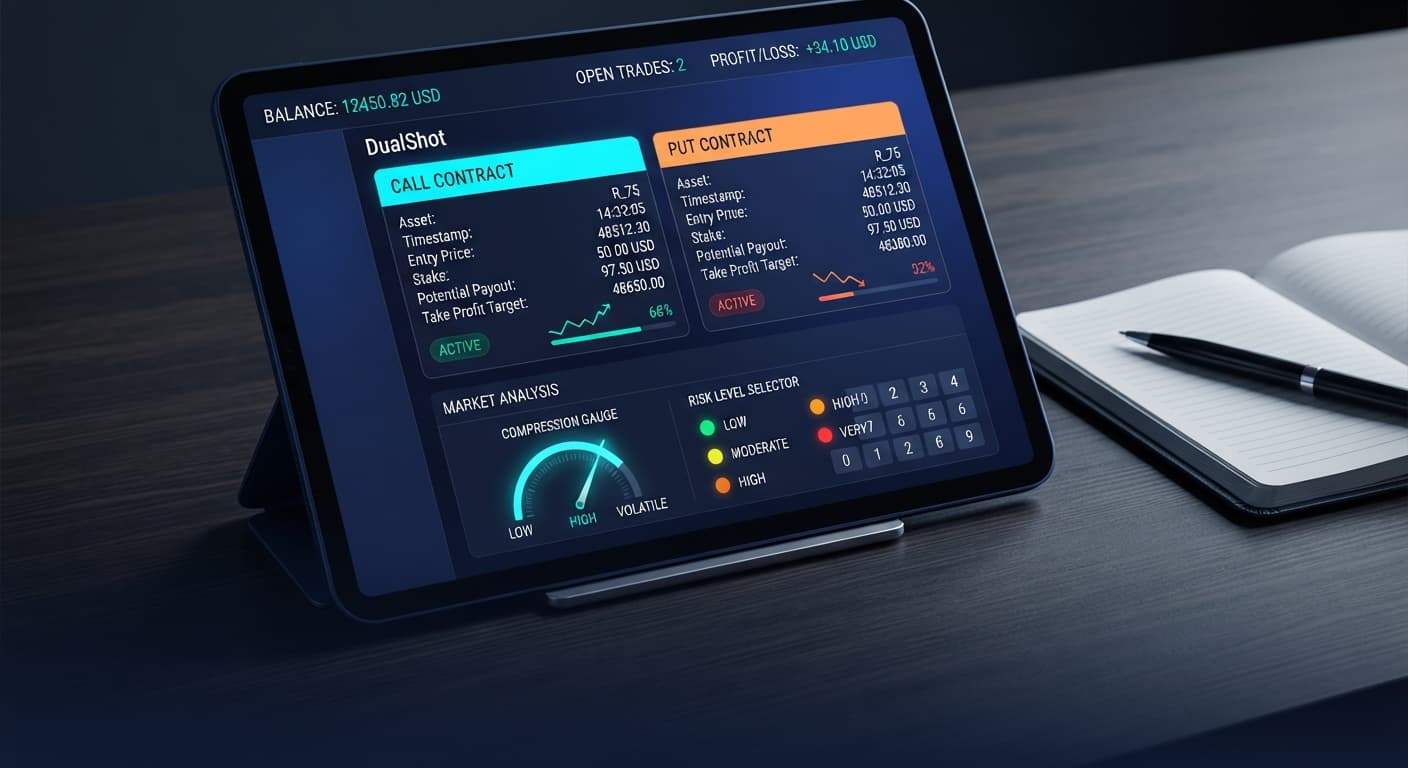
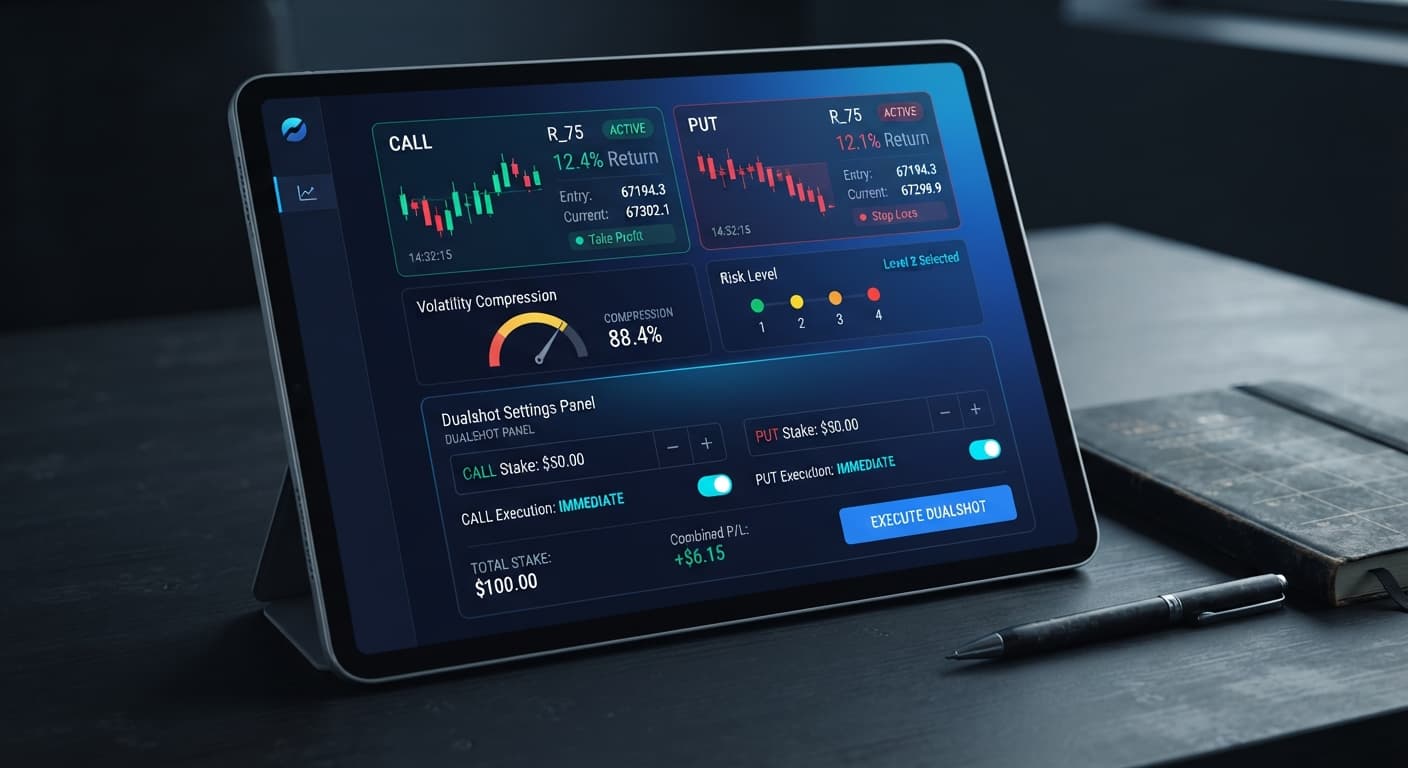
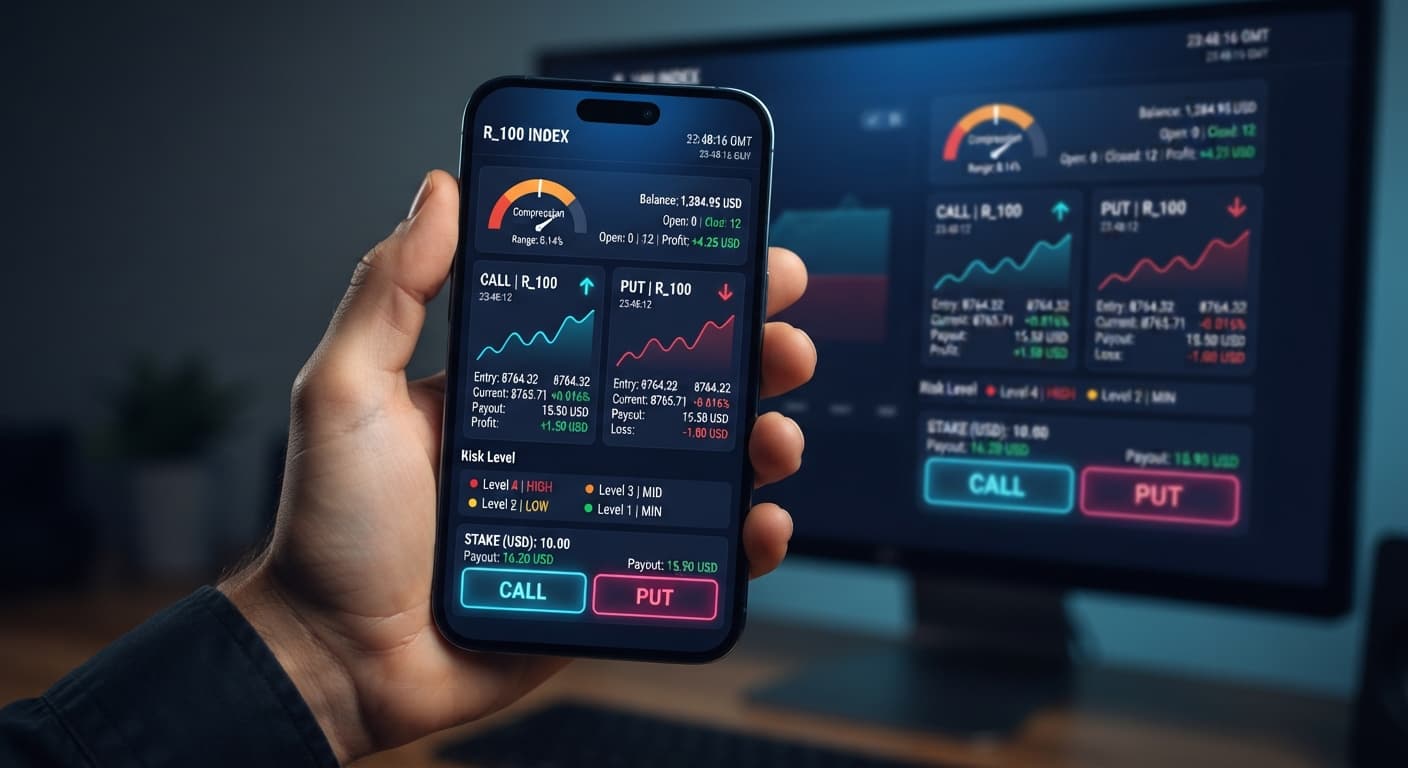
Running DualShot on Volatility 10 Index triggers simultaneous CALL and PUT contracts during detected price compression, capturing sudden expansion moves on Deriv's lowest-volatility synthetic market. Because both orders fire on the exact same tick, your success depends entirely on price moving far enough in one direction to overcome contract costs. This configuration suits disciplined traders who want to capture sudden range breaks on slower-moving markets without guessing direction, but it demands strict risk limits since a flat market drains both stakes simultaneously.
Setting up dualshot on volatility 10 requires understanding how the algorithm evaluates price squeeze. The single most important setting you must decide before placing a single order is Risk Level. Getting this wrong makes every other configuration detail pointless.
Volatility 10 Index (V10) features the smoothest price action and lowest tick variance among synthetic markets. Because natural price swings on V10 are small, setting Risk Level too loose causes the software to misinterpret normal micro-ticks as true compression breaks. When that happens, the system fires both contracts inside a flat channel, and price fails to move far enough to profit before expiry.
The interface gives you four distinct threshold triggers:
Selecting 🟢 Low Risk (Safer) forces the underlying algorithm to wait for maximum price compression. It tracks tight horizontal ranges where price tightly coils. When the break finally happens, the resulting expansion push offers the highest probability of moving far enough to yield a payout on one leg that exceeds the total double-contract outlay. If you choose 🔴 Very High Risk on V10, you'll end up firing contracts into meaningless noise, losing both sides repeatedly.
Open the bot interface in your web browser and paste your Deriv API token into the connection field. The software connects directly to Deriv over their official API without requiring software downloads or routing funds through third-party servers.
Select Volatility 10 Index from the synthetic market dropdown menu. Once chosen, the live chart status indicator turns active, confirming that real-time tick data from V10 is flowing into the compression detection engine.
Locate the Stake ($) input control on your dashboard. This dollar amount represents the exact capital allocated to each individual contract when a setup fires.
If you enter 5.00 into Stake ($), the system places a $5.00 CALL and a $5.00 PUT at the exact same moment. Your total financial exposure on that single execution click is $10.00. Make sure your account balance supports this doubled outlay without over-leveraging your funds.
Navigate to the Risk Level dropdown menu and choose your entry sensitivity. On Volatility 10 Index, set this parameter to 🟢 Low Risk (Safer).
The on-screen state updates immediately to reflect the tighter mathematical filter. The algorithm now suppresses order execution until V10 completes a prolonged consolidation cycle, minimizing false breakouts during quiet market hours.
Before switching on live funds, switch your account connection to a virtual demo environment. Running test cycles on a virtual balance lets you observe how the automated entry timing performs under real market tick conditions without risking capital.
Watch the trade log as ticks stream through. The dashboard confirms active monitoring and shows readiness indicators for both CALL and PUT legs as compression builds toward an expansion signal.
Click the start control to activate automated execution. The engine monitors incoming V10 ticks, calculating real-time variance and range boundaries.
The moment price compression breaks, the trade log displays two active positions opened simultaneously: one CALL contract and one PUT contract on Volatility 10 Index. You'll see real-time status updates showing contract IDs and entry ticks for both sides of the trade.
When configuring deriv bots for synthetic markets, matching preset controls to the underlying asset's structural character is vital. Unlike standard binary bots that rely on predicting directional momentum, simultaneous entry tools focus entirely on moving range size.
| Risk Level Setting | Algorithmic Entry Behavior | Volatility Squeeze Profile | Target Trader Profile |
|---|---|---|---|
| 🟢 Low Risk (Safer) | Requires maximum price compression before triggering trades | Tight horizontal consolidation on V10 | Defensive traders seeking wide expansion room |
| 🟡 Medium Risk | Triggers on moderate consolidation cycles | Standard micro-range contractions | Balanced traders accepting moderate entry frequency |
| 🟠 High Risk | Triggers on short-duration price fluctuations | Brief micro-stalls in price action | Active traders testing rapid momentum surges |
| 🔴 Very High Risk | Minimal compression needed; fires on micro-tick shifts | Mild sideways drift | Testing setups only (unsuitable for live capital) |
On Volatility 10 Index, I always select 🟢 Low Risk (Safer) because V10 has the lowest baseline tick magnitude of all synthetic indices. Waiting for deep compression ensures that when price breaks out, the resulting expansion tick jump is large enough to secure a clear win on the favorable contract leg.
Running dualshot on volatility 10 across long trading sessions requires adjustments based on evolving market conditions. Smooth trends can quickly decay into low-volume range-bound movement, requiring setup tweaks.
First, track the frequency of dual-loss events. If you notice several consecutive trades where neither the CALL nor the PUT hits profit, V10 has entered a dead range where compression leads to tiny sideways creeps rather than clean expansions. When this occurs, pause the bot. Don't force entries during dead hours; wait until market movement picks back up.
Second, consider pairing your multi-leg strategies with specialized analysis tools. If you want to evaluate tick distribution during quiet periods, inspect market activity on the LDP Analyzer Pro dashboard or cross-reference signal timing using Sniper Bot V3. Diversifying your execution methods across different deriv bots prevents over-exposure to a single market regime.
Finally, establish firm risk parameters before turning the automation on. Set a strict session stop loss equal to 10% to 15% of your total balance, along with a realistic take profit target. Because firing simultaneous trades doubles your trade volume, discipline matters far more than enthusiastic market participation.
Try it yourself on DualShot using a demo balance first.
If you don't have one yet, create a free Deriv account.
Trading involves risk. Past performance does not guarantee future results.
Related: DualShot vs Manual Trading on Deriv Bots
Related: DualShot Take Profit Settings for Deriv Bots
Related: DualShot Settings: Configure BinaryBot.live Deriv Bots
Deriv best strategy bot with advanced analysis tools — executes 2 simultaneous trades in one click, firing CALL and PUT contracts at the same time with real-time volatility detection.
Open DualShot →Choosing Low Risk forces the DualShot algorithm to wait for maximum price compression and tight horizontal ranges before firing. This helps you avoid false breakouts on slower markets, though it doesn't eliminate the risk of losing both stakes if the market stays flat.
The dollar figure you enter represents the capital allocated to each individual contract when a setup triggers. For example, entering a $5.00 stake means the system places a $5.00 CALL and a $5.00 PUT simultaneously, bringing your total exposure per execution to $10.00.
Volatility 10 features the smoothest price action and lowest tick variance among synthetic markets, meaning natural swings are small. If you set your risk level too loose, the bot fires contracts into meaningless noise and a flat market will drain both stakes at once.
You simply paste your Deriv API token into the connection field on the web interface. The software connects directly over Deriv's official API without requiring any software downloads or third-party fund routing.
Guides closest to this one.
Compare dualshot vs manual trading for Deriv bots. Learn how executing simultaneous CALL and PUT trades differs from single-direction execution. Try it free.
Configure dualshot take profit settings on BinaryBot.live. Learn how to manage risk for automated deriv simultaneous CALL and PUT trades. Try our free bot.
Learn how to configure dualshot settings on BinaryBot.live for automated trading bot strategies. Set up your free deriv bot today. Start now!