Auto Trading Bots
DualShot Best Time to Trade: Volatility Compression (2026)
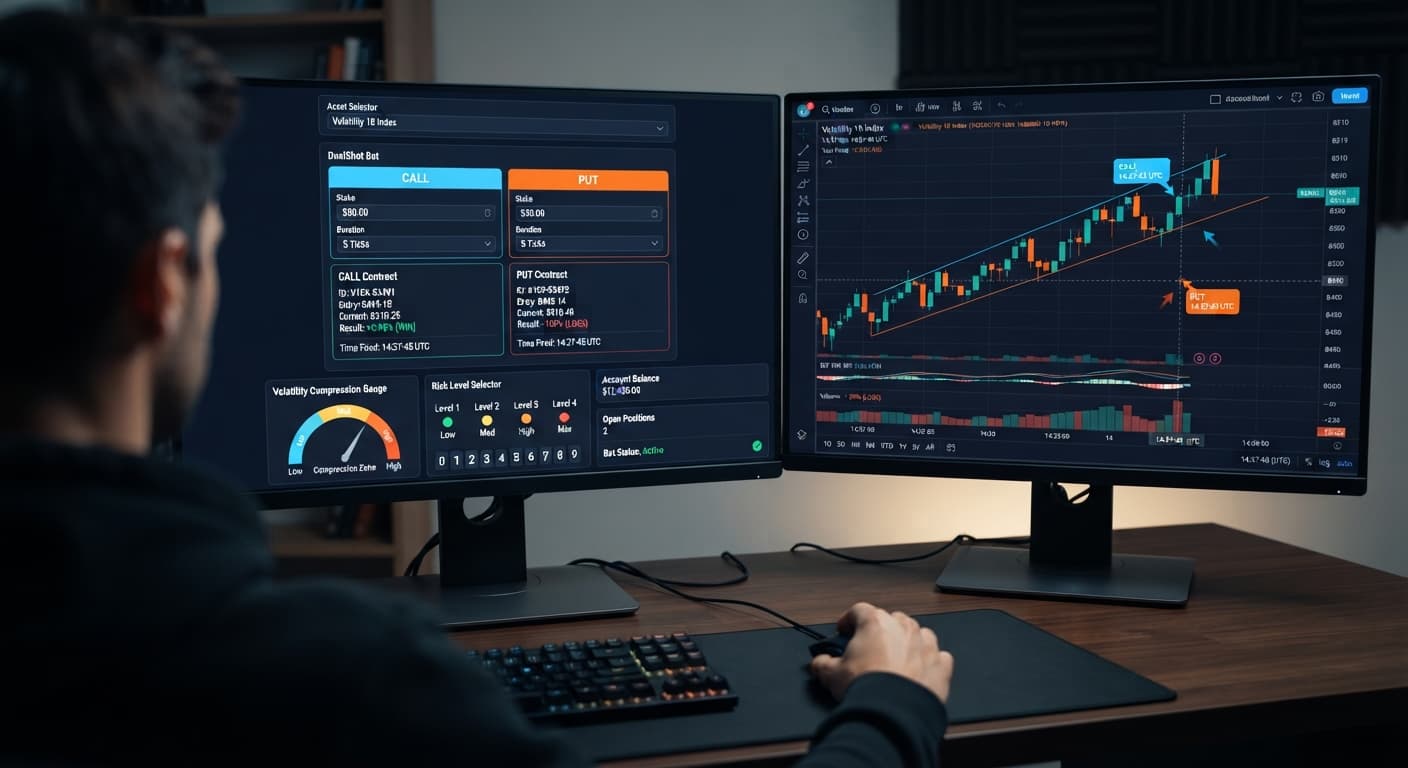
The dualshot best time to trade happens during tight volatility compression right before a high-velocity market expansion on Deriv synthetic indices.
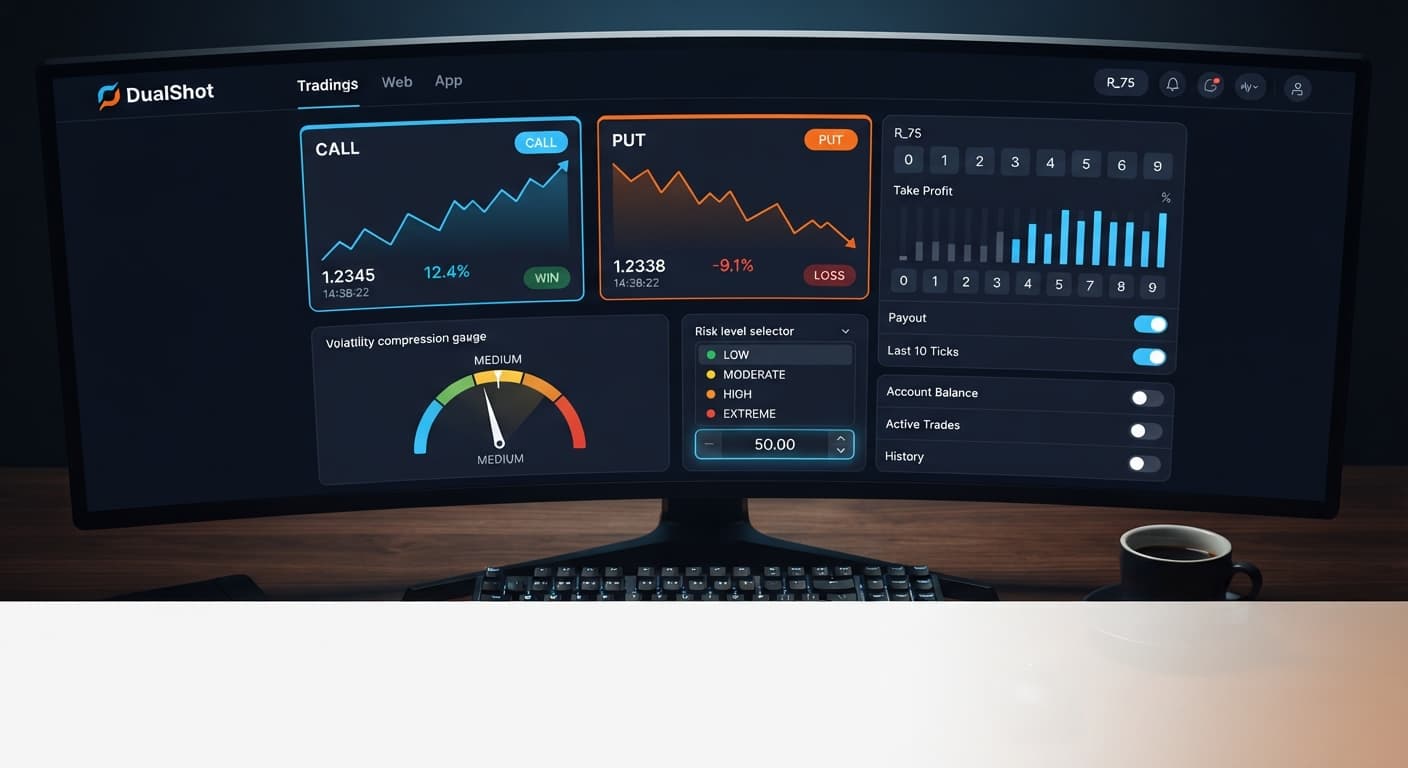
To configure dualshot on volatility 75, set your Stake ($) to no more than 1% to 2% of your account balance and select Risk Level — 🟢 Low Risk (Safer) if you want the algorithm to wait for tight price compression before triggering. DualShot opens both a CALL and a PUT contract simultaneously, which means your total position cost is double your single-leg stake. Winning on the trade requires Volatility 75 Index (V75) to break out far enough in one direction during the run to offset the immediate loss of the losing leg.
Setting up this specific tool on high-volatility synthetic indices takes precision. V75 moves faster than most synthetic assets, and misjudging the entry window will drain a balance quickly if you aren't paying attention to how compression filters work.
The most expensive mistake traders make with DualShot on Volatility 75 is selecting 🔴 Very High Risk while the market is trading sideways in a wide range. When you set the risk sensitivity to maximum, the bot triggers trades on small price fluctuations rather than genuine volatility squeezes. Because you're buying a CALL and a PUT at the exact same instant, a choppy, flat market causes both contracts to fail or results in one winning contract whose payout falls short of covering the double stake exposure.
If your single-leg Stake ($) is $10, every execution debits $20 from your account balance right away. If V75 ticks up 10 points and then immediately reverses 12 points within a short duration, the net move is zero. You lose the payout margin on both directions.
Traders often assume that running dual contracts eliminates market directional risk completely. It doesn't. Directional risk is simply swapped for volatility risk. You don't care whether V75 goes up or down, but you desperately need it to move hard and fast in whichever direction it picks. Selecting the wrong sensitivity setting on a choppy chart turns dualshot on volatility 75 into a rapid leak of trading capital.
Fixing this problem comes down to matching your Stake ($) to your total balance while locking the sensitivity threshold down. On V75, price action expands in violent bursts after periods of extreme compression. You want the system to wait patiently through the noise and only fire when price compresses into a narrow range.
Set your base single-leg Stake ($) so that the combined dual outlay (2x your stake) represents a manageable fraction of your session risk limit. Combine this with the lower risk settings to force the algorithm to verify low volatility before taking a dual entry.
| On-Screen Parameter | Target Setting on V75 | Execution Goal |
|---|---|---|
| Asset Selection | Volatility 75 Index | Focuses execution on high-velocity tick movements |
Stake ($) |
1% of Session Balance (e.g., $5.00) | Total real-money exposure equals $10.00 per dual shot |
Risk Level |
🟢 Low Risk (Safer) |
Delays entry until compression reaches maximum squeeze |
| Execution Mode | dual CALL+PUT execution | Opens simultaneous long and short legs on one click |
If you want to test how different volatility sensitivity tiers behave without risking capital, run these parameters on a free Deriv demo balance first. Using deriv bots in a virtual environment helps you observe how price compression triggers entries during real-world chart conditions.
Load the DualShot interface in your browser. Paste your Deriv API token into the authorization panel to establish direct communication with your trading account. The system connects directly to Deriv over their official API, ensuring your orders execute instantly without third-party server delay.
Once authorized, confirm whether your account header displays your demo balance or your real money balance before adjusting any parameters.
Open the asset dropdown menu and choose Volatility 75 Index. V75 is ideal for dual-execution automated tools because its underlying baseline volatility produces sharp, aggressive candle expansions when break-outs occur. Avoid lower-volatility synthetics like Volatility 10 Index for this specific dual-entry strategy, as they frequently lack the momentum required to push one contract far enough into profit.
Locate the Stake ($) field on the control board. Enter your desired single-leg position size.
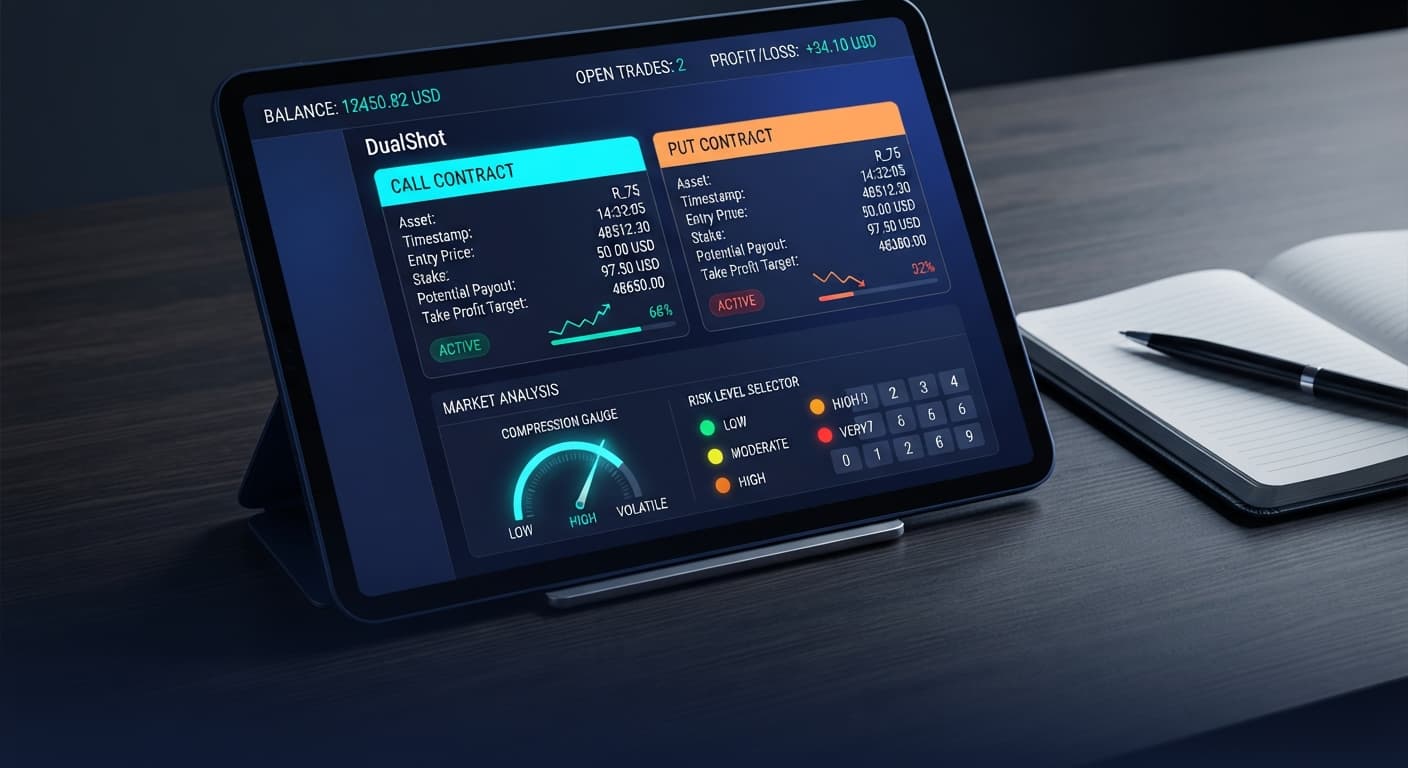
Keep in mind that DualShot places two separate contracts at the same time: one CALL and one PUT. If you enter $10 into the Stake ($) box, your account balance will be charged $20 total the moment the entry conditions are met. If your target risk per trade is $20, your input in this field must strictly be $10.
Navigate to the Risk Level toggle. You'll see four distinct options:
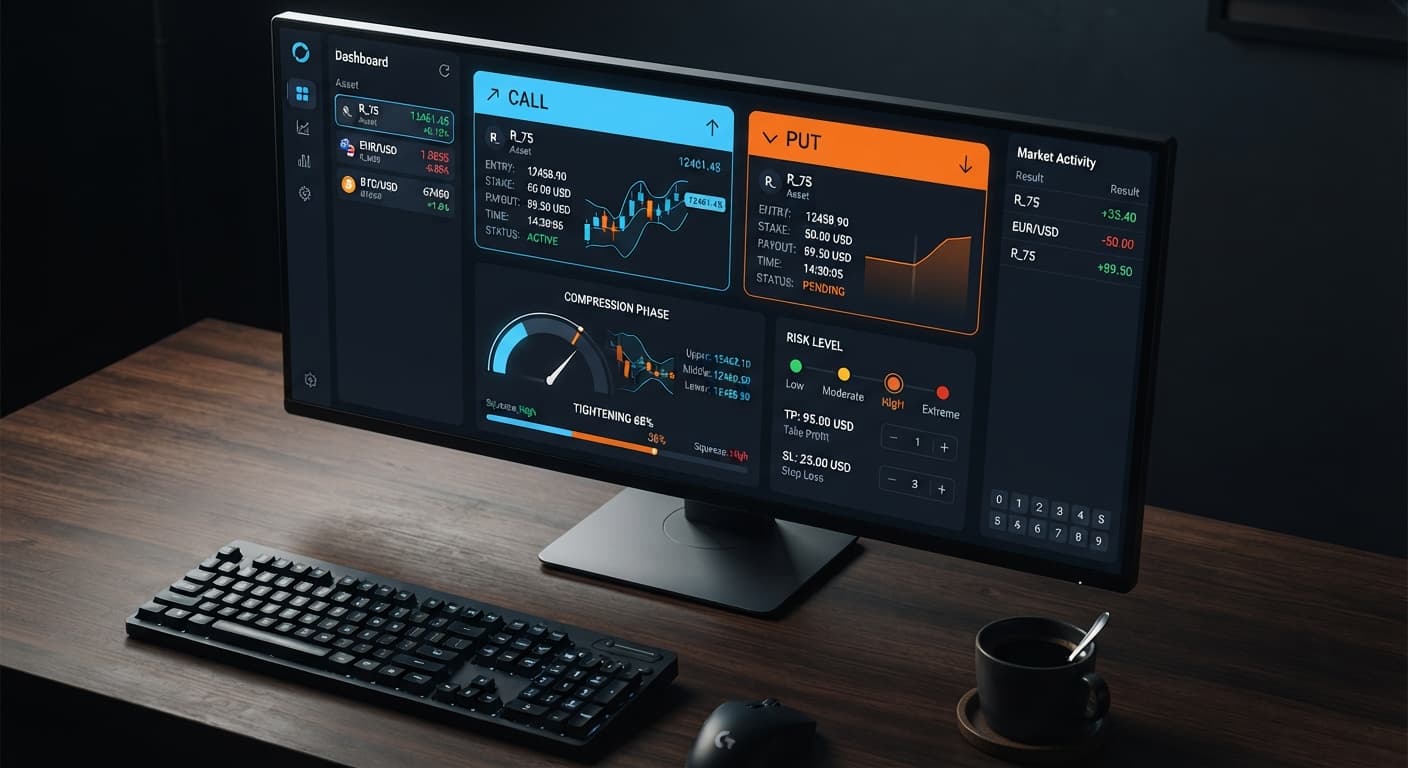
🟢 Low Risk (Safer)🟡 Medium Risk🟠 High Risk🔴 Very High RiskFor Volatility 75 Index, select 🟢 Low Risk (Safer) or 🟡 Medium Risk. The 🟢 Low Risk (Safer) setting requires price action to compress into a tight, low-volatility band before the bot initiates the double trade. This ensures that when the expansion happens, the move is more likely to carry sufficient momentum to complete a profitable leg.
Click the primary execution button to arm the analyzer. The bot monitors incoming V75 tick data for compression signals. The moment the criteria for your chosen Risk Level are satisfied, DualShot fires a simultaneous CALL and PUT contract.
Watch the open positions panel as the trade runs. You don't need to manually predict direction; your only objective is watching whether the market expands outside the initial entry tick boundary before contract expiry.
Understanding how time interacts with price expansion on Volatility 75 is critical when configuring binary bots. V75 updates at a exact rate of 1 tick per second. That means contract duration directly dictates how many seconds the market has to break out of its compression zone.
If the contract duration is set to 5 ticks, the market has exactly 5 seconds to move. If V75 is in a low-volatility phase, 5 seconds is rarely enough time for price to travel far enough. Expanding the duration to 15 or 20 ticks gives the synthetic index enough room to stretch.
Tick 00 (0.0s) ──> Dual Entry Triggered [CALL + PUT opened simultaneously]
Tick 01 (1.0s) ──> Noise Window: Price fluctuates within tight spread
Tick 05 (5.0s) ──> Initial Breakout: Market begins directional vector
Tick 10 (10.0s) ──> Expansion Peak: Volatility thrust carries price outward
Tick 15 (15.0s) ──> Contract Expiry: Final settlement tick recorded
The table below breaks down how V75 price travel typically behaves across standard tick durations during a compression breakout sequence:
| Contract Duration | Elapsed Time | Average V75 Price Distance | Breakout Reliability |
|---|---|---|---|
| 5 Ticks | 5 Seconds | Micro-range (Low travel) | Poor — high risk of chop on both legs |
| 10 Ticks | 10 Seconds | Moderate expansion | Fair — requires strong initial impulse |
| 15 Ticks | 15 Seconds | Full volatility expansion | Optimal — allows price momentum to settle |
| 30 Ticks | 30 Seconds | Extended range / retracement risk | Variable — price may pull back into entry range |
When running dualshot on volatility 75, a duration around 15 ticks gives the index adequate time to move away from the strike point. Because entry occurs immediately upon compression detection, the first 3 to 4 seconds often involve minor noise before the real directional momentum kicks in.
If you're interested in analyzing digit distributions alongside contract timing across other synthetic index strategies, you can test tools like Digit Pad or explore the LDP Analyzer for digit-specific contracts. However, remember that DualShot focuses purely on CALL and PUT price expansion, not underlying digit statistics.
No automated trading setup works in every market state. DualShot is built to capture volatility expansion. It performs poorly when the market enters a long, persistent sideways channel with wide, erratic swings that lack clean momentum.
Here are the specific market conditions where this configuration will struggle:
🟢 Low Risk (Safer) may take a very long time to trigger. If you lower the setting to 🔴 Very High Risk to force more trades, you'll enter right in the middle of the chop, causing both contracts to fail to reach target payouts.Before deploying real funds on any automated system, test your settings extensively. You can try out different configurations across our entire collection of free deriv bots to see which execution style fits your risk tolerance. Always establish a clear stop loss and profit target for your session before turning on any trading script.
Test the strategy risk-free on DualShot using your Deriv demo balance.
If you don't have an active trading account yet, create a free Deriv account to get started.
Trading involves risk. Past performance does not guarantee future results.
Related: DualShot Best Time to Trade: Volatility Compression (2026)
Deriv best strategy bot with advanced analysis tools — executes 2 simultaneous trades in one click, firing CALL and PUT contracts at the same time with real-time volatility detection.
Open DualShot →You should set your single-leg stake to no more than 1% to 2% of your account balance. Because DualShot opens both a CALL and a PUT simultaneously, your total position cost will be double your single-leg stake.
You'll want to select the green low-risk safer setting on V75. This forces the DualShot algorithm to wait patiently through market noise and only trigger when price compression reaches a maximum squeeze.
You probably selected a very high-risk setting while the market was trading sideways in a choppy, flat range. This causes DualShot to trigger on small price fluctuations instead of genuine volatility squeezes, resulting in both contracts failing or insufficient payouts to cover the double stake.
Yes, you can test different volatility sensitivity tiers by running your parameters on a free Deriv demo balance first. This virtual environment lets you see how price compression triggers DualShot entries during real-world chart conditions.
Guides closest to this one.
The dualshot best time to trade happens during tight volatility compression right before a high-velocity market expansion on Deriv synthetic indices.
Set Risk Level to Low Risk (Safer) when running dualshot on volatility 10 to catch true expansion breaks and avoid losing stakes on flat market micro-ticks.
Configure dualshot take profit settings on BinaryBot.live. Learn how to manage risk for automated deriv simultaneous CALL and PUT trades. Try our free bot.