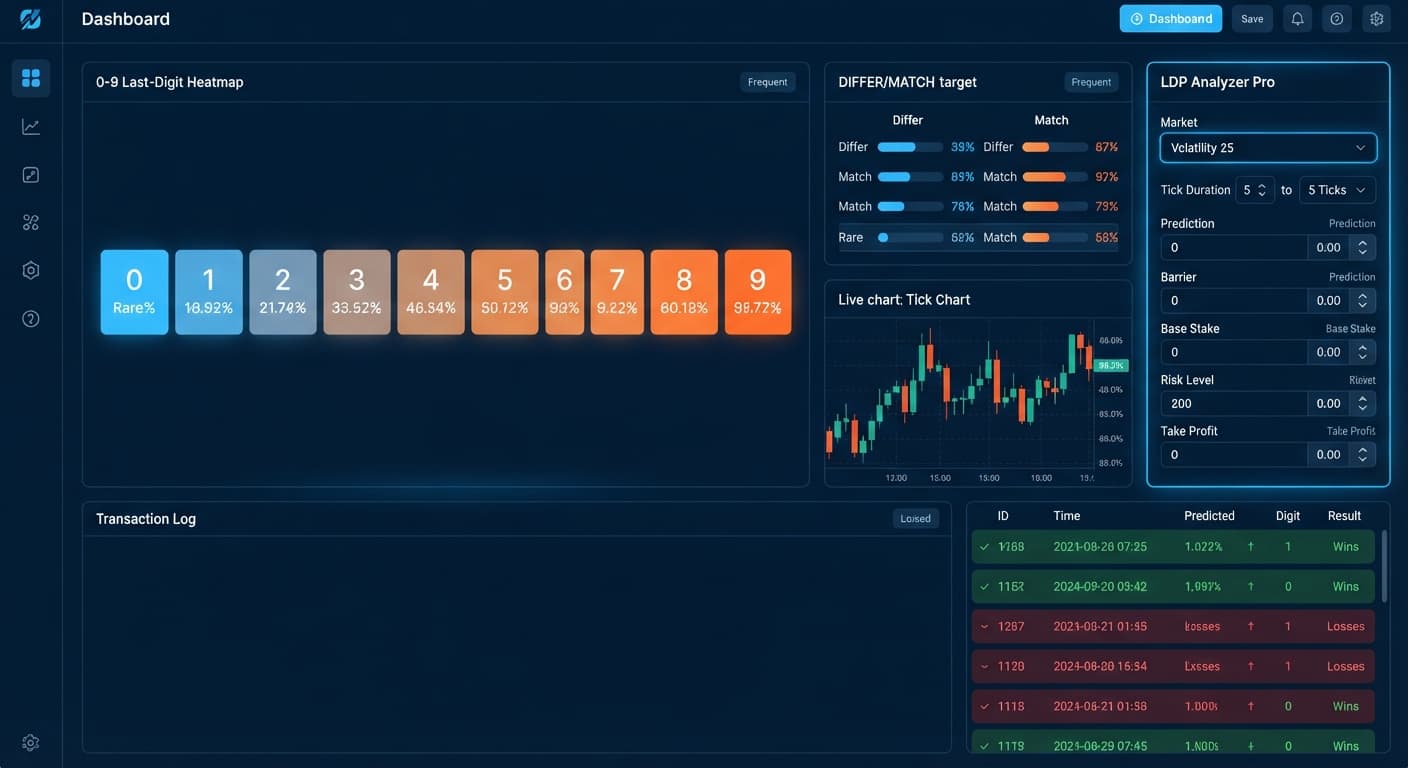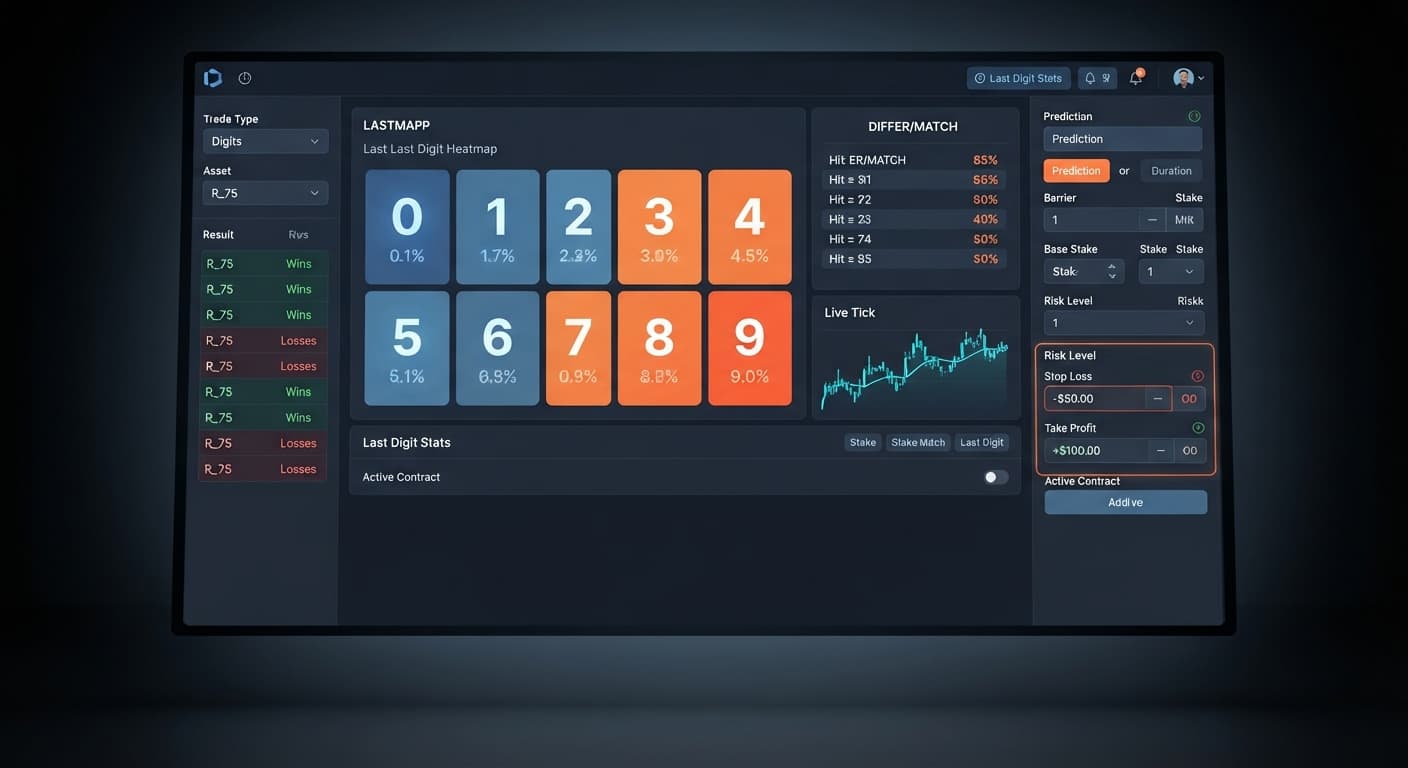
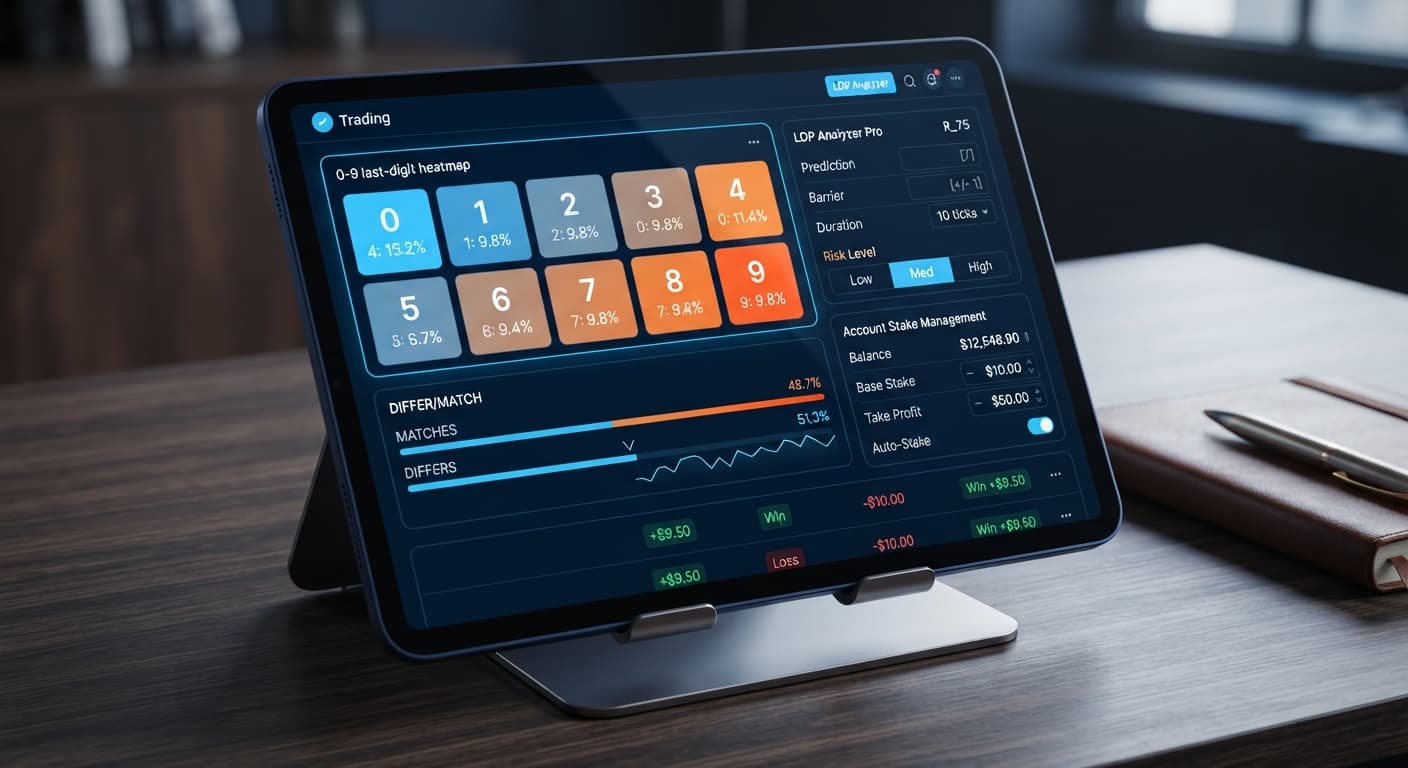
Digit Analysis
LDP Analyzer Pro Small Account Strategy: Setup Guide
Set Risk Level to Conservative (1.5x) and duration to 10 ticks for the ldp analyzer pro small account strategy to protect your Deriv balance.
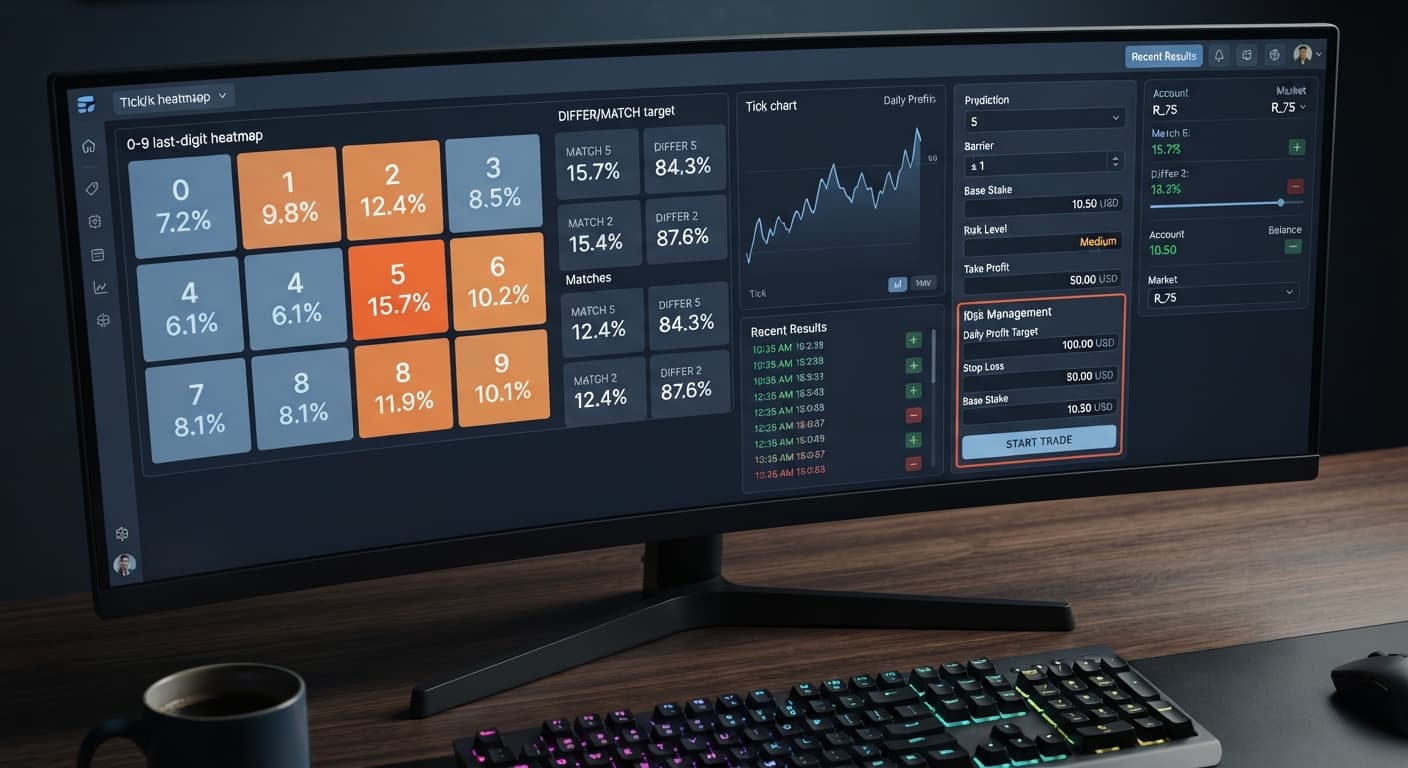
Completing an ldp analyzer pro daily profit target setup means defining three core numeric inputs in your control panel: Base Stake, Target Profit (or Take Profit ($)), and Stop Loss ($). These parameters control automated execution by sending a hard stop command when your specified financial target or risk threshold is hit. When you configure your daily goals before starting a session, deriv bots execute trades with exact boundaries, preventing emotional over-trading on Deriv synthetic markets.
Setting rigid targets is what separates systemic traders from gamblers. Without a defined target profit, an automated bot keeps placing contracts indefinitely until a sudden streak wipes out the balance. Configuring your daily boundaries before clicking start ensures that your script locks in wins and shuts down immediately when your goals are met.
When you run binary bots on synthetic index markets, the execution engine evaluates your account balance after every closed contract. Adding explicit values to Target Profit and Stop Loss ($) alters the internal loop of the script.
If you leave these fields empty, the script relies purely on manual intervention. If you set Target Profit to $10.00 and Base Stake to $1.00, the algorithm calculates net session profit after every payout. The moment cumulative earnings reach or cross $10.00, the execution engine cancels all pending triggers and disconnects from the broker feed.
[ Trade Closed ] -> [ Calculate Session Net P/L ]
                           |
            +--------------+--------------+
            |                             |
   [ Target Reached ]            [ Target Not Reached ]
            |                             |
   [ Terminate Session ]         [ Check Signal & Re-enter ]
The same immediate cutoff applies to Stop Loss ($). If a session experiences adverse runs, hitting your maximum loss cap kills the routine instantly. This prevents runaway drawdown and preserves the capital you need for your next session.
To configure these settings, open the execution dashboard on LDP Analyzer Pro. The platform connects directly to Deriv over their official API, meaning your trading parameters send commands straight to your account engine without any third-party fund handling.
Look at the main configuration panel on the left side of the screen. You'll find these exact on-screen controls:
Conservative (1.5x), Moderate (2x), or Aggressive (2.5x).10, 20, 30, 50, or 100 ticks.These inputs apply across all available trade modes, including Over/Under, Even/Odd, Match/Differ, Rise/Fall, and AutoPilot.
Before entering your daily figures, you need to align your target profit with your stake sizing and contract duration. Selecting an overly aggressive multiplier with a tight stop loss results in premature session terminations, while setting a target profit too high relative to your base stake forces the bot to stay exposed to market variance for too long.
Here is how the available risk configurations and tick durations interact inside the platform:
| Risk Level Preset | Stake Multiplier | Default Use Case | Recovery Speed | Capital Drawdown Risk |
|---|---|---|---|---|
| Conservative (1.5x) | 1.5x | DIGITDIFF & Over/Under (High probability modes) |
Slow, gradual progression | Low risk of sudden account wipeout |
| Moderate (2x) | 2.0x | Standard Even/Odd & Rise/Fall strategies |
Standard linear recovery | Balanced exposure across medium runs |
| Aggressive (2.5x) | 2.5x | DIGITMATCH & low-barrier DIGITOVER contracts |
Rapid single-win recovery | Extreme drawdown risk on consecutive losses |
When pairing these risk profiles with trade durations, shorter tick counts like 10 or 20 ticks generate faster feedback loops, letting your ldp analyzer pro daily profit target setup resolve quickly. Longer settings like 50 or 100 ticks smooth out micro-noise but extend session duration, exposing your balance to longer market cycles.
Follow this sequence to apply your daily financial targets accurately before starting a session. Always test these steps on a Deriv virtual (demo) balance first to verify how the bot behaves when reaching its target.
Open the market selector dropdown and choose your synthetic index. Options include Volatility 10, Volatility 25, Volatility 50, Volatility 75, Volatility 100, or their 1-second variants like Vol 10 (1s) through Vol 100 (1s). For this guide, select Volatility 75 Index.
Click the Base Stake field and enter 1.00. Set Initial Stake to 1.00. This establishes $1.00 as your starting contract size on every fresh trade cycle.
Click Stop Loss ($) and enter 20.00. If market ticks turn unfavorable and accumulated net losses hit $20.00, the script stops immediately. Never run automated strategies without entering this number first.
Click Target Profit (or Take Profit ($)) and enter 10.00. This sets a clear daily gain goal of 10 units. Once your total net session profit hits $10.00, the engine shuts down execution and disconnects.
Set Risk Level to Moderate (2x) and select 20 under Duration (ticks). Choose Even/Odd or Over/Under as your strategy mode, then click Start.
[ Input Base Stake: $1.00 ] -> [ Input Stop Loss: $20.00 ] -> [ Input Target Profit: $10.00 ]
                                                                       |
[ Launch Auto-Trader ] <--- [ Select Risk: Moderate (2x) ] <-----------+
Once your execution limits are set, your trade entry timing should rely on real live data rather than gut feeling. The digit heatmap on binary bots displays the active percentage distribution of last digits from 0 through 9 in real time.
Below is a realistic frequency reading taken over a 500-tick sample on Volatility 75:
| Digit | Total Hits | Frequency Percentage | Heatmap State |
|---|---|---|---|
| 0 | 42 | 8.4% | Cold |
| 1 | 51 | 10.2% | Neutral |
| 2 | 48 | 9.6% | Neutral |
| 3 | 71 | 14.2% | Hot |
| 4 | 53 | 10.6% | Neutral |
| 5 | 49 | 9.8% | Neutral |
| 6 | 55 | 11.0% | Neutral |
| 7 | 50 | 10.0% | Neutral |
| 8 | 32 | 6.4% | Cold |
| 9 | 49 | 9.8% | Neutral |
Looking at this distribution, digit 3 ran hot at 14.2%, while digit 8 ran cold at 6.4%.
On-screen, a trader reviewing this heatmap prior to launching their ldp analyzer pro daily profit target setup notices that digit 8 has appeared significantly less than its statistical average (10%) over the last 500 ticks. If you are operating in Match/Differ mode, selecting DIGITDIFF with a Prediction of 8 targets the digit least likely to hit based on the recent historical slice. Alternatively, seeing high density on digits 3 and 4 might lead an Over/Under trader to position a Barrier (OVER wins > N, UNDER < N) set to UNDER 7.
Remember: past digit frequency describes historical distribution, not future outcomes. Deriv synthetic index ticks are independent random draws generated by cryptographic algorithms. A digit appearing cold over 500 ticks has the exact same theoretical probability of appearing on the very next tick as a hot digit. Use heatmaps to analyze recent market structure, but rely on your mandatory Stop Loss ($) and Target Profit fields to protect your capital when random probability swings against your position.
Try it yourself on LDP Analyzer Pro using a demo balance first.
If you don't have one yet, create a free Deriv account.
Trading involves risk. Past performance does not guarantee future results.
Related: LDP Analyzer Pro Stop Loss Setup: Configure Limits for Deriv
A fast Deriv digit-analysis tool and trading bot with a live 0-9 last-digit heatmap, DIFFER/MATCH targets, even-odd and over-under signals, and a 3-strategy auto-trader with risk controls.
Open LDP Analyzer Pro →You need to define three core numeric inputs in your control panel: Base Stake, Target Profit (or Take Profit ($)), and Stop Loss ($). Configuring these parameters before starting ensures your session stops automatically when your goals or risk limits are hit.
The execution engine calculates your net session profit after every closed contract. The moment cumulative earnings reach or cross your target profit, the bot cancels all pending triggers and disconnects from the broker feed.
You can find these settings on the main configuration panel located on the left side of the execution dashboard in LDP Analyzer Pro. This panel includes controls for your base stake, take profit, stop loss, and risk levels.
The Stop Loss ($) parameter sets the maximum allowable loss in dollars before the bot kills execution. Hitting this maximum loss cap instantly stops the routine to prevent runaway drawdown during adverse runs.
Guides closest to this one.
Set Risk Level to Conservative (1.5x) and duration to 10 ticks for the ldp analyzer pro small account strategy to protect your Deriv balance.
Configure ldp analyzer pro on volatility 25 in five steps: select the market, set tick duration, enter stakes, calibrate barriers, and lock in safety rails.
Complete the ldp analyzer pro stop loss setup on Deriv by entering your maximum dollar loss into the Stop Loss ($) field before launching the bot.