Digit Analysis
LDP Analyzer Pro Daily Profit Target Setup Guide
Define Base Stake, Target Profit, and Stop Loss to complete your ldp analyzer pro daily profit target setup and lock in wins automatically.
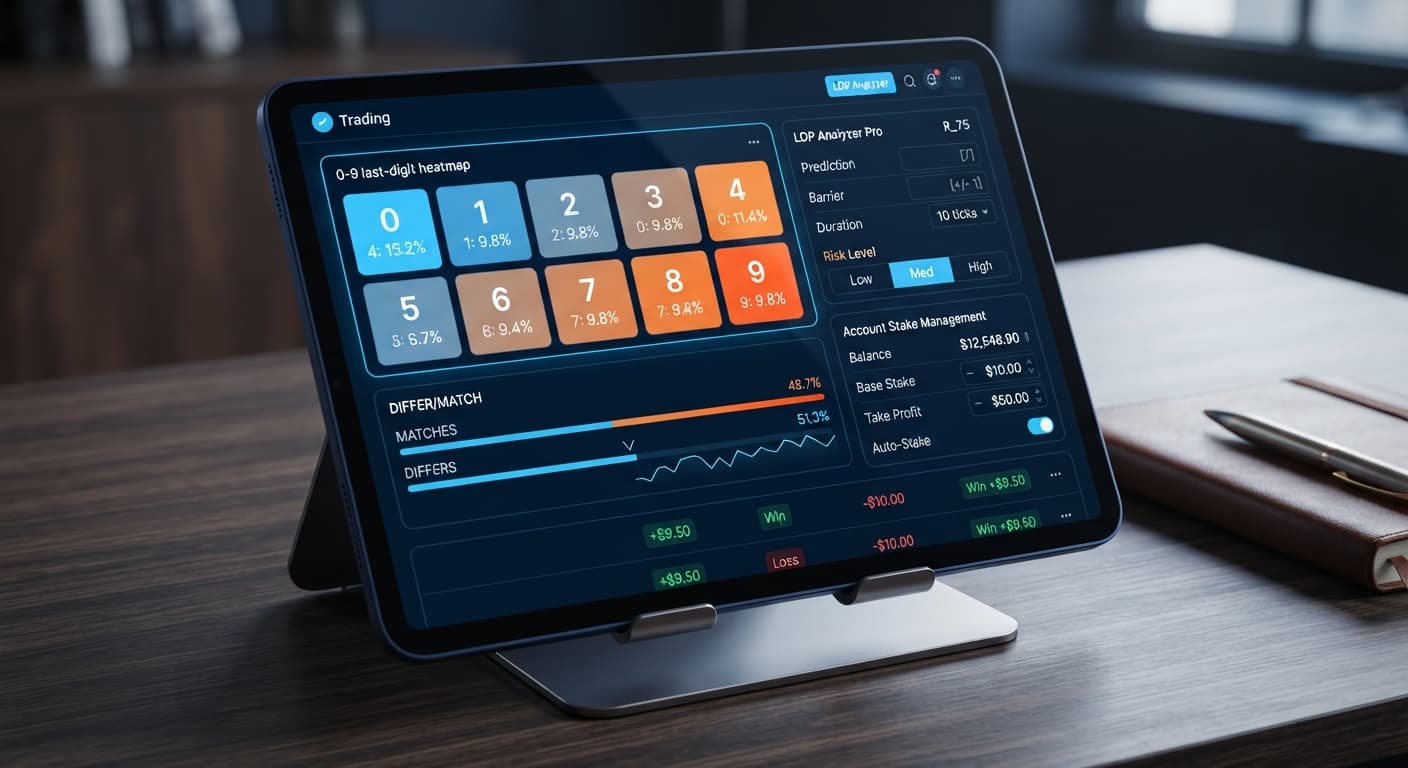
To run a successful ldp analyzer pro small account strategy on Deriv, you need to set Risk Level to Conservative (1.5x) and select a Duration (ticks) of 10 or 20 ticks. This configuration limits your recovery multiplier after losing trades while keeping contract execution short enough to capitalize on live digit heatmap shifts. Lower your Base Stake to the absolute minimum allowed on your account, define a strict Stop Loss ($), and run your setup on a demo balance before risking live capital.
Default settings on most deriv bots are built for accounts with deep cash reserves. If you open a tool and leave every control on default, you're usually looking at a Moderate (2x) or Aggressive (2.5x) multiplier paired with a 50-tick or 100-tick contract length. On a small balance, that setup is a direct path to account depletion.
Synthetic index ticks generated by Deriv are independent random draws. A digit heatmap shows live 0–9 statistical distribution over past ticks, but it doesn't change the underlying math of the next tick. When a losing run happens—and it will—a 2.5x multiplier compounds your stake standard far faster than a $20 or $50 account can handle.
When traders search for a working ldp analyzer pro small account strategy, they're usually trying to fix a specific problem: three or four consecutive loss ticks taking out half their equity. The solution isn't trying to predict the market with total certainty. The solution is forcing the bot to cut multiplier scaling and speed up trade turnover so your entries match real-time heatmap conditions.
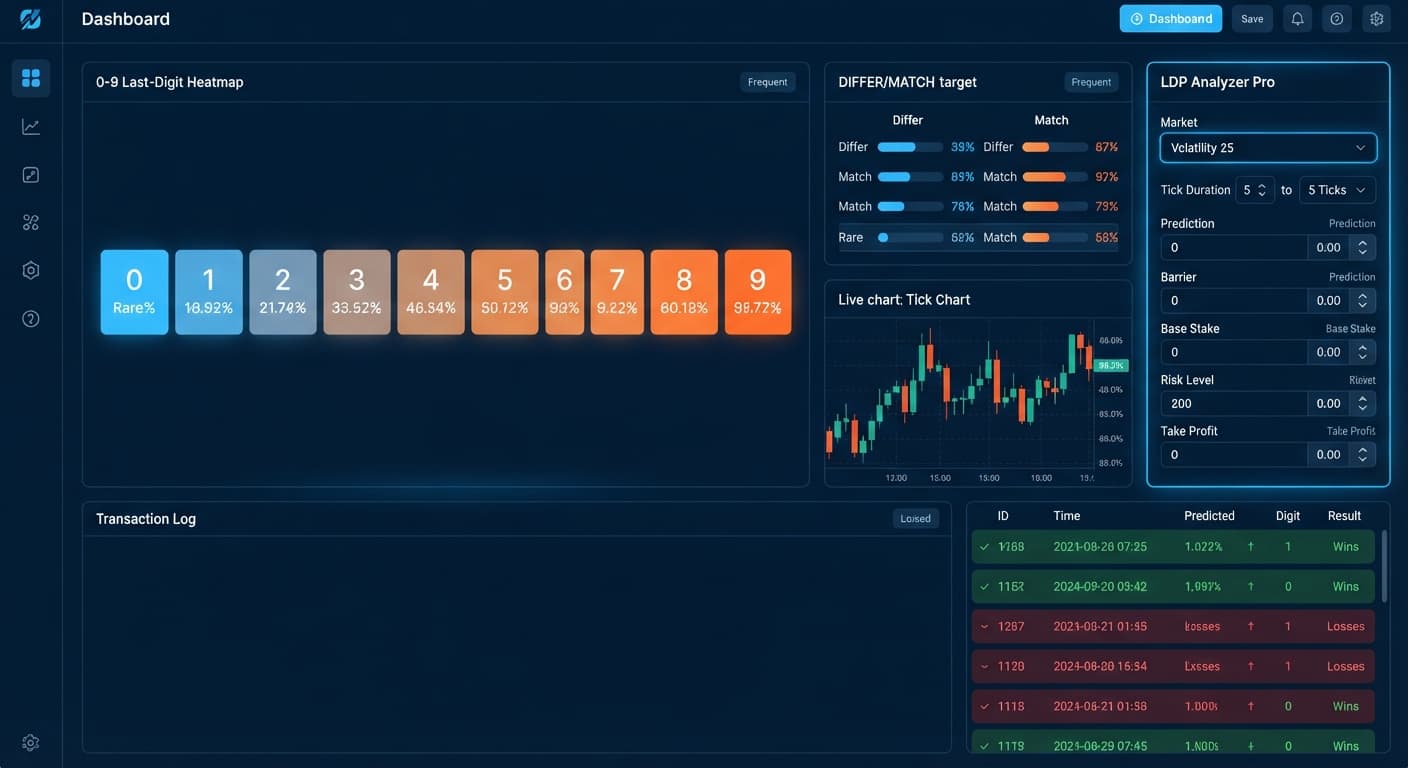
Follow these concrete setup steps inside the interface. Use a virtual balance first to watch how the bot places contracts before connecting your live token. You can access these tools directly through the LDP Analyzer Pro dashboard.
Choose your market from the dropdown list. For small balances, Volatility 100 or Vol 100 (1s) provides consistent tick volume. Select your strategy mode based on your target outcome—Over/Under works best for beginner setups because it offers predictable win-probability options. You can also pick Even/Odd, Match/Differ, or Rise/Fall.
Navigate to your stake parameters. Set Base Stake to $0.35 (or the minimum allowable trade amount for your account currency). Set Initial Stake to match your Base Stake. Next, enter your protective limits immediately:
Do not leave Stop Loss ($) blank. An automated tool running without a defined stop limit will trade until your account equity hits zero if a bad run hits.
Find the Risk Level setting. The interface offers three options:
Select Conservative (1.5x). This maps directly to your Multiplier. When the bot encounters a loss on a DIGITUNDER or DIGITOVER contract, the next stake increases by only 1.5x rather than doubling or tripling. This simple shift stretches your survival runway across consecutive losses.
Locate Duration (ticks) and select either 10 or 20 ticks. Avoid the 50 and 100-tick choices for small balances. Short tick durations allow the bot to settle contracts quickly, letting the underlying AI signals analyze fresh digit distributions before placing the next order.
If you're running Over/Under, set your Barrier (OVER wins > N, UNDER < N) or Prediction value. For example, setting a barrier for UNDER at 7 gives you a high win-rate probability per trade, though with a smaller payout per contract.
+-------------------------------------------------------------------+
| MINIMUM RISK CONFIGURATION                                        |
+--------------------------+----------------------------------------+
| Market                   | Volatility 100                         |
| Mode                     | Over/Under                             |
| Base Stake               | $0.35                                  |
| Risk Level               | Conservative (1.5x)                    |
| Duration (ticks)         | 10 ticks                               |
| Stop Loss ($)            | $5.00                                  |
| Take Profit ($)          | $2.00                                  |
+--------------------------+----------------------------------------+
When you start binary bots, you shouldn't guess whether the system is functioning correctly. The interface provides real-time visual feedback across several panels. Here is what you'll observe on your screen during an active session using this ldp analyzer pro small account strategy:
| On-Screen State | What It Means | Action Required |
|---|---|---|
| Digit 0–9 heatmap shows one number highlighted in deep red | That digit has the lowest frequency percentage over the recent tick sample | Monitor if your selected mode aligns with cold digit distribution |
| AI Signal indicator badge reads above threshold percentage | Entry criteria met; auto-trader is cleared to fire | None. The system is executing as designed |
Trade Log prints DIGITUNDER or DIGITOVER in green with profit figure |
Contract won; next trade resets to Base Stake ($0.35) | Allow execution to continue |
| Trade Log prints loss in red; next entry shows 1.5x stake increase | Contract lost; Conservative multiplier active ($0.35 -> $0.53) | Verify stake calculated correctly at 1.5x |
| Connection status icon turns orange or shows token disconnect | WebSocket drop between interface and Deriv servers | Refresh tab, re-enter API token, verify balance before restarting |
If you switch on AutoPilot (server-side auto-trader), execution transfers to server-side processing. You can safely close your browser tab, and the system will continue running until it hits your Take Profit ($) or Stop Loss ($).
Applying a strict conservative setup fundamentally changes how your session plays out. Here is what you'll notice in practice compared to running default settings:
If you want to explore other automated tools built on similar logic, check out the options in the free Deriv bot library.
Even with clear instructions, traders often introduce two specific mistakes that destroy an ldp analyzer pro small account strategy.
A common mistake is selecting Match/Differ with a target contract of DIGITMATCH while setting Duration (ticks) to 10 ticks and leaving Risk Level at Aggressive. A DIGITMATCH contract has an 10% theoretical probability of winning on any given tick. Pairing a low-probability contract with aggressive multiplier scaling wipes small balances in seconds. If you run Match/Differ or high-barrier Over/Under trades, keep your Risk Level strictly on Conservative (1.5x) or switch to high-probability DIGITDIFF targets where win rates are higher per contract cycle.
The interface uses live statistical filters so trades execute only when signal confidence clears set thresholds. Beginners often get impatient when the market stays quiet and turn off signal filtering or manually reduce tick durations mid-run. Doing this forces trades during low-probability conditions. Let the automation wait for clear digit frequency distribution patterns before opening a contract.
If you don't have an active account to test these setups, start on demo capital first.
Try setting up your configuration on LDP Analyzer Pro using a demo balance before trading real funds.
If you need to open an account, create a free Deriv account to test these tools.
Trading involves risk. Past performance does not guarantee future results.
Related: LDP Analyzer Pro on Volatility 25: Configuration Guide
A fast Deriv digit-analysis tool and trading bot with a live 0-9 last-digit heatmap, DIFFER/MATCH targets, even-odd and over-under signals, and a 3-strategy auto-trader with risk controls.
Open LDP Analyzer Pro →For a small account, you should set your Risk Level to Conservative (1.5x) and choose a tick duration of 10 or 20 ticks. You also need to lower your Base Stake to the absolute minimum and set a strict Stop Loss, such as $5.00.
Default settings usually use higher multipliers like 2.5x and longer tick durations of 50 to 100 ticks, which are built for accounts with deep cash reserves. When a losing run happens, a higher multiplier compounds your stake too fast and quickly depletes a small balance.
You should select the Conservative (1.5x) risk level, which maps directly to your recovery multiplier. This ensures that when the bot loses a trade, the next stake increases by only 1.5x instead of compounding too aggressively for a small equity.
You should set your Stop Loss to $5.00 and your Take Profit or Target Profit to $2.00. Never leave the stop loss blank, because an automated tool running without a defined limit will keep trading until your account hits zero during a bad run.
Guides closest to this one.
Define Base Stake, Target Profit, and Stop Loss to complete your ldp analyzer pro daily profit target setup and lock in wins automatically.
Configure ldp analyzer pro on volatility 25 in five steps: select the market, set tick duration, enter stakes, calibrate barriers, and lock in safety rails.
Complete the ldp analyzer pro stop loss setup on Deriv by entering your maximum dollar loss into the Stop Loss ($) field before launching the bot.