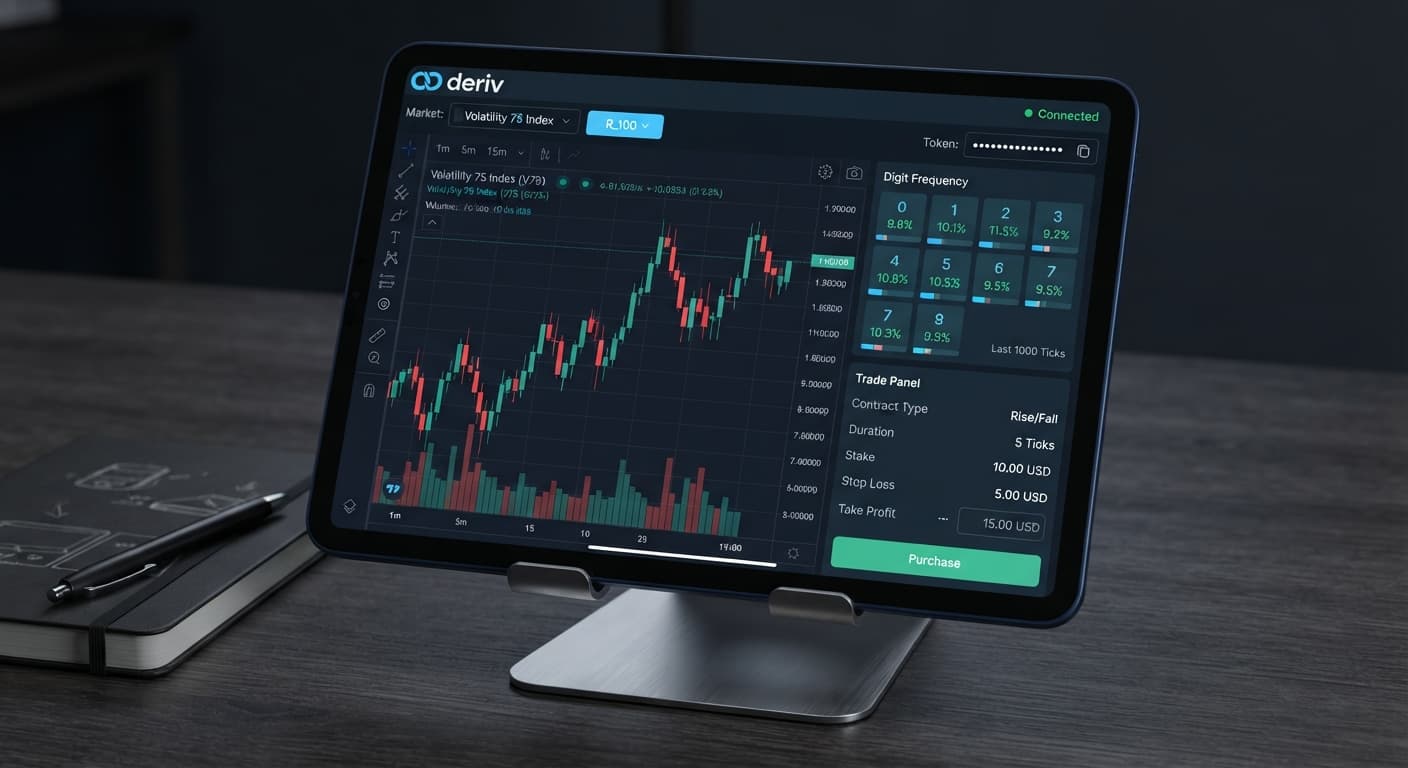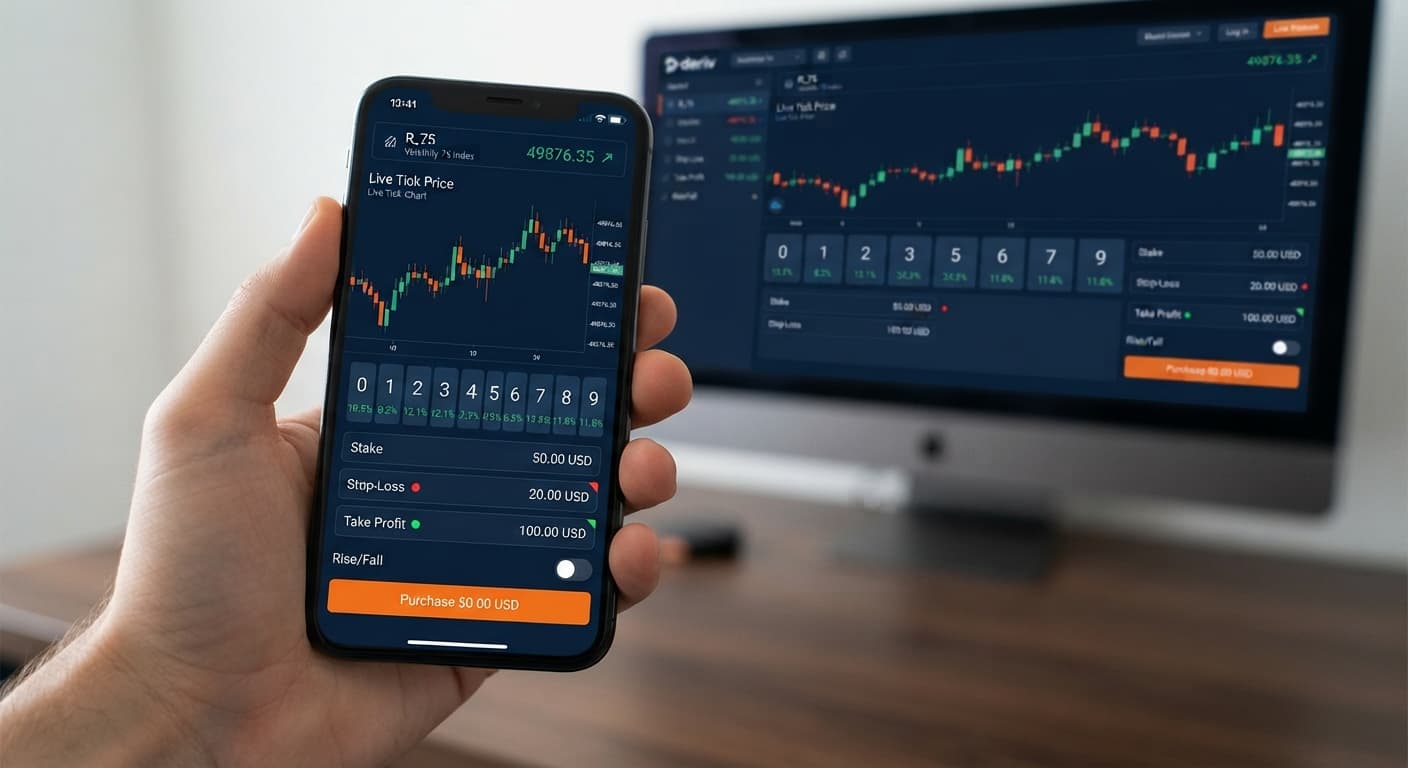
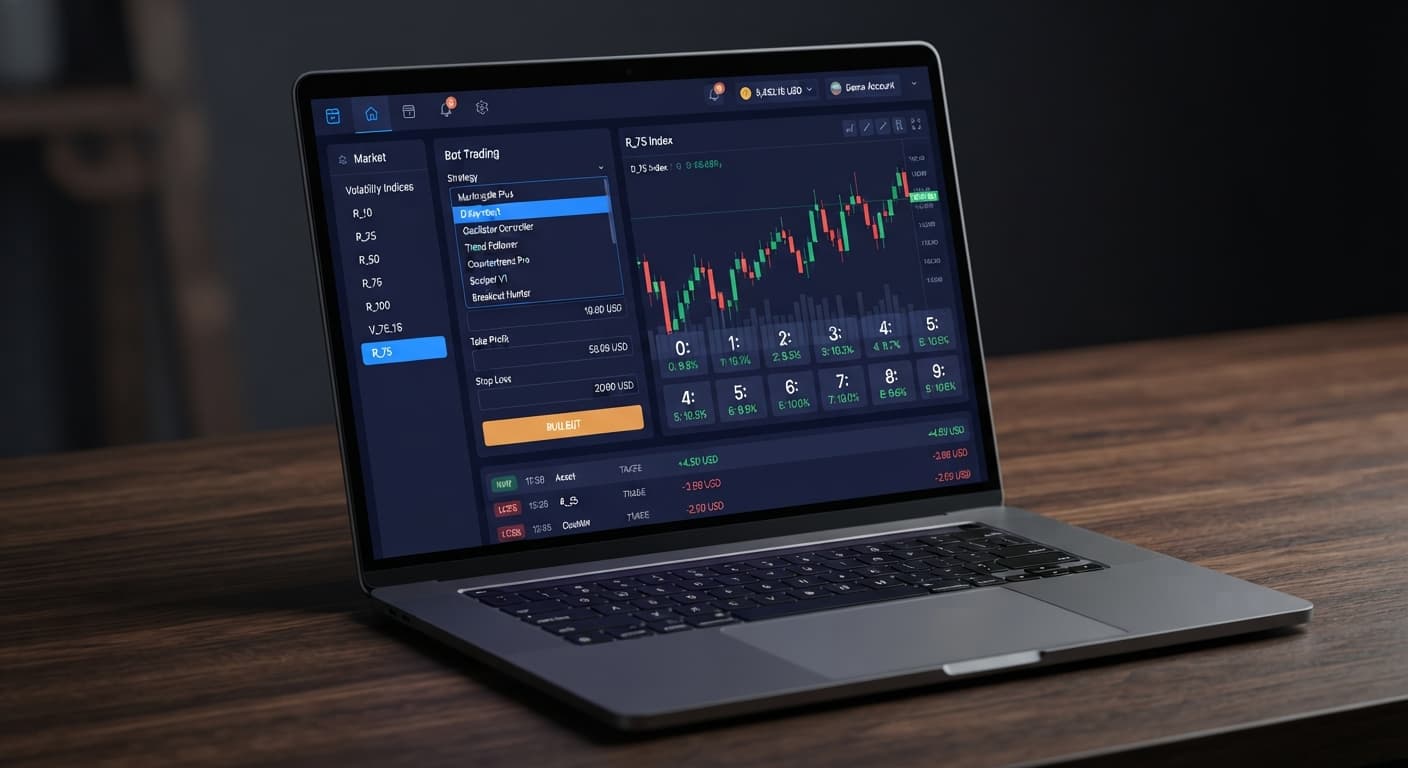
Deriv Basics
How to Find Best Binary Bots for Beginners (2026)
Find the best binary bots for Deriv in 2026 using free, browser-based tools with API tokens, demo accounts, and a simple five-step practice flow.
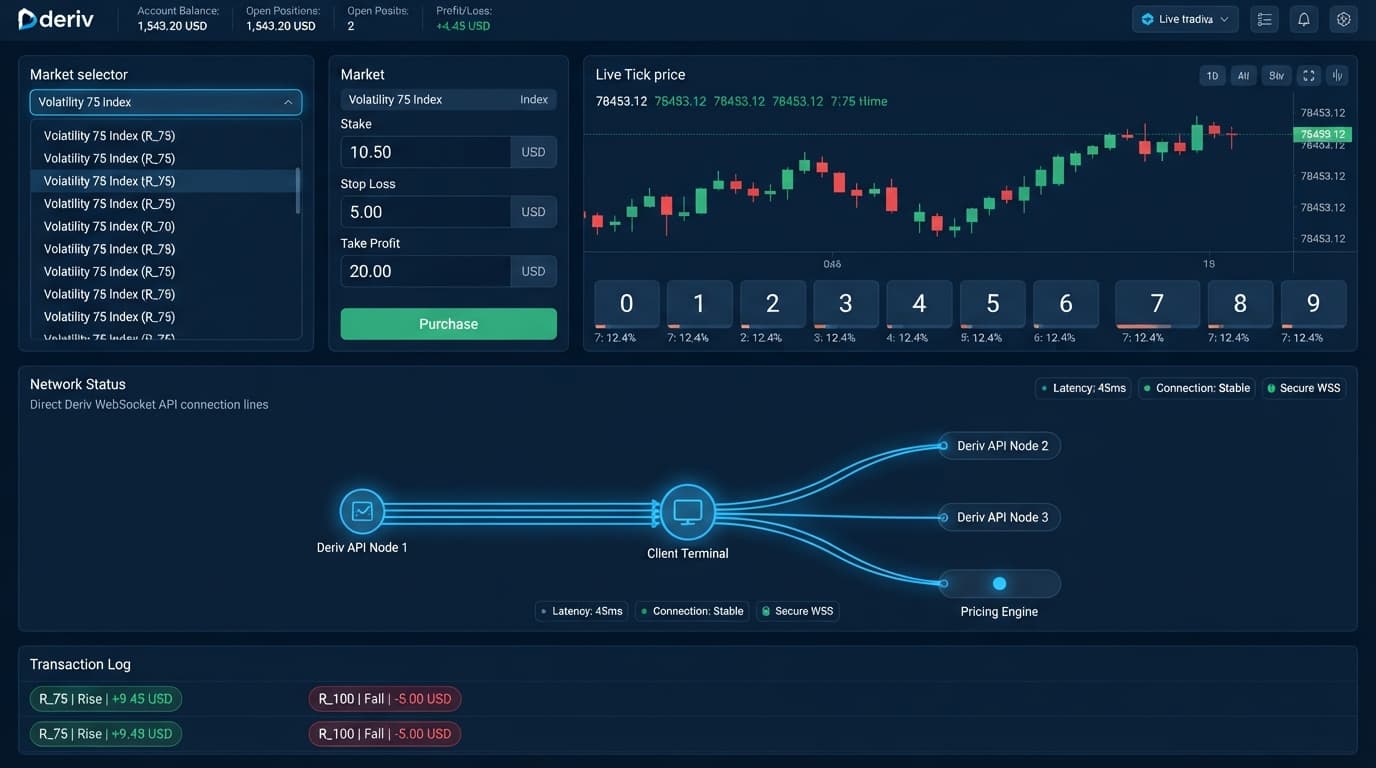
When you execute automated trades online, you need to know exactly where your account credentials and funds are going. You don't want a third-party web server storing your password, holding your account balance, or routing your orders through an unverified broker. On BinaryBot.live, your web browser connects directly to Deriv over their official API. No funds move through our infrastructure, and no middleman holds your private session keys.
This guide shows you how to verify that your connection is direct, private, and secure. You'll learn how token permissions protect your capital, how to audit active browser connections, how the mathematical odds on digit contracts work in real market conditions, and how to set up a clean demo testing session before risking actual money.
When you load web-based binary bots, your browser runs all application scripts locally on your machine. The app requests a connection key—your Deriv API token—to communicate directly with Deriv's servers.
Because the entire session stays between your web browser and the broker, third parties never see your trade signals, private keys, or account funds. Closing your browser tab kills the session immediately. Your funds stay inside your Deriv account at all times.
To grant access without giving away your password, Deriv uses API tokens with distinct permission scopes. You decide what the token can do. For automated analysis and execution tools, you only ever need two permissions: Read and Trade.
| Token Scope Permission | Allowed Account Functionality | Required for Trading Bots? |
|---|---|---|
| Read | View balance, active contracts, and tick history | Yes |
| Trade | Place new contracts and sell open positions | Yes |
| Payments | Cashier deposits, withdrawals, and balance transfers | No (Never grant) |
| Admin | Change passwords, manage security settings, and revoke keys | No (Never grant) |
Never create a token with Payments or Admin permissions for trading tools. If a script asks for Admin rights, don't use it. Tools across the free bot library require only Read and Trade scopes to function properly.
Security matters, but understanding trade odds keeps your account from draining. Deriv synthetic index ticks run on algorithmic random number generators. Each tick is completely independent of the last. A run of five consecutive even numbers doesn't increase the odds of an odd number on the next tick. No tool or script can alter these independent odds.
When traders run deriv bots on digit markets, they often overlook payout math. Deriv prices each contract type with a built-in house margin. Here's how the raw theoretical statistics compare to actual market payouts across supported contract types:
Keeping these figures in mind helps you evaluate automated performance objectively instead of relying on gut feelings.
Setting up a direct API connection takes less than two minutes. Follow these exact steps to connect your browser directly to Deriv.
Log into your Deriv account. Navigate to Account Settings, then select API Token. Enter a descriptive name like "BinaryBot-Session". Check the boxes for Read and Trade. Leave Payments and Admin unchecked. Click Create, then copy your new token string.
Open your chosen tool, such as the LDP Analyzer Pro dashboard or the Solid Trading Bot. Paste your token into the token input field located at the top of the app interface and click Connect.
Open your browser's developer console by pressing F12 (or right-click the page and select Inspect). Click the Network tab and filter the view by WebSockets. Look at the active data frame. You'll see real-time message streams exchanging directly between your browser and Deriv's server infrastructure. No trading payload routes to any third-party address.
Once connected, look at the session header inside the app. It will display your account CR number or virtual account ID along with your real-time account balance. If you plan to test new trading rules on deriv bots, switch your account dropdown to your virtual account first. Confirm that your virtual currency balance displays on screen before proceeding.
Set your stake to a low amount on your demo balance, such as $1.00. Choose a digit contract—for example, DIGITEVEN on Volatility 75 Index. Click Start. Observe the trade log on screen. You'll see the contract proposal request, proposal agreement, and purchase receipt return directly from Deriv within milliseconds.
Even with a direct browser-to-broker setup, poor network conditions can cause execution delays. Spotting connection disruptions early protects your account balance from missed exit signals or unexecuted rules.
Watch for these clear warning signs during a trading session:
If you spot any of these errors, stop your trading tool immediately. Don't tweak settings or increase stakes while your connection is unstable. Refresh your browser page, paste your API token again, and confirm that tick streams resume smoothly. Always test your re-established connection on a virtual demo account before placing real money back on the line.
Try out these connection steps on the free browser-based suite using a virtual balance first.
If you don't have a practice balance ready, create a free Deriv account to generate your API token.
Trading involves risk. Past performance does not guarantee future results.
Related: How to Find Best Binary Bots for Beginners (2026)
Related: Why Is My Deriv Bot Not Placing Trades? Beginner Fix
The groundwork every bot guide assumes you already have — creating a Deriv API token, choosing demo vs real, and connecting safely.
Start with a Free Bot →Yes, your funds stay inside your Deriv account at all times. Your web browser connects directly to Deriv over their official API, so no middleman holds your private session keys or funds.
You only need to grant Read and Trade permissions. Never create a token with Payments or Admin permissions, and never use a tool that asks for Admin rights.
No, each tick is completely independent of the last. A run of consecutive even numbers doesn't increase the odds of an odd number on the next tick, and no script can alter these independent odds.
You must hit at least 51.03% over your total trade sample to stay in profit. Because the typical payout yields a 96% return, winning exactly half your trades leaves you in a net loss over time.
Guides closest to this one.
Find the best binary bots for Deriv in 2026 using free, browser-based tools with API tokens, demo accounts, and a simple five-step practice flow.
Troubleshoot why is my deriv bot not placing trades on BinaryBot.live. Fix balance, token, and logic errors safely. Start debugging today.
Closing your browser tab halts script processing on Deriv immediately, but your active positions run to completion and your API token stays in local storage.