Auto Trading Bots
How to Run the Accumulator Bot on Volatility 100
Set your accumulator bot on volatility 100 with a 1% or 2% growth rate to widen the price corridor, avoid rapid knockouts, and manage risk.
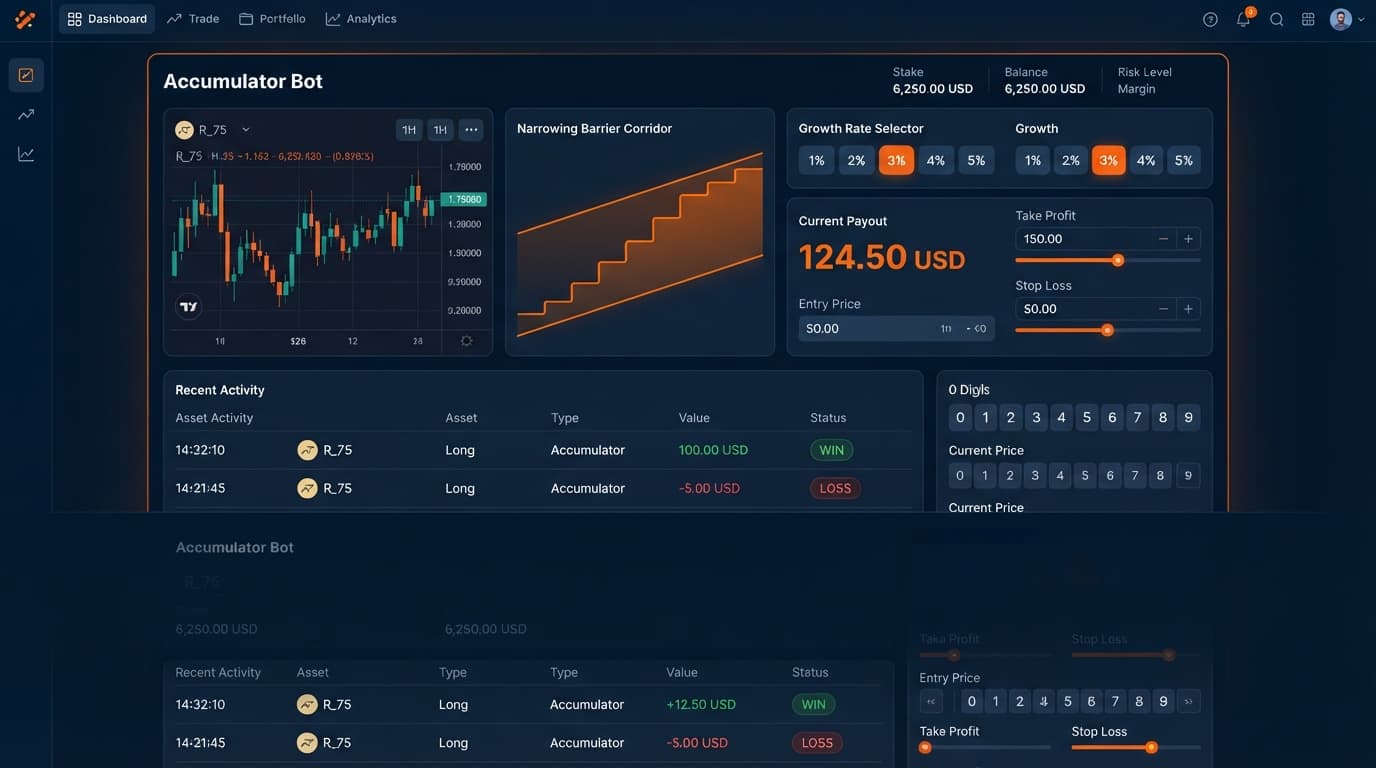
Traders searching for a reliable accumulator bot india setup can run automated Deriv Accumulator contracts directly in their web browser without buying external software or downloading third-party applications. You simply paste your Deriv API token into the web browser interface on Accumulator Bot to execute trades directly on your account. The script handles contract entries, tracks compounding growth per tick, and triggers automated exits while keeping your balance safe inside your own account.
Automating trades on Deriv requires a clear understanding of three core elements: the contract type, your account connection, and the underlying market.
An Accumulator (ACCU) contract is different from standard rise/fall or digit contracts. Instead of predicting whether the next tick will end higher, lower, even, or odd, you're betting that the price will stay within a dynamic range around the previous tick. Every tick that stays inside this price range grows your stake by a fixed percentage. If the price steps outside that range, the contract suffers a knockout, closes immediately, and the payout is lost.
Your browser communicates with Deriv using an API token. This token is a secure key you generate inside your Deriv account settings. It grants the automation interface permission to read market feeds and place ACCU contracts on your behalf. No funds ever pass through external servers; every trade is executed straight on your own Deriv balance.
[ Your Browser ] ---> API Token Direct Connection ---> [ Deriv Servers ]
When building automated strategies with deriv bots, you can choose between standard Volatility indices (like Volatility 100 Index) and 1s volatility indices. Synthetic markets run on cryptographic algorithms that generate random price ticks 24 hours a day, 7 days a week. Because these ticks are independent random draws, past price movements don't influence where the next tick lands. Testing scripts on free deriv bots lets you evaluate execution speeds across different index speeds without financial pressure.
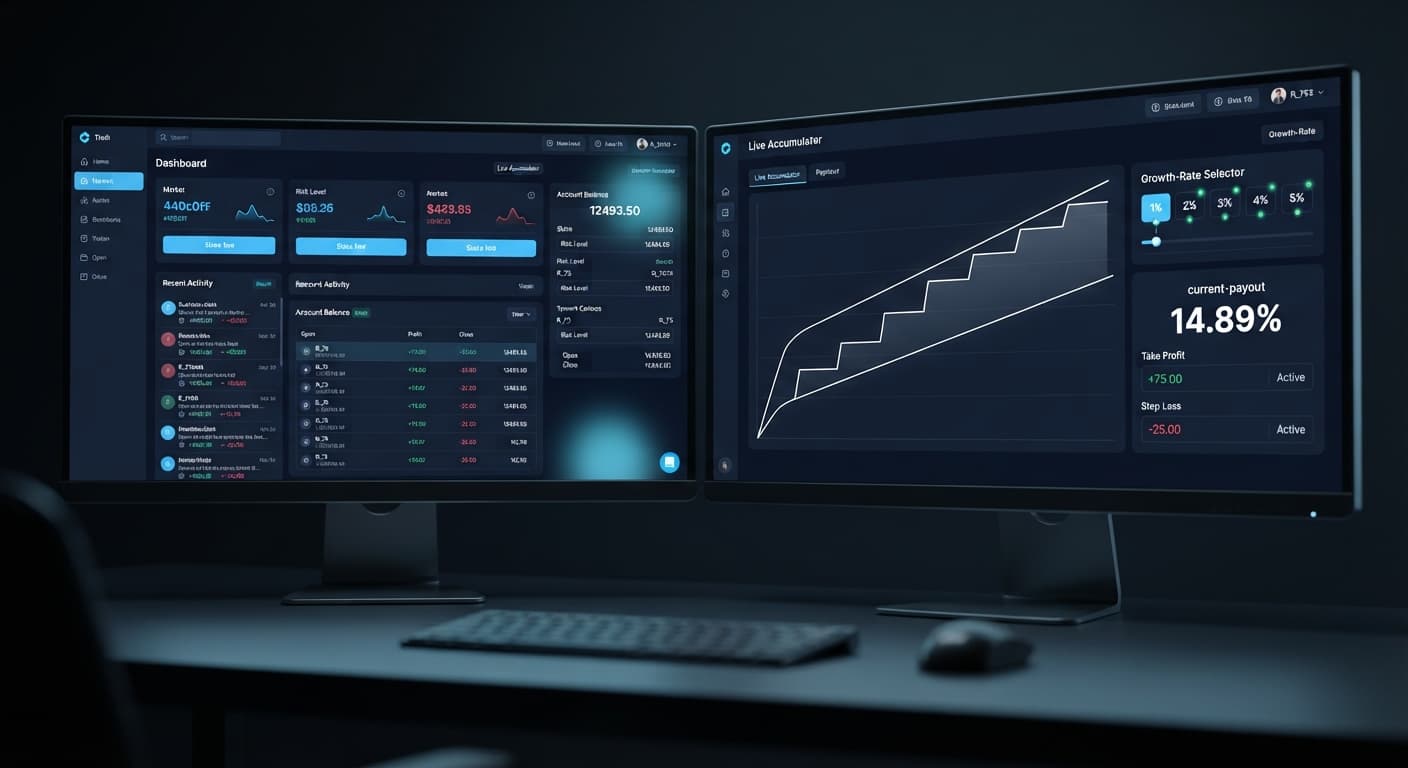
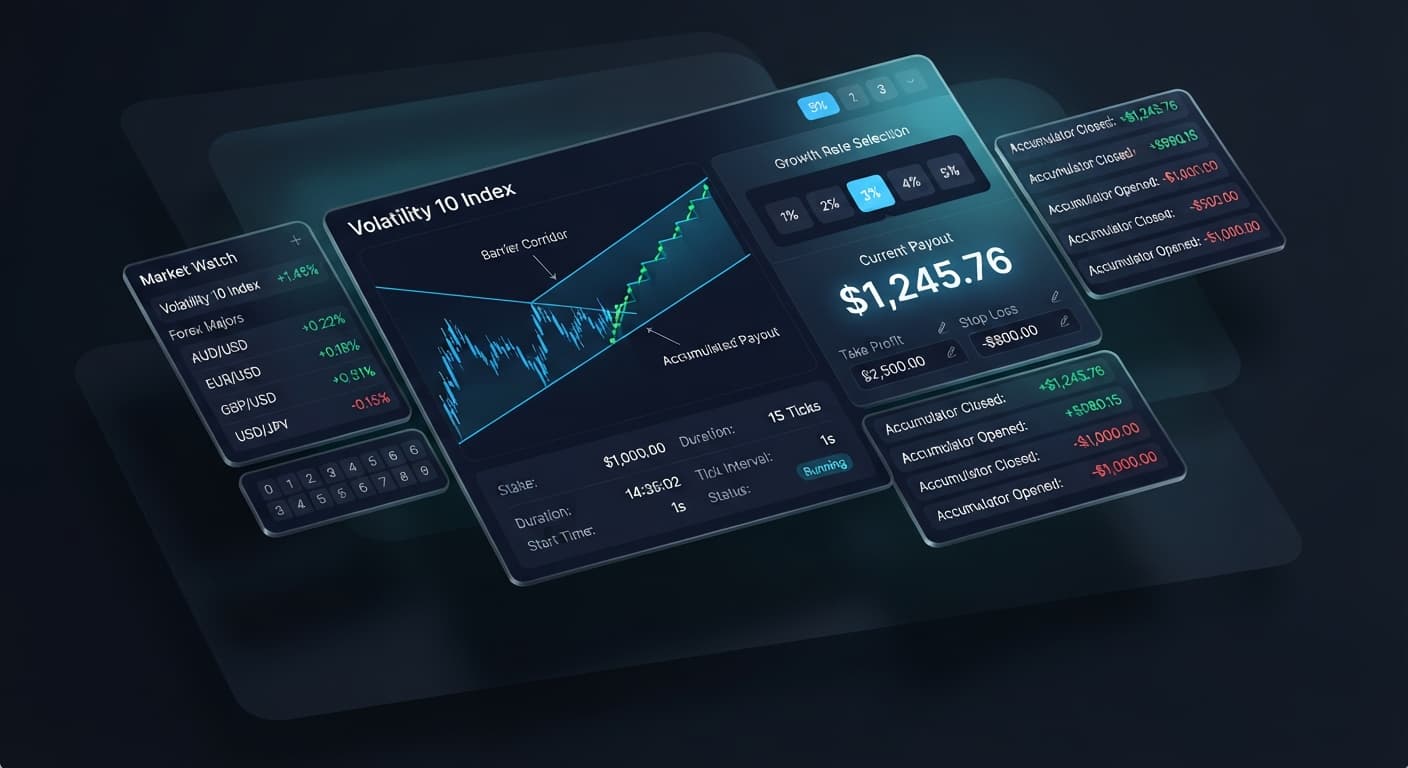
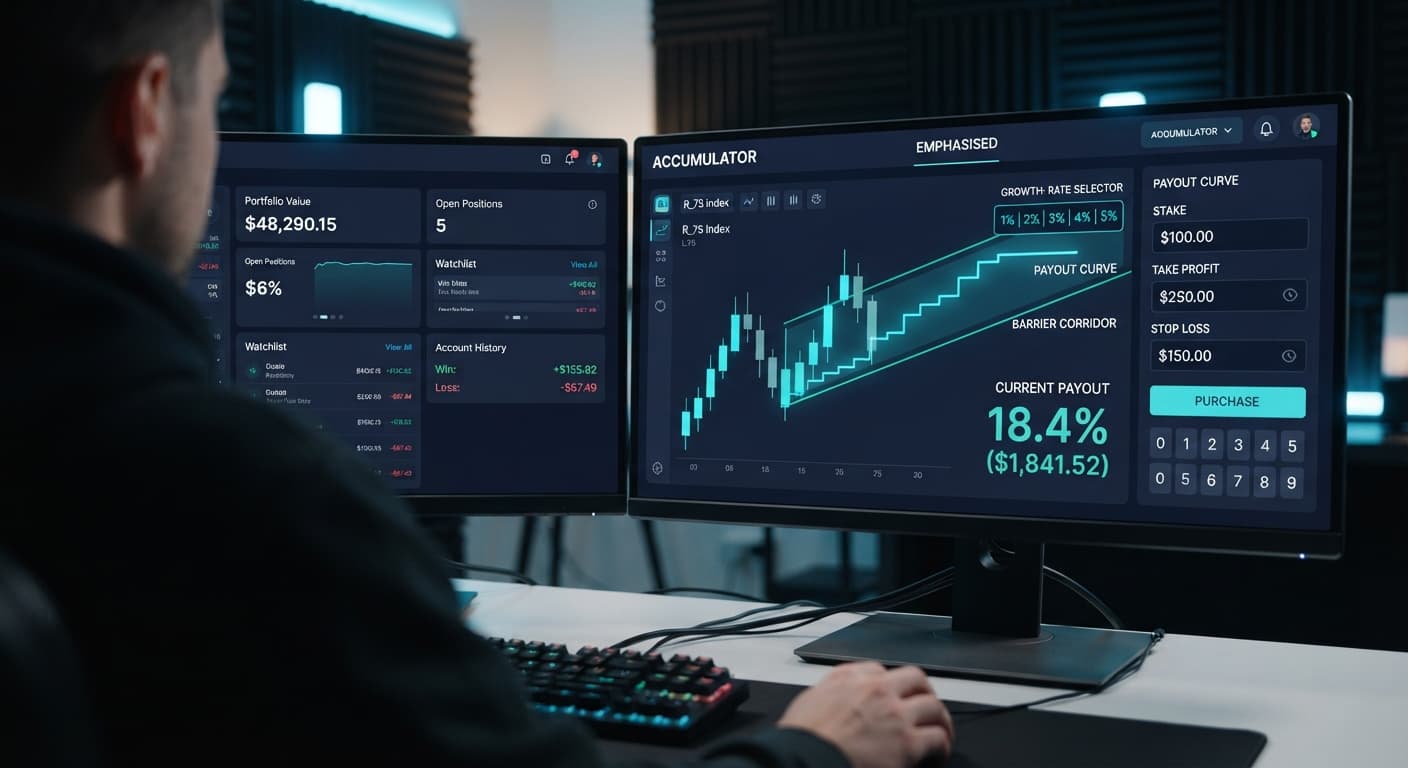
The core engine of an ACCU contract is its compounding rate. When configuring the tool, you must select one of five available options under the Growth Rate menu: 1%, 2%, 3%, 4%, or 5%.
Your choice directly dictates your potential reward per tick and your structural risk level:
Here is how a 10-tick run compares across different rates on a starting stake:
Tick 01:  1% compounding -> Wide range   (Lower risk per tick)
Tick 01:  5% compounding -> Tight range  (High knockout risk)
...
Tick 10:  1% compounding -> Payout has grown by ~10.4%
Tick 10:  5% compounding -> Payout has grown by ~62.9%
A 5% rate reaches high payout values rapidly, but your probability of getting knocked out early increases sharply. Traders using binary bots for long-term consistency often start with a lower rate to keep their ranges wide while learning how quickly volatility spikes can end a run.
When you run automated trade scripts in your browser, monitoring visual feedback tells you whether your session is executing cleanly or encountering connection errors. You don't need to guess what the software is doing behind the scenes; the on-screen controls and status panels show exact operational states.
| Interface Signal | Operational Meaning | Recommended Action |
|---|---|---|
| Green status badge reading "Connected" | API token validated; WebSocket feed active. | Proceed to select market and set risk controls. |
| Token input field outlined in Red | Token invalid, expired, or missing permissions. | Re-generate token in Deriv settings with trade scope. |
| Trade log displays "Knockout" | Price breached boundary; current stake lost. | Verify stop loss limits before launching next trade. |
| Log status shows "Target Profit Reached" | Session closed automatically after hitting profit goal. | Review session logs; do not force immediate re-entry. |
| Stalled log updates with missing tick data | Network latency dropped or browser tab suspended. | Keep browser tab active; refresh page if feed hangs. |
Watching these screen states prevents missed exit triggers. If your browser throttles background tabs to save system memory, your automation might miss an update. Keep the tab open and visible throughout active trading runs.
Before risking real money, you should test your setup using a virtual account. Following these steps helps you set up a safe, controlled session using an Indian Deriv demo balance.
Log into your Deriv account, go to account settings, and open the API Token section. Create a new token named "Accumulator-Demo" and check the boxes for "Read" and "Trade". Copy the generated token string to your clipboard.
Open the browser-based Accumulator Bot dashboard. Locate the API token input box at the top of the interface and paste your key. The status indicator should change to connected within two seconds.
Pick your target index from the market selection menu. Choose between standard Volatility indices or 1s volatility indices. Next, set your Growth Rate to 1% or 2% for your initial test run.
Set your numeric limits in the risk management panel before starting the bot:
Click the start control to begin automated execution. Watch the trade log register each contract entry, track tick progression, and automatically exit when your target bounds are hit. Run at least 20 to 30 automated runs on demo funds to see how different volatility indices handle range boundaries.
[Paste API Token] -> [Select 1% or 2% Growth Rate] -> [Set Stop Loss] -> [Run on Demo]
Novice traders using deriv bots in India often make simple configuration errors that lead to fast drawdowns. Here are four common pitfalls and how to fix them inside the tool dashboard.
Running a 5% rate on aggressive assets like Volatility 100 Index creates an extremely narrow price boundary. Normal market noise knocks the contract out within two or three ticks.
Leaving safety parameters blank means the script will keep running contracts indefinitely, exposing your entire account balance to market streaks.
It's tempting to look at a chart, spot five green ticks in a row, and assume price will stay inside the range for five more. Synthetic index ticks are completely independent random events. Past tick stability does not guarantee the next tick won't jump.
Deploying unverified parameter combinations straight to a real-money account is the fastest way to suffer an unexpected loss.
Exploring automated options across different binary bots helps traders understand market behavior without manual execution errors. Master your setup parameters on a demo account, keep your growth rates conservative, and always maintain strict exit limits.
Try automated trading setups yourself on Accumulator Bot using a demo balance first.
If you don't have a virtual testing account yet, create a free Deriv account to generate your API token.
Trading involves risk. Past performance does not guarantee future results.
Related: Accumulator Bot Deriv Bots Guide: Run Your First Bot
Related: How to Run the Accumulator Bot on Volatility 100
Related: Accumulator Bot vs Autopilot: Which Deriv Strategy Wins? (2026)
Free automated accumulator trading bot for Deriv with take profit, target profit and stop loss controls, plus real-time chart analysis for volatility indices.
Open Accumulator Bot →You don't need to buy external software or download third-party apps because it runs directly in your web browser. Just paste your Deriv API token into the Accumulator Bot interface to start executing trades straight on your account.
Yes, your balance stays secure inside your own Deriv account because no funds ever pass through external servers. The browser simply uses your API token to read market feeds and place contracts directly on your behalf.
You can choose from five growth rates ranging from 1% to 5%. Lower rates like 1% or 2% offer wider price boundaries for longer runs, while 4% to 5% rates compound your payout quickly but use a much tighter barrier range that increases knockout risk.
Instead of predicting rise or fall directions, you bet that the price will stay within a dynamic range around the previous tick. Every tick that stays inside this price range grows your stake by a fixed percentage, but a price step outside the range causes an immediate knockout.
Guides closest to this one.
Set your accumulator bot on volatility 100 with a 1% or 2% growth rate to widen the price corridor, avoid rapid knockouts, and manage risk.
Choose between accumulator bot vs autopilot by comparing tick-by-tick compound growth on ACCU contracts to automated multi-market execution rules.
Learn how to configure the accumulator bot on volatility 10 index with binary bots. Master deriv automation and execute free deriv bot strategies today.