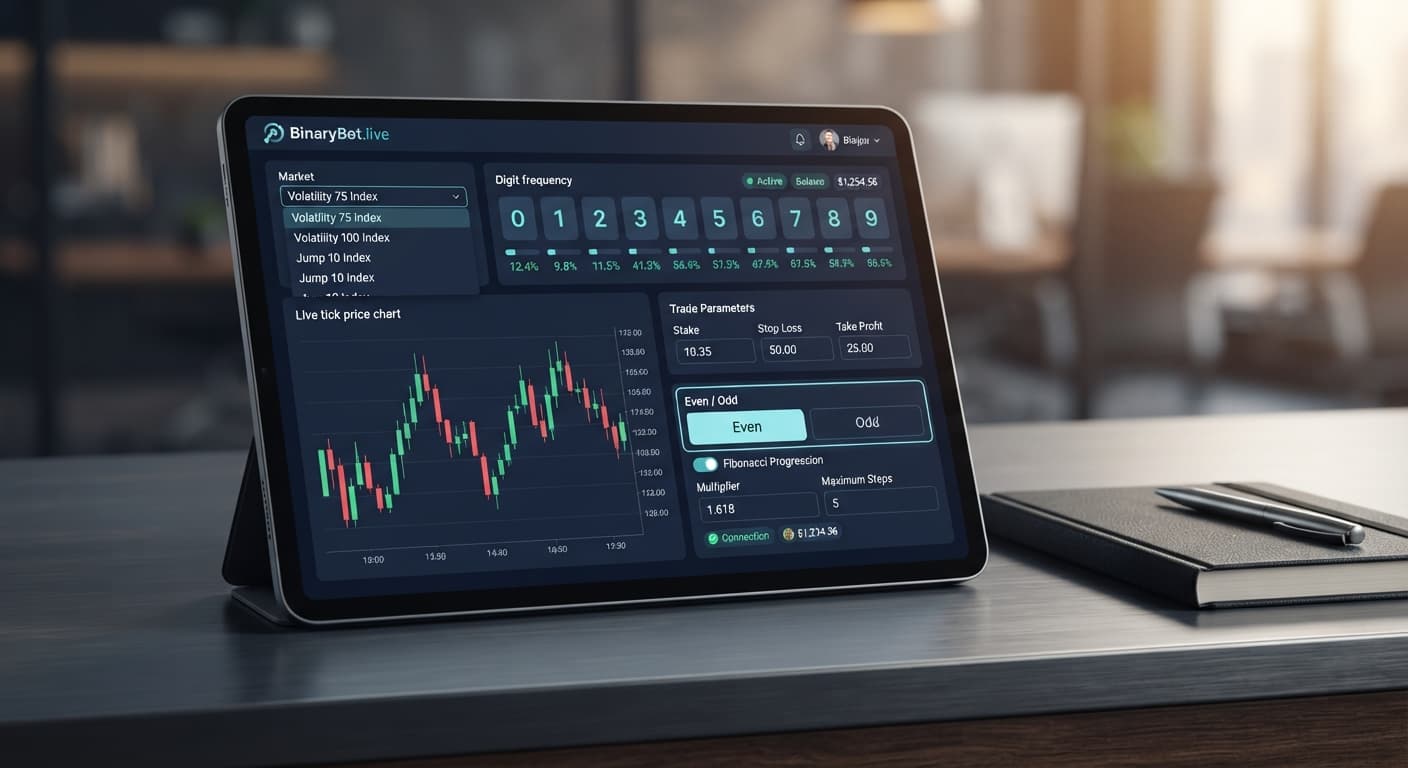

Strategies & Risk
over under vs rise fall Strategy on BinaryBot.live (2026)
Compare over under vs rise fall strategies on Deriv bots by matching payout probability, tick duration, and risk settings to protect your trading balance.
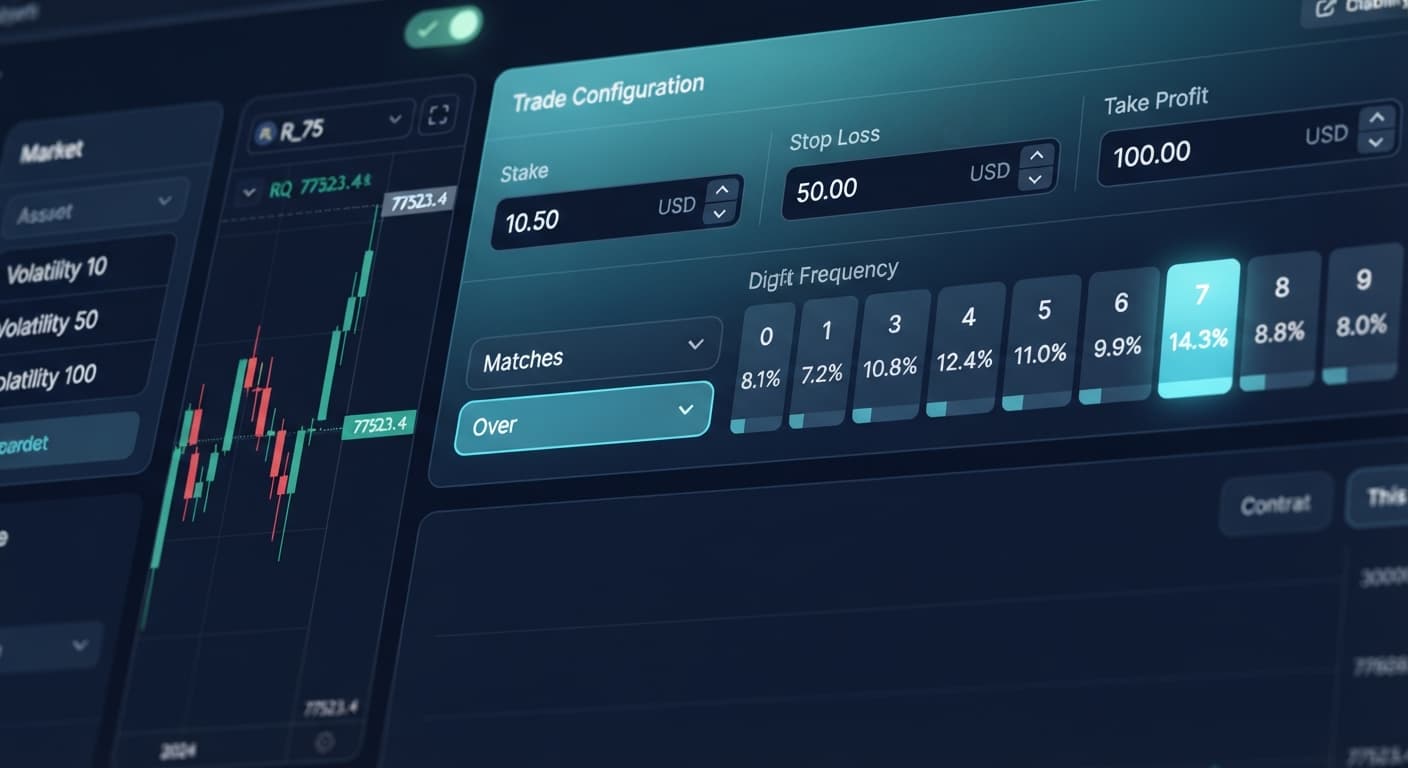
Deciding between even odd vs over under digit trades comes down to fixed payout math versus flexible probability barriers. Even/Odd trades give you a raw 50% statistical probability on equal payout contracts (paying roughly 95% net return on Deriv), while Over/Under lets you shift the barrier digit to trade higher win-rate contracts (like DIGITUNDER 7 at a 70% win chance) at lower payouts or lower win-rate contracts (like DIGITOVER 7 at a 20% win chance) at higher payouts. If your strategy relies on flat stake progression, Even/Odd keeps risk linear; if you use structural recoveries, Over/Under barriers offer higher statistical hit rates to cushion bad runs.
You can automate both contract types without installing software by using the free bot library on BinaryBot.live. Here's how to configure both modes, evaluate their payout mechanics, and set up your automated risk controls cleanly.
Setting up an automated run requires three quick items before you click start:
Your browser connects directly to Deriv over their official API using your private API token. Your funds never leave your account, and BinaryBot.live doesn't store your balance or trade history.
| Contract Type | Win Conditions | Typical Payout | Probability Per Tick | Best Suited Money Management |
|---|---|---|---|---|
| DIGITEVEN | Last digit is 0, 2, 4, 6, 8 | ~95% net | 50% (5 out of 10) | Fixed Stake, Martingale, D'Alembert |
| DIGITODD | Last digit is 1, 3, 5, 7, 9 | ~95% net | 50% (5 out of 10) | Fixed Stake, Martingale, Mesamilano |
| DIGITOVER (Barrier 2) | Last digit is 3, 4, 5, 6, 7, 8, 9 | ~35% net | 70% (7 out of 10) | Multi Shot's Recovery, Anti-Martingale |
| DIGITOVER (Barrier 7) | Last digit is 8, 9 | ~380% net | 20% (2 out of 10) | Fixed Stake, Small % of Balance |
| DIGITUNDER (Barrier 7) | Last digit is 0, 1, 2, 3, 4, 5, 6 | ~35% net | 70% (7 out of 10) | Multi Shot's Recovery, Anti-Martingale |
| DIGITUNDER (Barrier 2) | Last digit is 0, 1 | ~380% net | 20% (2 out of 10) | Fixed Stake, Small % of Balance |
When evaluating even odd vs over under setups, remember that Deriv synthetic index ticks are independent random outputs. Past digit patterns don't force future ticks to flip odd or even.
Open the bot interface on Solid Trading Bot. Locate the Market drop-down menu at the top left of the control panel and select Volatility 75 Index. Set your Duration value to 1 and choose Ticks from the adjacent dropdown menu. Your screen will display "Volatility 75 Index | 1 Ticks" in the active contract summary header.
Click the Trade Type selection menu. To trade even/odd patterns, select DIGITEVEN or DIGITODD. To trade directional barriers, pick DIGITOVER or DIGITUNDER. Selecting DIGITEVEN or DIGITODD greys out the prediction input box because even/odd outcomes split evenly across 10 possible digits. If you pick DIGITOVER or DIGITUNDER, the Prediction field opens immediately.
If you picked DIGITOVER or DIGITUNDER in Step 2, click the Prediction field. Type a single digit between 0 and 9. For example, entering 7 under DIGITUNDER configures the bot to win whenever the last digit lands on 0 through 6. The summary bar below the controls updates to show your active prediction target and estimated contract payout multiplier before you execute trades.
Scroll down to the Money Management section. Click the Strategy dropdown to choose how your stakes adjust after wins or losses. Options built into deriv bots include Fixed Stake, Martingale, Anti-Martingale, Fibonacci, D'Alembert, % of Balance, Mesamilano, and Multi Shot's Recovery. For an Even/Odd strategy, pick Martingale and set your Base Stake to $2.00. For an Over/Under strategy targeting DIGITUNDER 7, pick Fixed Stake or Multi Shot's Recovery with a $2.00 base stake.
Find the Risk Controls panel at the bottom of the config window. Set stop loss to $20.00 and set take profit / target profit to $6.00. Next, enter 3 into the max ladder level box. This limits any loss progression to three consecutive step increases before resetting to your base stake. Click the green Start Bot button. The control panel toggles to "Running" and live contract executions begin populating the trade log table.
Money management math breaks accounts when traders don't calculate loss chains beforehand. When using binary bots configured with aggressive multipliers on 50/50 contracts like DIGITEVEN or DIGITODD, drawdowns compound exponentially.
Here's what happens on a $100.00 account using a $2 base stake with standard Martingale (2x multiplier) on Volatility 75 Index:
In five consecutive ticks, a $2 base stake wiped out 62% of a $100 bankroll. You're two ticks away from total liquidation before the fifth loss even settles. Setting a max ladder level of 3 prevents Trade 4 from scaling to $16.00, keeping your balance at $86.00 and forcing the bot to reset back to $2.00.
Automated trading strategies on binary bots hit friction when market conditions clash with money management settings. Comparing even odd vs over under outcomes helps identify four specific mistakes traders make on live accounts.
Traders expect even/odd digits to alternate neatly. In reality, identical digit types can cluster 8 or 10 times consecutively. Running Martingale without hard stops causes immediate account exhaustion.
Setting DIGITOVER with Prediction set to 1 yields a high win rate but a tiny payout (18%). If you lose one trade, recovering that single $2 loss takes six consecutive winning trades. Conversely, picking DIGITOVER with Prediction set to 8 offers a large payout (380%), but wins occur only 20% of the time, causing long loss streaks.
Leaving deriv bots running indefinitely guarantees that a bad statistical distribution will eventually hit your balance.
Starting with a $10 base stake on a $100 account leaves zero room for natural fluctuation.
Test both sides of the even odd vs over under debate on the free trading bots using a demo balance first.
If you don't have a trading profile set up yet, create a free Deriv account to generate your API token.
Trading involves risk. Past performance does not guarantee future results.
Related: Digit Differs vs Digit Match on Volatility 10 Index
Related: How to Trade Digit Match on Deriv with BinaryBots
Related: Digit Match vs Even Odd: Beginner's Guide (2026)
Related: Best Even Odd Settings for Binary Bots (2026)
Related: over under vs rise fall Strategy on BinaryBot.live (2026)
How the strategies behind the bots actually work — Digit Differs, Over/Under, Even/Odd, Rise/Fall, and the money management that decides whether they survive a losing streak.
Try 9 Strategies on Solid →Even/Odd trades give you a raw 50% statistical probability with equal payouts of roughly 95% net return. Over/Under lets you shift barrier digits to trade higher win-rate contracts at lower payouts, or lower win-rate contracts at much higher payouts.
A DIGITUNDER 7 contract gives you a 70% win chance, meaning the last digit can be 0, 1, 2, 3, 4, 5, or 6. This typically yields about a 35% net payout.
You need an active Deriv account with a virtual demo balance and a Deriv API token with read and trade permissions enabled. You also need a browser window open to the Solid Trading Bot or LDP Analyzer Pro interface.
No, Deriv synthetic index ticks are independent random outputs, so past digit patterns don't force future ticks to flip odd or even.
Guides closest to this one.
Compare over under vs rise fall strategies on Deriv bots by matching payout probability, tick duration, and risk settings to protect your trading balance.
Set DIGITEVEN or DIGITODD with Fibonacci money management and a max ladder level of 5 to configure the best even odd settings for binary bots on Deriv.
Compare digit differs vs digit match on binary bots. Learn payout odds, probability mechanics, and how to configure strategies on BinaryBot.live today.