Auto Trading Bots
How to Use Multi Shot: Rise/Fall vs Digits Strategy
Learn how to use multi shot on Deriv by choosing Rise/Fall for modest 2x stakes or Digits Safe for 90% win rates with a 17x recovery multiplier.
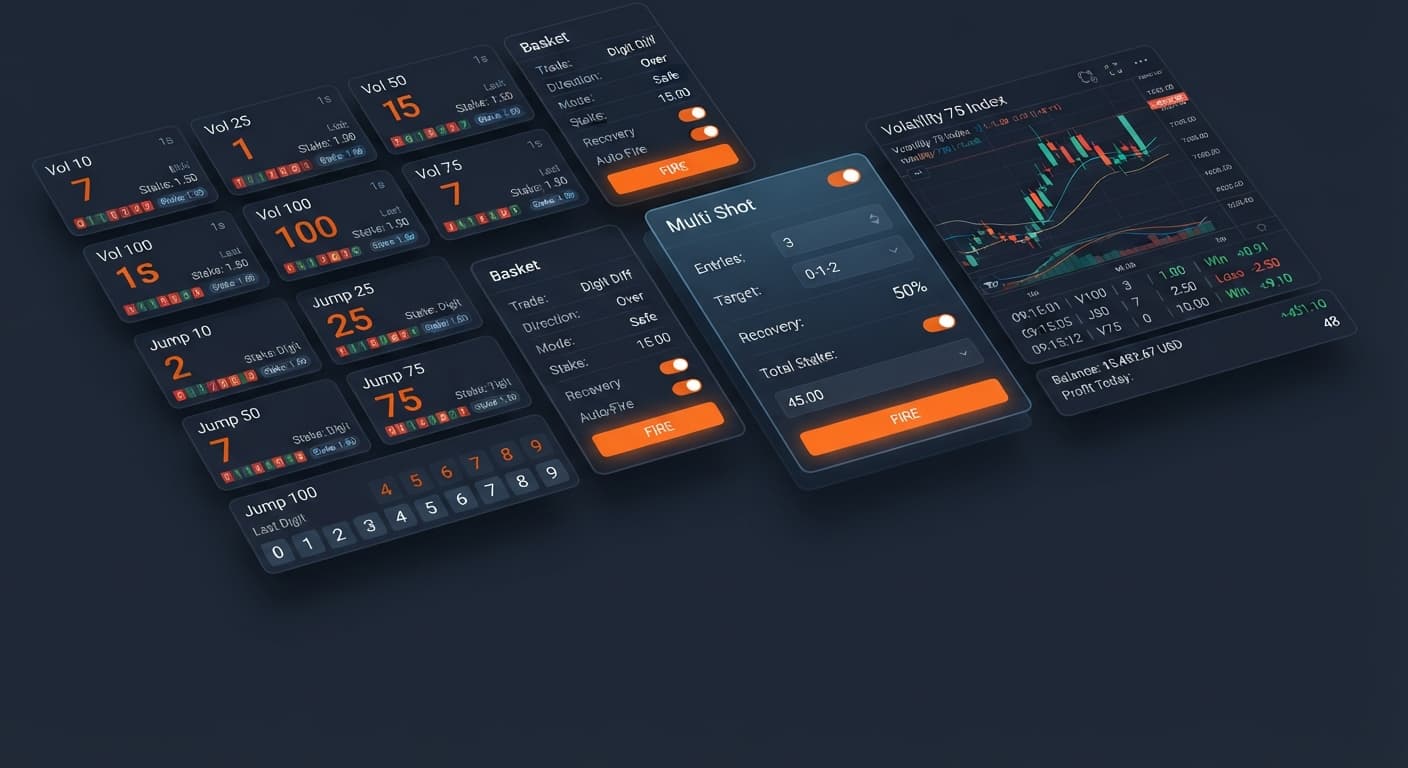
If you're searching for a direct multi shot for beginners guide, here is what you need to know immediately: Multi Shot is a free browser-based basket bot on BinaryBot.live that executes identical one-tick contracts across up to ten synthetic markets at the exact same moment. It connects directly to your Deriv account through your personal API token, letting you execute manual or automated basket trades without downloading software or transferring funds to a third-party website. Most traders fail when starting out because they treat automated tools like guaranteed money printers rather than rapid order execution systems.
Let's be blunt: most beginners lose money when they start using deriv bots. Automated execution speeds up your order placement, but it also speeds up your losses if you don't respect the underlying market math.
Adapting a multi shot for beginners mindset means accepting that Multi Shot isn't a strategy that creates an artificial edge. Firing ten trades simultaneously across Volatility indices doesn't increase your odds on any individual trade. It simply bundles ten separate bets into one total basket P/L calculation. Every synthetic index tick generated by Deriv is an independent random event. Past digit patterns or tick runs don't make the next tick more predictable.
When you run binary bots that execute basket trades, you commit capital across multiple markets at once. Selecting ten markets with a $2 Stake per trade (USD) puts $20 on the line instantly every time you press Fire. If you aren't prepared to lose that entire $20 basket on a single tick, your position size is too high.
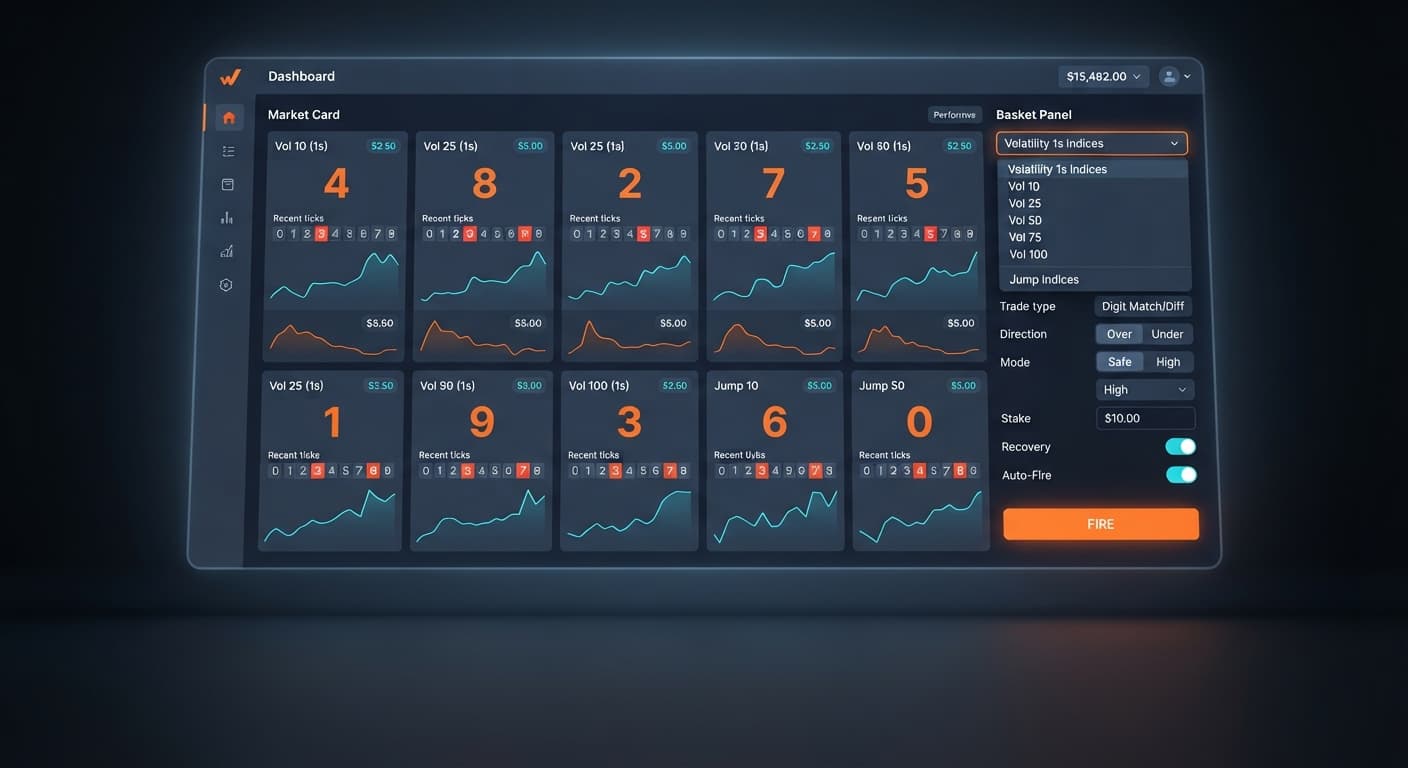
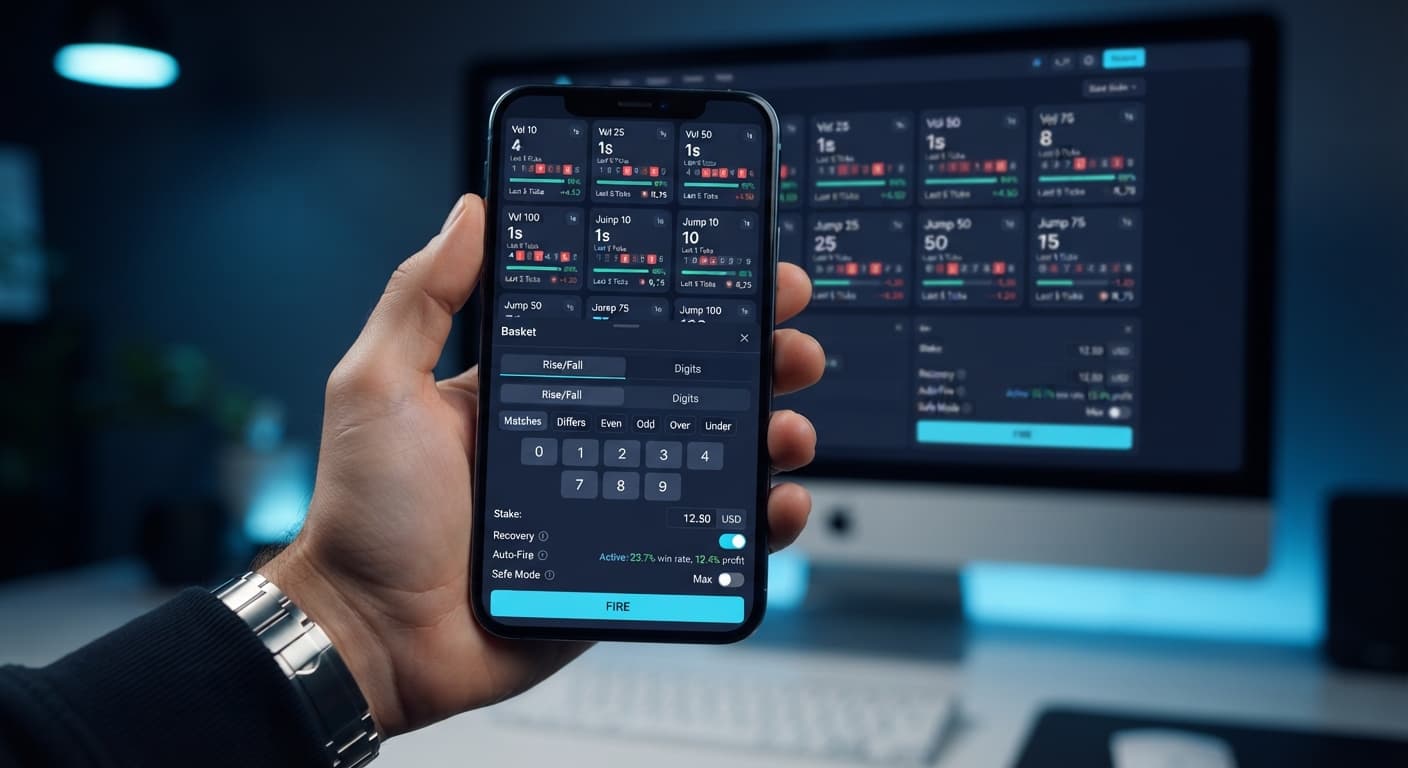
Before tweaking controls, you must understand the key interface elements. Multi Shot displays live price proposals and recent market ticks on each market card, but it shows no digit statistics—there is no 0–9 digit frequency panel, no heatmap, and no hot or cold digit read-out on this screen.
To trade effectively, you must calculate whether a payout structure matches its win rate. On Digits Safe mode, choosing Under 9 wins if the last digit is 0, 1, 2, 3, 4, 5, 6, 7, or 8. You lose only if the digit lands on 9.
Since synthetic last digits are evenly distributed from 0 to 9, each digit has a raw probability of 1 in 10 (10%). Therefore, Under 9 has a raw theoretical win rate of 90% (9 out of 10 outcomes).
Deriv prices this high win probability by offering a smaller payout yield:
To find your true break-even hit rate, divide your stake by your total contract return:
$$\text{Break-Even Rate} = \frac{\text{Stake}}{\text{Total Return}} = \frac{$2.00}{$2.19} \approx 91.32%$$
Notice the gap. Your theoretical win rate is 90.00%, but your break-even requirement is roughly 91.32%. Over hundreds of flat $2.00 bets without recovery, standard variance will pull your results toward that 90% theoretical limit, creating a net loss over time due to the broker's margin. This mathematical reality proves why blindly clicking buttons on binary bots won't produce passive income.
Following a clear multi shot for beginners workflow keeps you from making expensive mistakes on a live account. Always test this execution flow on a Deriv demo balance first.
Open Multi Shot and enter your Deriv demo API token into the connection field. In the Markets panel, click None to clear all default choices. Now select three markets: Vol 10 (1s), Vol 25 (1s), and Vol 50 (1s). Keeping your initial basket small makes execution easy to track.
Set Trade type to Digits. Select Under as your Direction, and set Mode to Safe. This configures an Under 9 digit contract across your three active markets.
Set Stake per trade (USD) to 2. Look at the Basket cost read-out; with three markets selected at $2 each, it will show exactly $6. Keep stakes at 2 or above because stakes below $2 round payouts to the nearest cent, which increases your relative cost per trade. Next, enter your safety boundaries:
Click the Recovery toggle to switch it OFF for this first session so your stakes stay strictly flat.
Click Fire. Multi Shot immediately verifies live price proposals across your three markets and executes all three contracts at the exact same moment. Watch the screen as the single-tick contracts settle. Once complete, check the History table at the bottom of the page to inspect your execution time, contract type, total staked, and net basket P/L.
When beginners automate trades on deriv bots, poor risk habits lead to fast drawdowns. Here are four common traps traders face during their first week, along with the exact settings that prevent them.
| Common Beginner Error | Underlying Cause | Preventive Multi Shot Setting |
|---|---|---|
| Account balance drops rapidly after consecutive losses | Leaving Recovery enabled on high-multiplier modes | Turn Recovery toggle OFF, or enter a strict Stop loss value |
| Basket cost exceeds planned trade risk | Selecting all 10 markets at high base stakes | Check Basket cost before pressing Fire; uncheck extra Markets |
| Auto-Fire runs continuously while unmonitored | Enabling Auto-Fire without session caps | Set Max baskets, Take profit, and Stop loss before enabling Auto-Fire |
| Paying higher relative costs per trade | Setting Stake per trade (USD) below $2 | Keep Stake per trade (USD) at $2 or higher to avoid cent-rounding drag |
Understanding how Recovery scales is vital. Multi Shot has Recovery enabled by default every time you load the page. In Safe mode (such as Under 9), losing a single $2 trade causes the recovery stake for that specific market to jump to roughly $34 (about 17x the base stake) on the next basket. A second consecutive loss pushes that market's stake to roughly $600 (about 300x). If a calculated recovery stake exceeds your total account balance, Multi Shot drops that market back to the base stake and accepts the loss.
If you turn on Auto-Fire on Digits, the bot monitors each market's live last digit. It automatically fires a basket when two or more selected markets sit in the contract's losing zone (displayed in red on the market card). After a losing Digits basket, Auto-Fire switches direction—flipping from Under 9 to Over 0, always remaining in Safe mode. While this trigger conditions when the basket fires, it does not change the independent probability of the upcoming tick.
Try building your basket strategies risk-free on Multi Shot using a demo balance first.
If you don't have one yet, create a free Deriv account.
Trading involves risk. Past performance does not guarantee future results.
Related: Multi Shot Best Market for Basket Trading (2026)
Related: Tick Picker Small Account Strategy: Setup & Mesamilano Guide
Related: Sniper Bot V2 India: Zero-Knowledge Beginner Guide
Related: How to Use Multi Shot: Rise/Fall vs Digits Strategy
Free Deriv basket bot that buys the same one-tick Over/Under or Rise/Fall contract on up to ten markets at once — the eight Volatility 1s indices plus Jump 10 and Jump 50 — with optional Recovery cycles and Auto-Fire limits.
Open Multi Shot →Multi Shot is a free browser-based basket bot that connects to your Deriv account via an API token to execute identical one-tick contracts across up to ten synthetic markets at the exact same moment. It lets you run manual or automated basket trades without downloading software or moving funds to a third-party site.
You set a base dollar amount using the Stake per trade option, which applies to every selected market in the basket. For example, if you choose ten markets with a $2 stake per trade, it puts $20 on the line instantly every time you fire a basket.
No, the Multi Shot interface shows live price proposals and recent market ticks, but it doesn't feature any digit statistics, frequency panels, or heatmaps. Every synthetic index tick generated by Deriv is an independent random event that past tick runs can't make more predictable.
Multi Shot supports up to ten synthetic assets, including Vol 10 (1s), Vol 15 (1s), Vol 25 (1s), Vol 30 (1s), Vol 50 (1s), Vol 75 (1s), Vol 90 (1s), Vol 100 (1s), Jump 10, and Jump 50. It's actually the only bot on the platform that trades the 15, 30, and 90 one-second volatility indices.
Guides closest to this one.
Learn how to use multi shot on Deriv by choosing Rise/Fall for modest 2x stakes or Digits Safe for 90% win rates with a 17x recovery multiplier.
Selecting all eight Volatility 1s indices provides the multi shot best market combination for clean tick distribution when using Digits Safe modes.
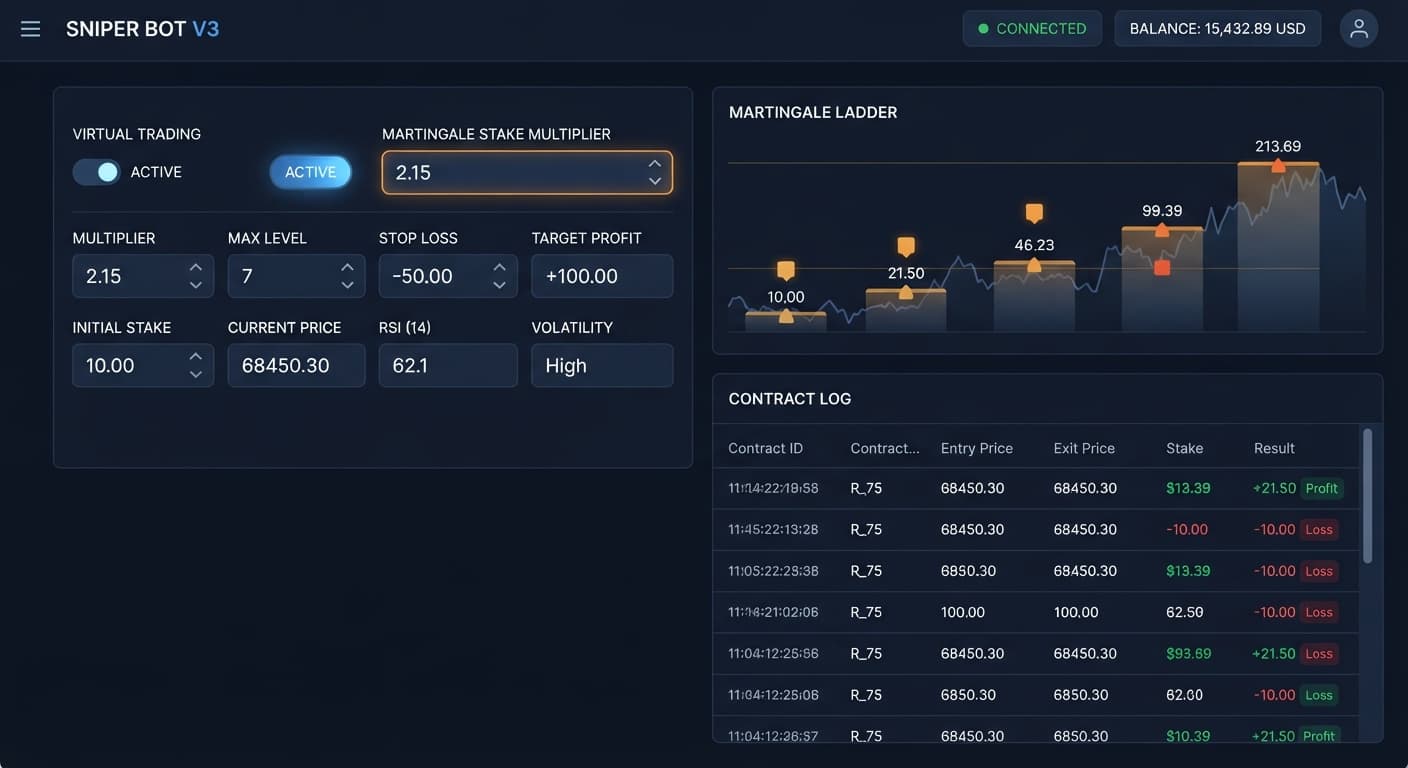
Connect your API token, configure virtual loss triggers, and run sniper bot v3 on volatility 100 with strict risk limits and money management settings.